

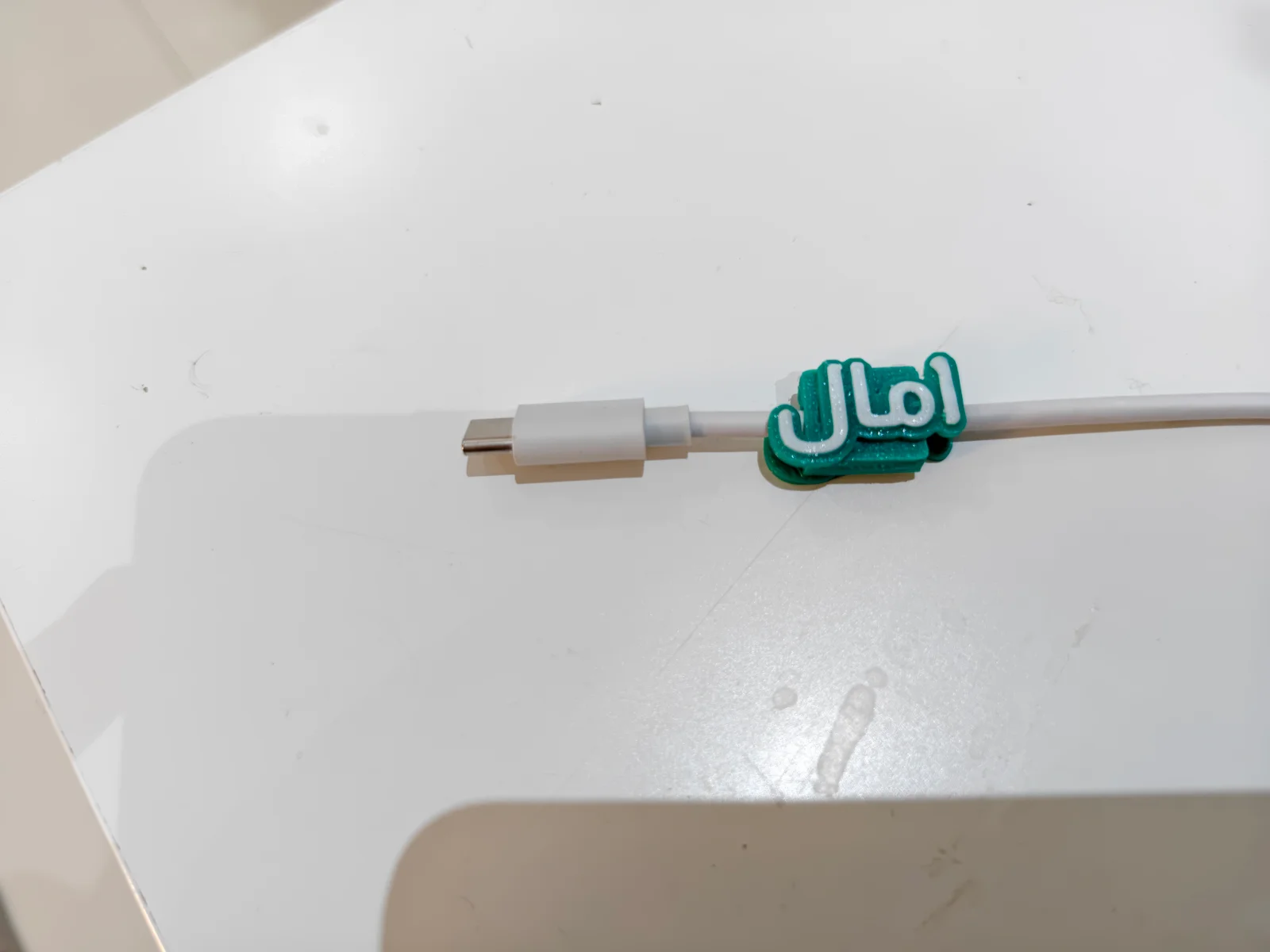
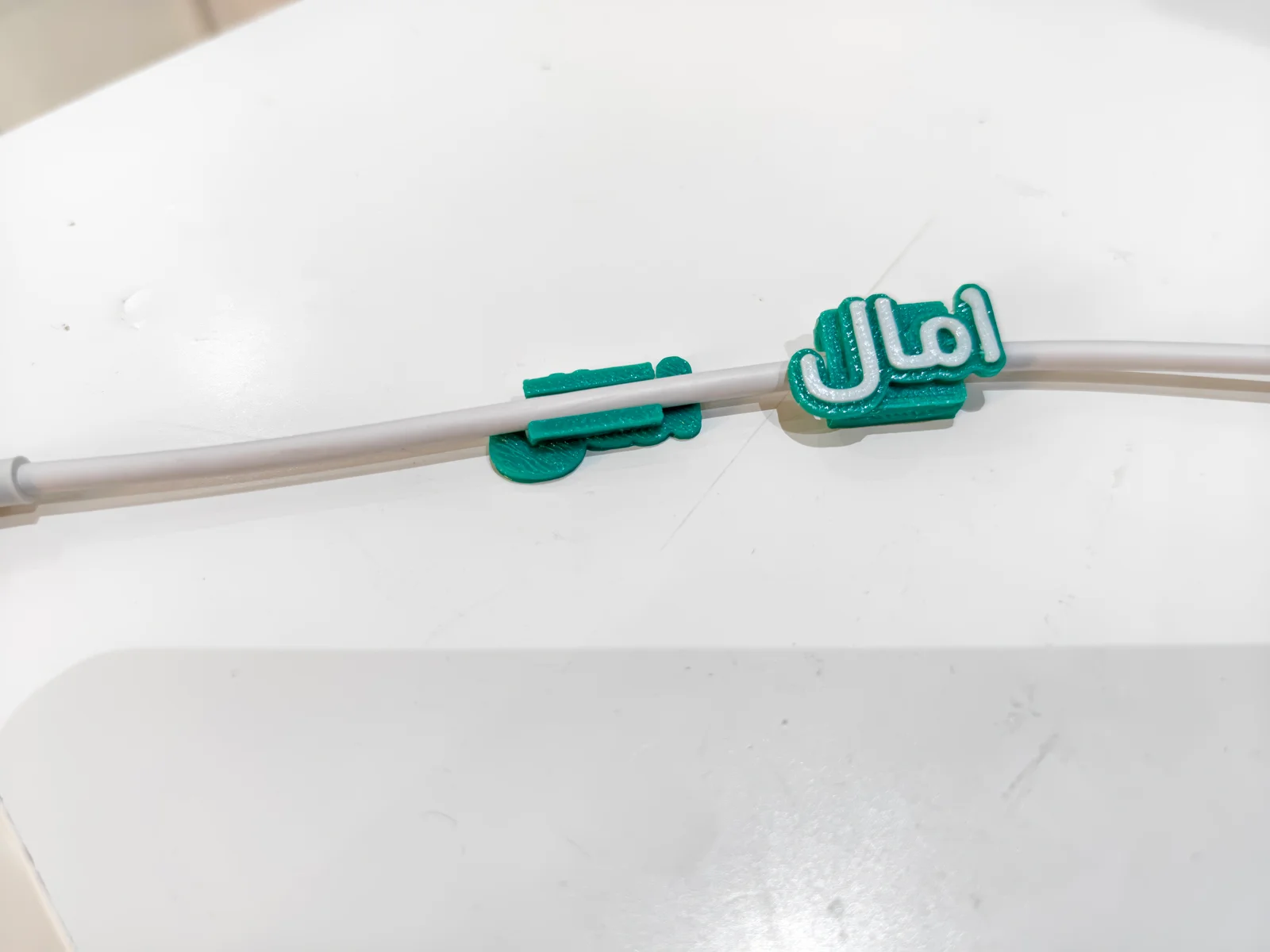


Kẹp giữ sợi Filament
 Bytinx_1344834Likes1.2KDownloads6K
Build another version of this model.
I order to generate tags for a name or names you need to install OpenScad.
The used font is Almarai.
then you can run this script in the same folder:
#!/bin/bash
# Configuration
INPUT_NAME_FILE="name.scad"
INPUT_BOTTOM_FILE="bottom.scad"
OPENSCAD_PATH="openscad" # Adjust if not in your PATH (e.g., /usr/bin/openscad)
# Define your Arabic labels as an array
declare -a TAGS=("فاطمة" "منيرة" "مدى" "امال")
# Loop through and generate STLs
for TEXT in "${TAGS[@]}"; do
# Generate a unique filename (e.g., tag_امال.stl)
OUTPUT_FILE="tag_${TEXT}.stl"
OUTPUT_BOTTOM_FILE="tag_${TEXT}_bottom.stl"
echo "Processing: $TEXT -> $OUTPUT_FILE + $OUTPUT_BOTTOM_FILE"
# Run OpenSCAD in headless mode
# The double-quotes are escaped so OpenSCAD sees: text_to_show="text"
# To change font pass -D "font_name=FONT:style=STYLE"
# Font style can be Bold or what ever style that this font support
$OPENSCAD_PATH -o "$OUTPUT_FILE" -D "text_to_show="$TEXT"" "$INPUT_NAME_FILE"
$OPENSCAD_PATH -o "$OUTPUT_BOTTOM_FILE" -D "text_to_show="$TEXT"" "$INPUT_BOTTOM_FILE"
done
echo "Batch processing complete."
After printing glue "tag_NAME.stl" on "USB Tag - Top.stl"
If you want to use other font you can update both .scad file font_name variable or pass it in the script above.
Bytinx_1344834Likes1.2KDownloads6K

 ByRyanLikes0Downloads236

 Bychukwufumnanya-arinzechukwuLikes0Downloads190

 Bycrawler-4460618Likes0Downloads174

 Byemmanuel-garciaLikes0Downloads171

 Bygummiegecko8477Likes0Downloads178

 BydalleLikes0Downloads163

 Byantek-debowskiLikes0Downloads122

 BynasikLikes0Downloads131

 Byarhi_585078Likes64Downloads548

 ByHanzo3dLikes155Downloads419

 ByGeek5DLikes147Downloads494