
F3D
Max Flow Test cho Bambu Lab H2D/H2S – 15-65 mm^3 – V2.1 1

2 images

Máy In 3D

Max Flow Test cho Bambu Lab H2D/H2S – 15-65 mm^3 – V2.1

By mym___

Downloads
283
Likes
18
Views
1,321

Files 1 76.6 KB

  • H2D_MaxFlow_Test_V2.1_1773429537.3mf3MF · 76.6 KB

Make a variant with AI

Build another version of this model.

Open Studio

Description

15 to 65 mm3.

USAGE

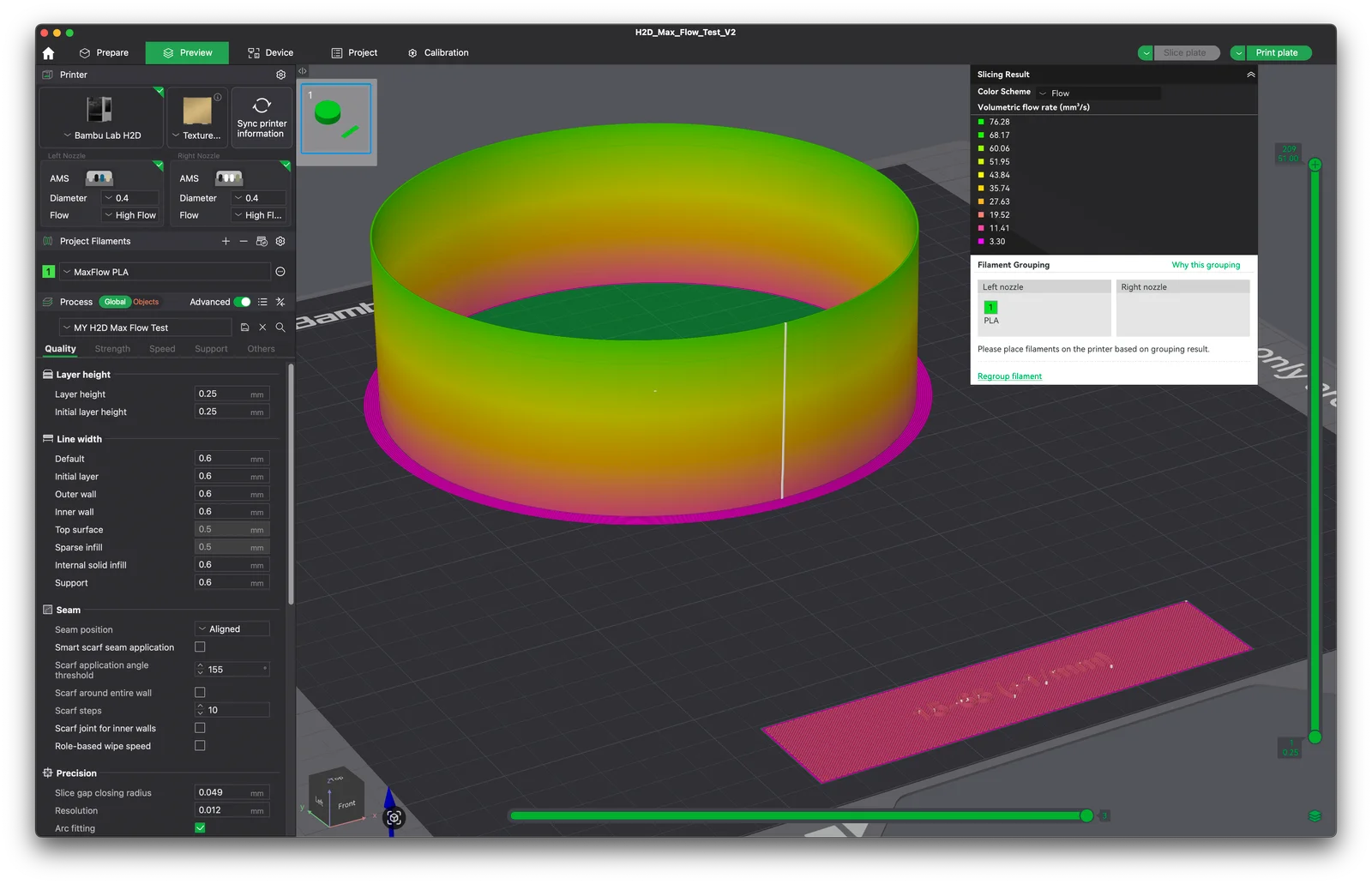
  • Open 3mf file
  • Select PLA/PETG or ABS in “Project >” section of filaments menu.
  • Adjust Temperature in the filament settings to a desired one.
  • Print it. :)
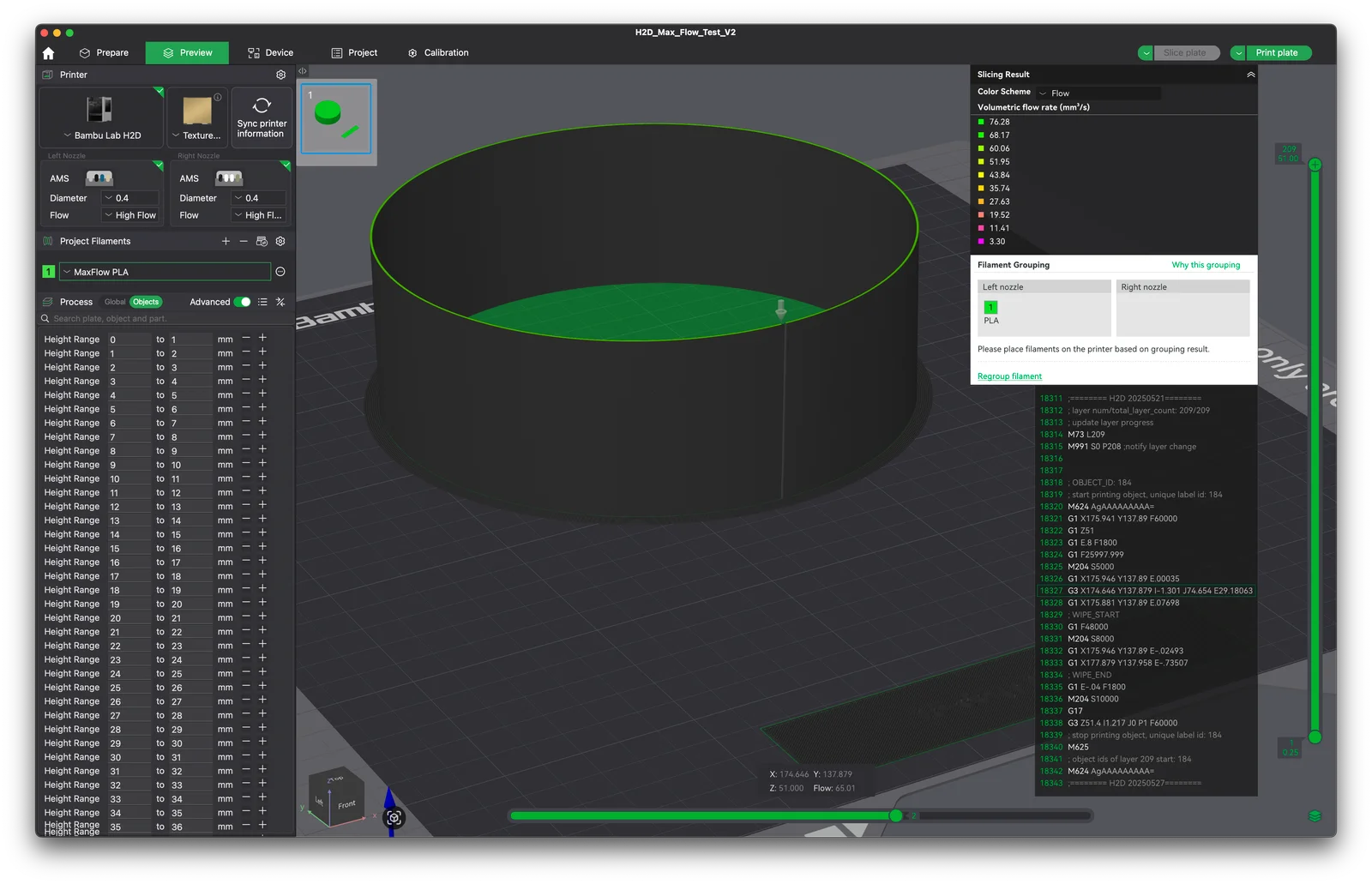
  • Observe height H in mm where defects start to appear.
  • Your max flow will be: 15+H.

If you want to test any other filaments for which preset if not provided:

  1. Choose desired filament profile
  2. Select your nozzle type Standard or High Flow
  3. Set Flow ratio to 1
  4. Set Max volumetric speed to 200
  5. Set Ramming volumetric speed to 10 (or what was the Max volumetric speed above originally)
  6. Set Cooling > Slow down for better layer cooling to Off
     

INTERPRETING RESULTS

  • For maximum print quality, look for where the seam starts having gaps.
  • If you're making quick prototype, 90-95% of absolute max flow (where you starting to see abnormalities in the walls) will still provide good results.

CHANGELOG

  • V2: Increased range to 65mm3. Added support for 0.4mm high flow nozzle. Added PETG and ABS presets.
  • V2.1: Fixed flow rate for project filament presets (to 1); corrected line width to achieve 15-65 mm3 with flow=1.

Read more Show less

Print spec

Formats
3mf
Model files
1
Total size
76.6 KB
Largest file
76.6 KB

0 comments

See all