

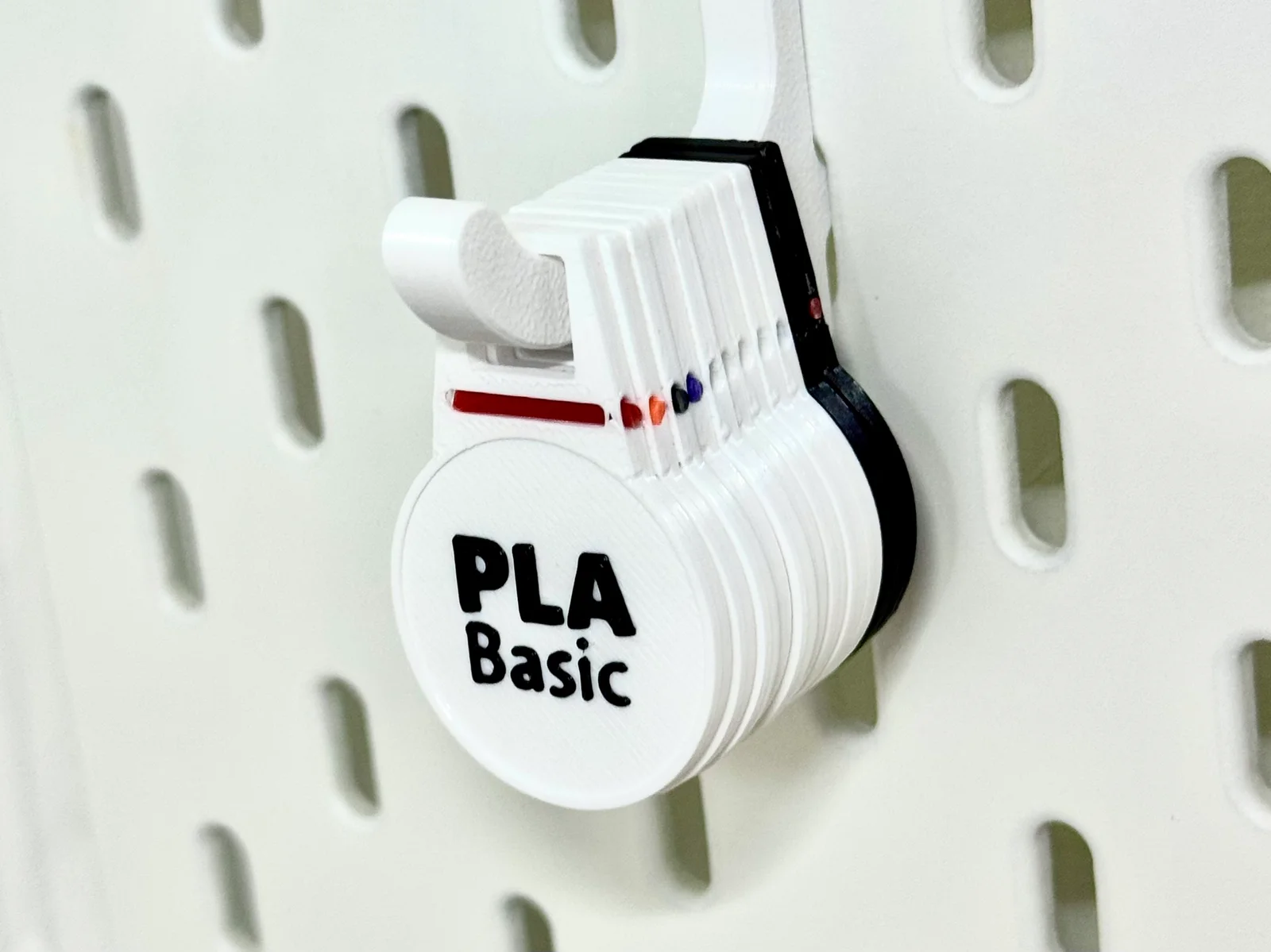
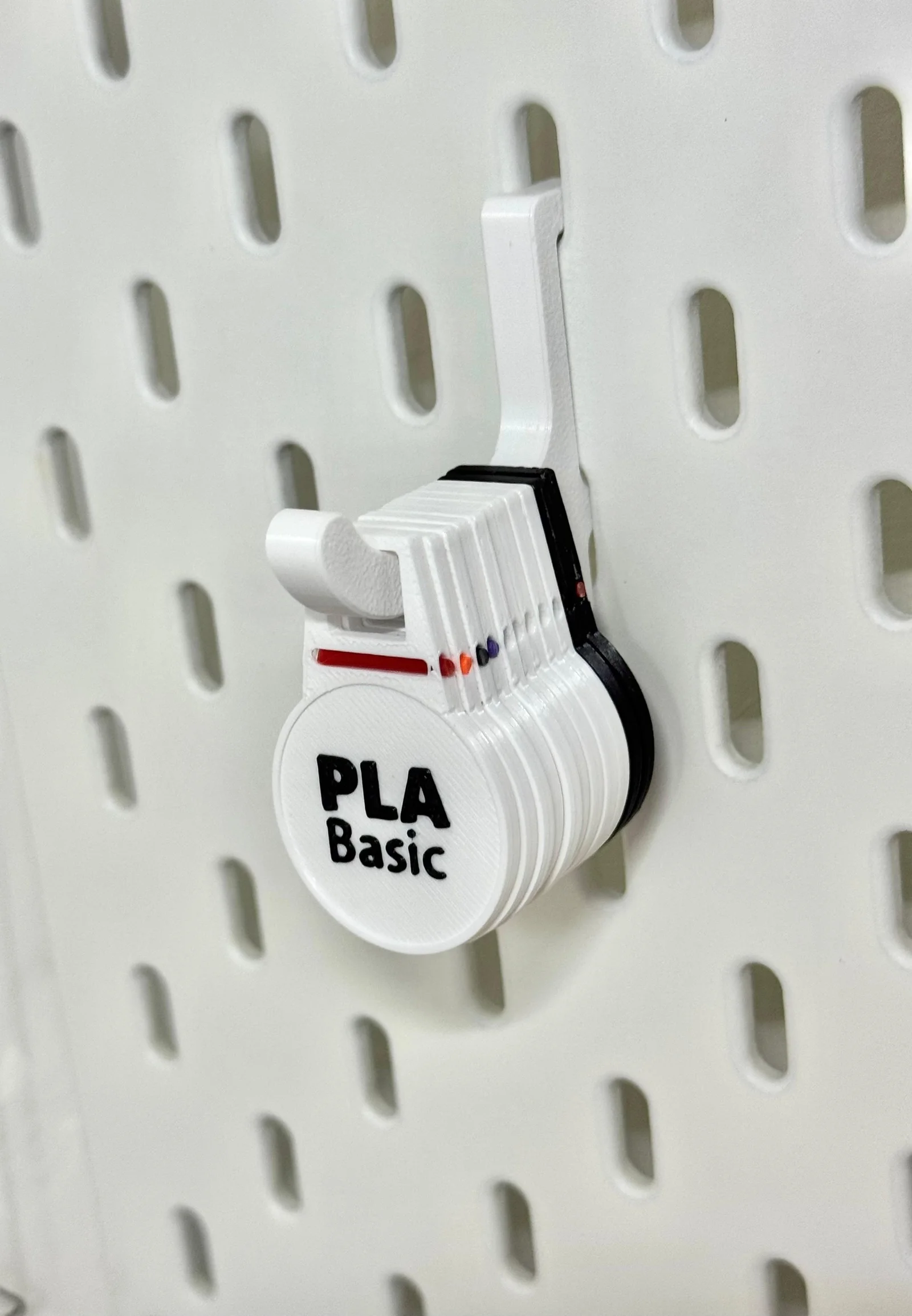


Kẹp giữ sợi Filament
 Bytinx_1344834Likes1.2KDownloads6K
Remix of Thẻ NFC / RFID tùy chỉnh và Nhãn cho Snapdryer By remmulegguh_1537706
Build another version of this model.
Note: This design is meant to work with 25mm round NFC stickers (Ntag213/Ntag216/Ntag216)
My 3D printer (Snapmaker U1) has RFID readers which can read NFC tags with Snapmaker U1 Paxx12 Extended Firmware if the spools are side mounted.
I own several Polydryer boxes and utilize them to store and print directly from them and I needed NFC tags which can be placed near the printers to be read during loading.
I was inspired by the simplicity of hook mounting holes created by fellow maker @remmulegguh that allows these NFC tags to be easily placed almost everywhere.
I also wanted to be able to identify the tags by colors and thus I added a small filament window on the tag to allow me to attach a 1.75mm filament sample which can be easily replaced.
Each NFC tag is customizable by part (bottom, text, rim)
The options can be found on Process -> Objects
A print pause is required to allow you to place the NFC sticker after the layer passes 1.4mm where there is a 0.2mm cavity for pasting the sticker.
Note: Set pause at layer 7 if using 0.2mm printing line height
Snapmaker U1 requires the NFC tag to be readable during loading.
In case you forgot to do so, you can trigger an update on the respective channel using this Klipper macro.
Simply select the channel (1-4) and it will clear the channel and attempt to read the NFC tag again.
[gcode_macro UPDATE_FILAMENT]
gcode:
{% set CHANNEL = params.CHANNEL|default(1)|int %}
{% set CH = CHANNEL - 1 %}
FILAMENT_DT_CLEAR CHANNEL={CH}
FILAMENT_DT_UPDATE CHANNEL={CH}
G4 P1000
FILAMENT_DT_QUERY CHANNEL={CH}
This NFC tag was inspired by the designs of @remmulegguh https://www.printables.com/@remmulegguh_1537706
Please check out the following designs for ideas to using these tags:
Bytinx_1344834Likes1.2KDownloads6K

 Byarhi_585078Likes64Downloads547

 Bygummiegecko8477Likes0Downloads168

 Bychukwufumnanya-arinzechukwuLikes0Downloads153

 BydalleLikes0Downloads151

 BynasikLikes0Downloads122

 Byleaf-engineeringLikes0Downloads672

 ByHanzo3dLikes155Downloads417

 ByGeek5DLikes147Downloads491

 ByBrokentooth_designsLikes23Downloads412

 Bycrawler-3903250Likes0Downloads910

 By3DSourcererLikes48Downloads382