


Vải In 3D Cấu Trúc Hình Bát Giác (Octagon Fabric)
 ByDrewmundLikes833Downloads4.6K
Build another version of this model.
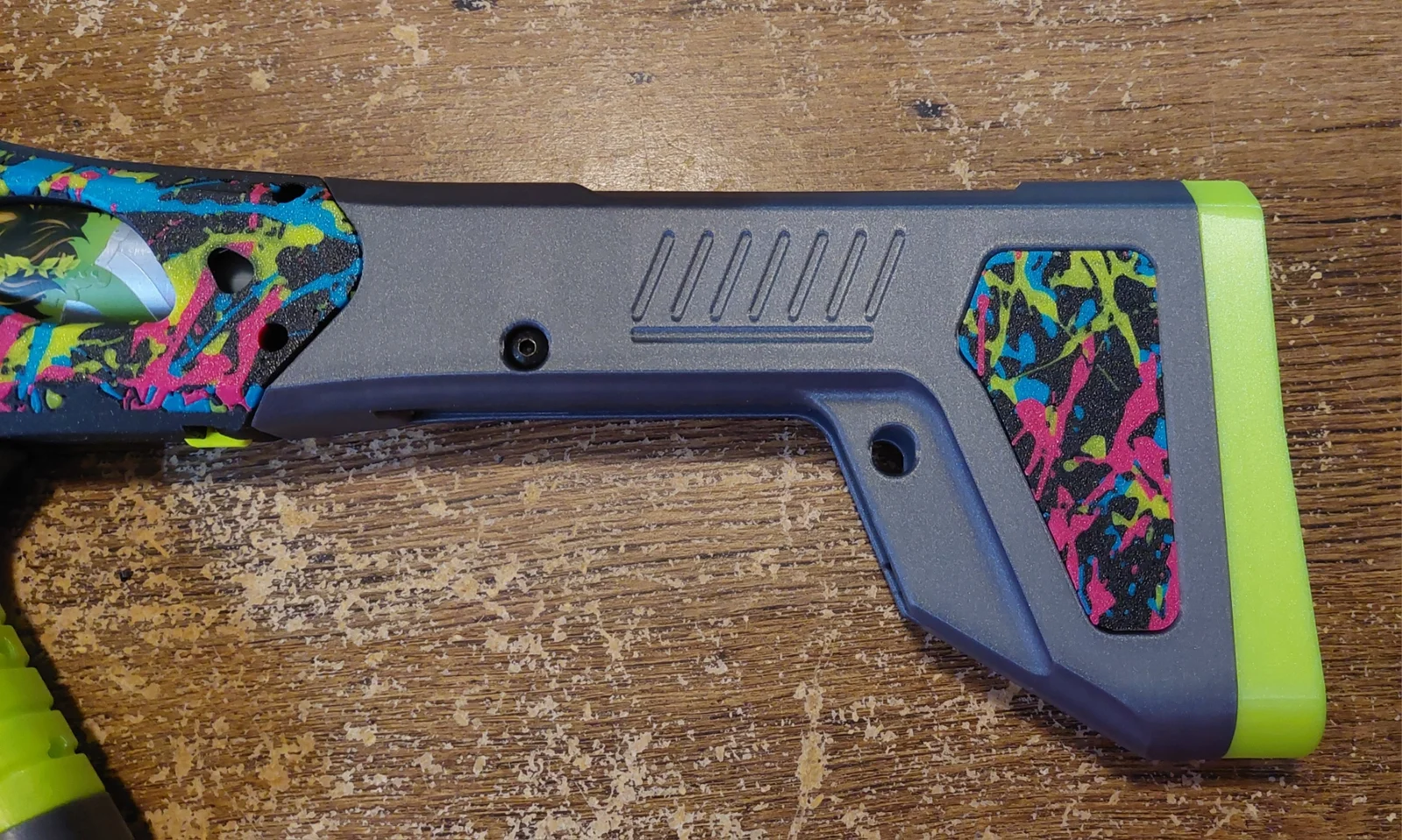
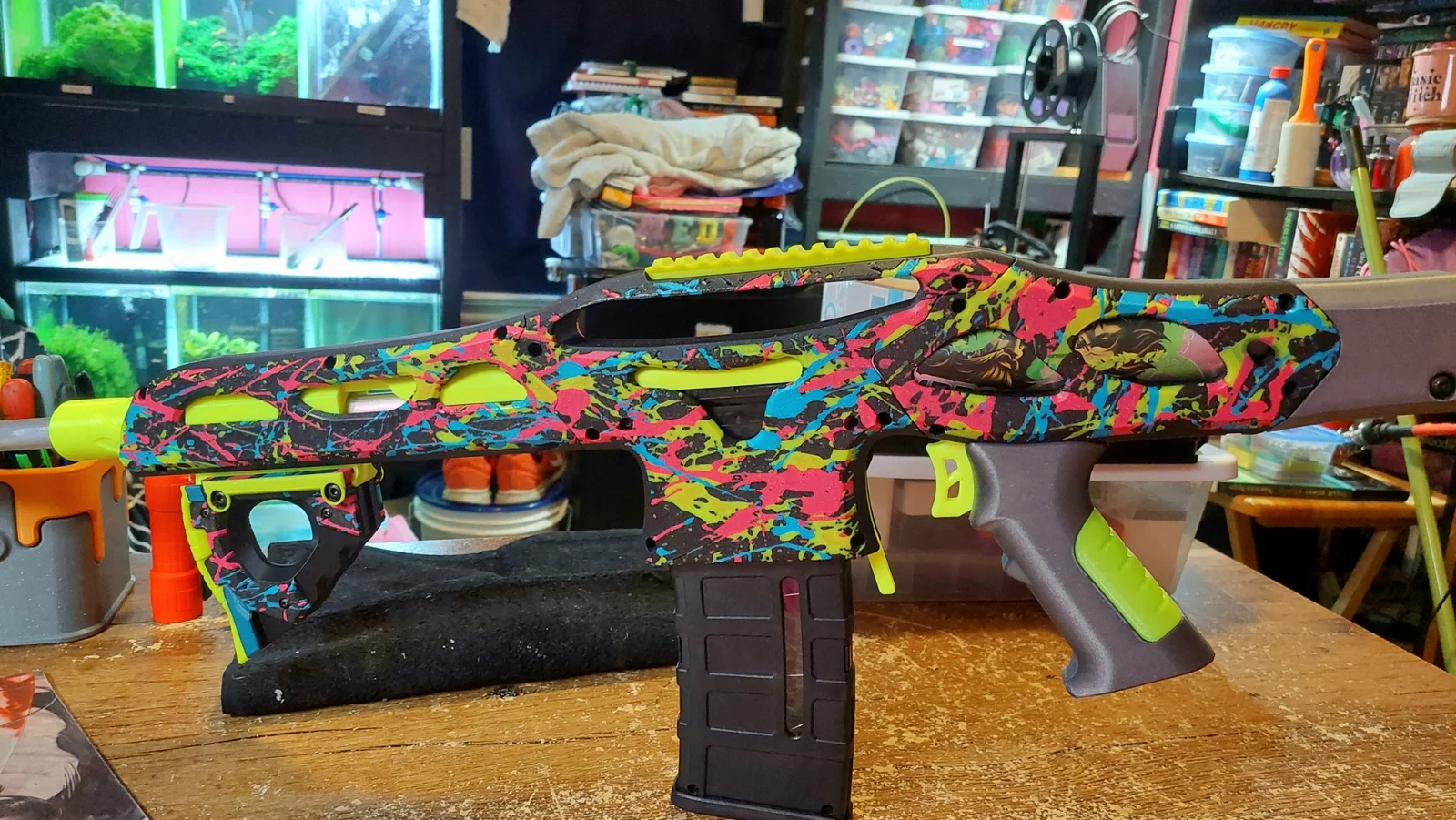
These are the three models I used to paint a splatter effect on a blaster I built for myself.
1. Load the part you want printed
2. Right click the model, "Add Modifier", "Load" and select the paint splatter STLs
3. Position how you want modifiers, only the parts of the modifiers that are touching the model will appear once sliced, you can easily change the size and depth of the modifiers to fit your needs
4. In the "Objects" bar you can assign each STL a separate color
5. Hit slice, you can tinker around with positioning and plate customization to arrange the order in which the colors print, this would dictate which pattern in is on top
I didn't want to type too much and overload you, and it seems complicated typed out, but after the first few times its a breeze lol. And this applies with any STL you have.
ByDrewmundLikes833Downloads4.6K

 ByFastRaccoon_718321Likes461Downloads1.5K

 ByvexanixLikes168Downloads1.3K


 ByIvoLikes196Downloads1.1K

 ByshoheiyLikes0Downloads215

 Bynonoobybut_3307010Likes364Downloads1K

 ByvojtagrecLikes289Downloads905

 ByCodyMeyer_2545340Likes163Downloads731

 Byelizabeth3dLikes0Downloads153

 Bykarma-artLikes0Downloads156

 Byjeremy-linLikes0Downloads123