



Bộ Đĩa Phân Số và Hộp (Fraction Discs and Box)
 ByDzip1_283447Likes6Downloads11
Build another version of this model.
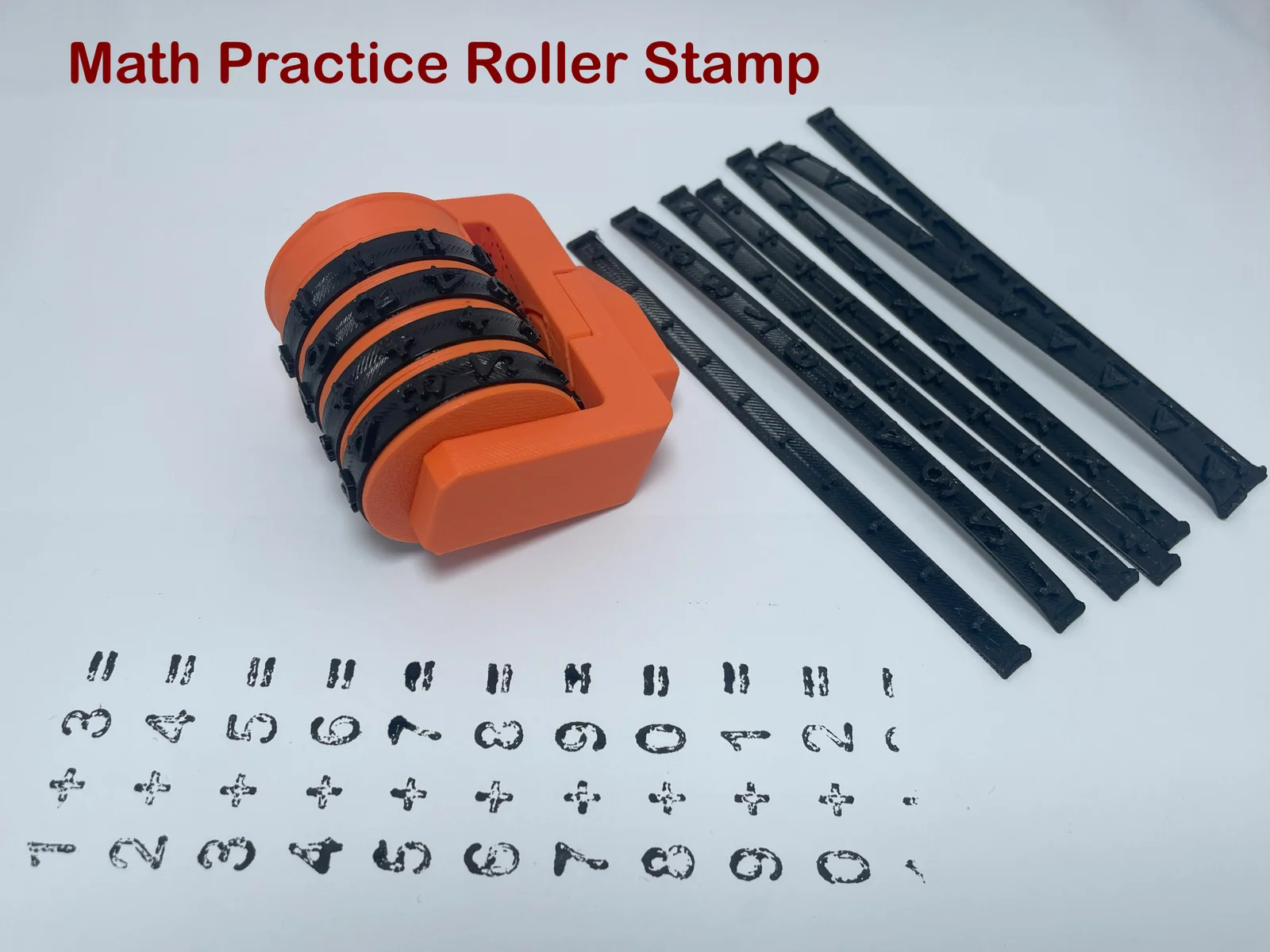
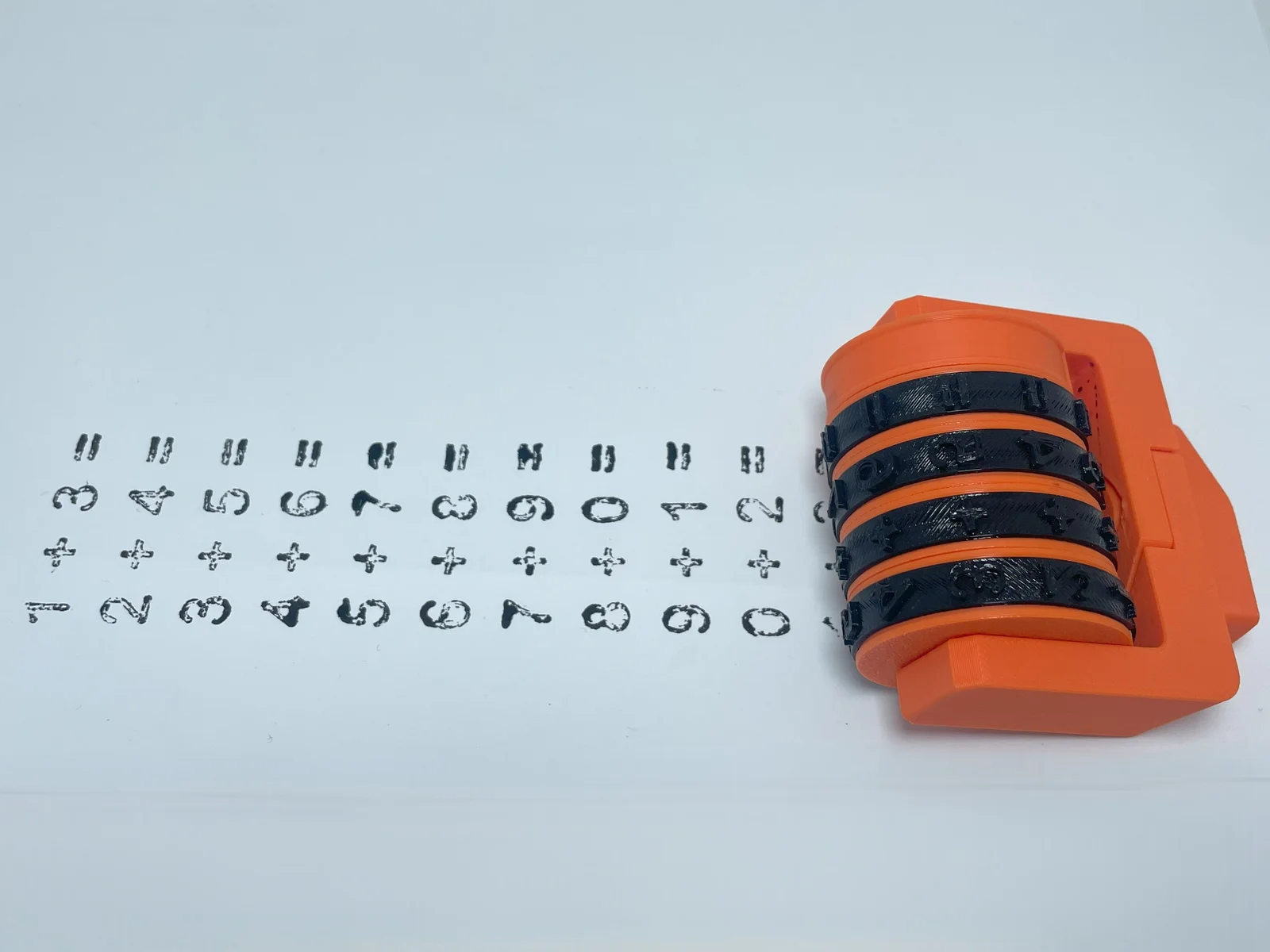
🧮 Rotating Math Roller: Learning Math Through Play!
Turn math study into a fun and creative activity! This 3D-printed modular stamp is the perfect tool for parents, teachers, and children. It allows you to create endless operations and exercises in seconds, making learning dynamic and visual.
Full Symbol Set: Includes the four fundamental operators (+, -, x, /) and comparison symbols (>, <, =).
Modular Design: Thanks to the interchangeable strips, you can customize the rollers to vary numbers and symbols as you wish.
Educational & Interactive: Ideal for primary school students to practice multiplication tables, column addition, or number comparisons.
Easy to Use: Ergonomic handle designed specifically for small hands.
Recommended Material: PLA (for rigid parts) and TPU A95 or a soft filament for the number strips (for better ink absorption).
Supports: Not necessary if oriented correctly.
Prepare the Strips: Take the flexible TPU strips and wrap them around the individual rollers. Ensure the numbers/symbols are facing outwards.
Secure the Fit: Align the ends of the strip with the slots on the roller until they click perfectly into place.
Core Assembly: Slide the assembled rollers and the springs onto the central hexagonal shaft.
Frame Setup: Place the shaft with the rollers into the main housing base.
Locking Mechanism: Insert the side support and the locking screw to keep everything aligned.
Final Check: Ensure the rollers can spin freely to change the operations, then tighten the side knob.
ByDzip1_283447Likes6Downloads11

 ByBoonby_1059917Likes659Downloads1.2K

 ByMofantasticoLikes5Downloads13

 ByFabianVeileLikes414Downloads1.5K

 BygillisLikes121Downloads2.1K

 ByAlexandreM_578205Likes2Downloads11

 BygeorgmierauLikes0Downloads5

 ByTheodeGuzman_3135033Likes2Downloads11

 ByMaking Singularities SingularitiesLikes0Downloads5

 Bypvillano_114452Likes0Downloads9

 ByMarciLikes87Downloads294

 Bystrifu_4061046Likes151Downloads1.3K