



Clean Storage Boxes | 16 Sizes
 BymoonyxLikes0Downloads706
Build another version of this model.
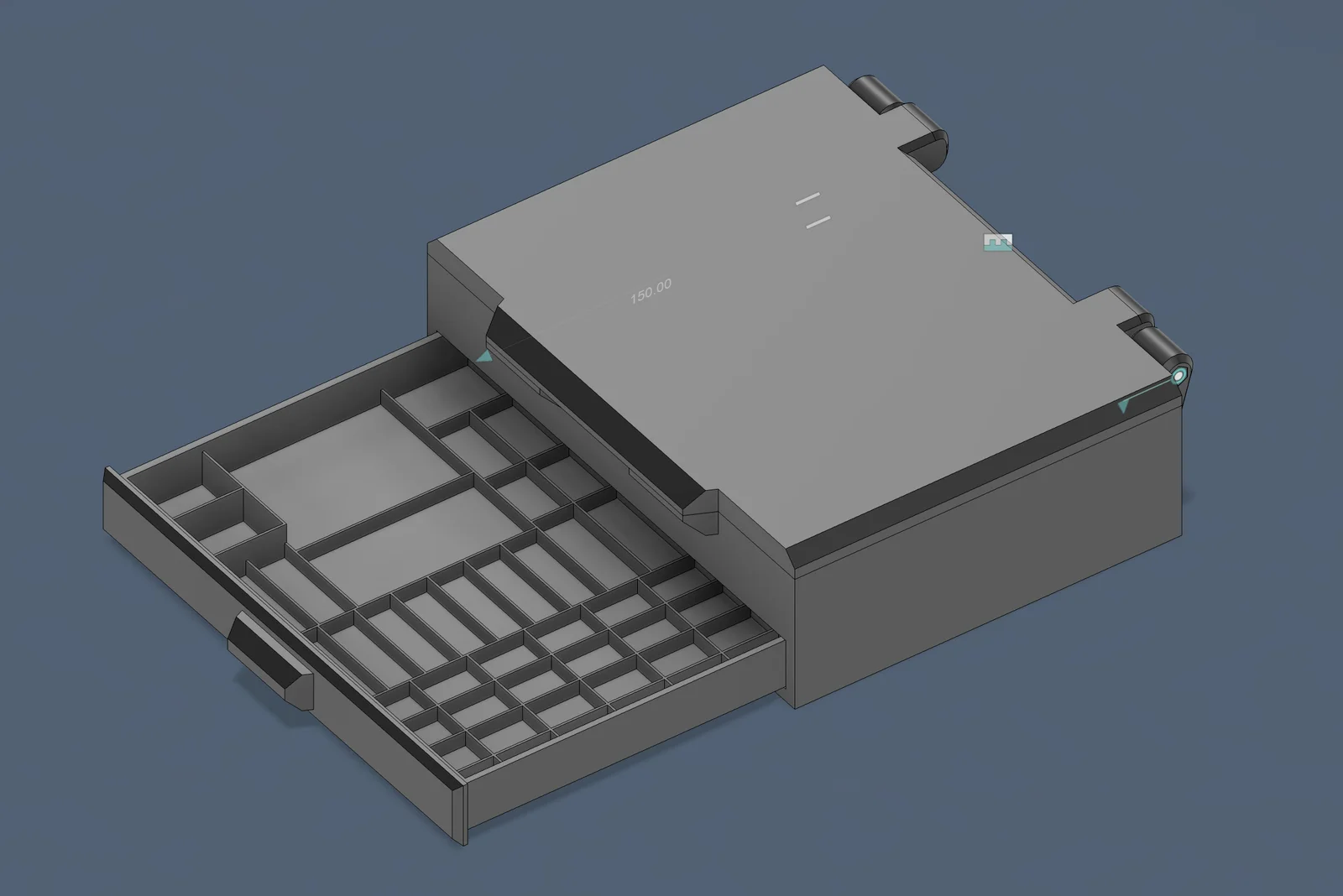
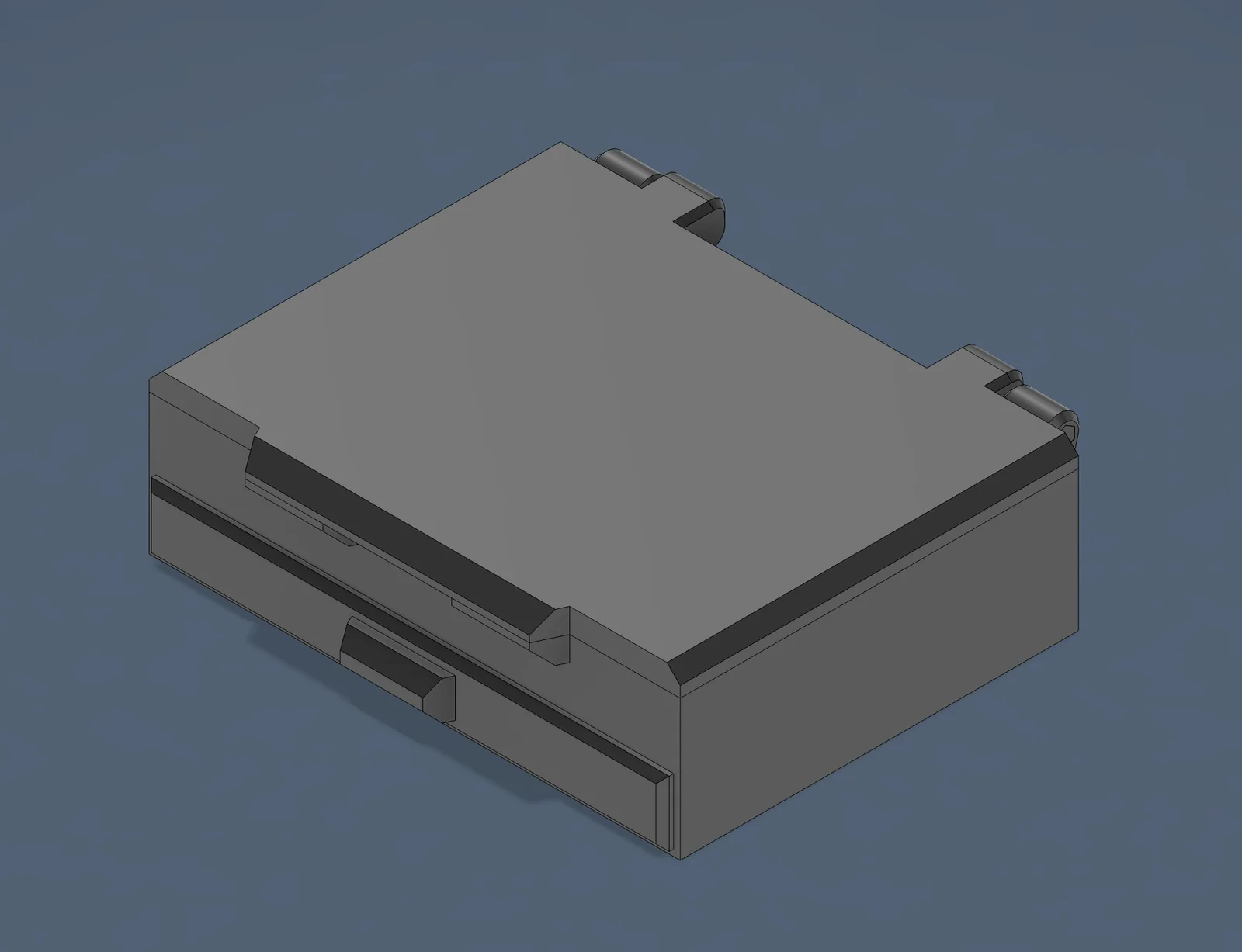
This is not a simple design; to build it, follow this procedure and you'll need six magnets to lock the box as shown:
Print the Box.3mf, but stop at the right layer (easy to do in PrusaSlicer) to insert the magnets.
Print the left and right pins (they’re identical).
Print the Lid.3mf, stop at the right layer to insert magnets. Ensure opposite polarities for the magnets when the lid is closed. Attach the lid to the box and lock it with the pins; superglue can be used to secure it.
Print the Drawer Internal.3mf.
Print the Drawer Front.3mf and glue it to the drawer internal with superglue (clean with IPA for best adhesion).
Print the Drawer Limit, insert the drawer internal into the box slot, then glue the limit to prevent the drawer from escaping.
Lastly, print the Spacer.3mf and place it inside the box.
For best results, use decent precision settings with a 0.2mm layer height. I used Polymaker PLA for amazing results.
BymoonyxLikes0Downloads706

 ByTater_364200Likes486Downloads1.6K

 ByrjunLikes0Downloads310

 ByWilko_SLOLikes935Downloads2K

 Bykonstantin-radchenkoLikes0Downloads163

 ByleonicLikes0Downloads1.4K


 Bywhilex_1739192Likes644Downloads1.1K

 Byreinvent3dLikes0Downloads145

 ByZED4EverLikes313Downloads5.2K

 BydcmtlLikes0Downloads130

 ByMatthew_GhostLikes350Downloads945