



Mô hình 3D dao Karambit CS:GO
 Bybonzai000Likes716Downloads16.8K
Build another version of this model.
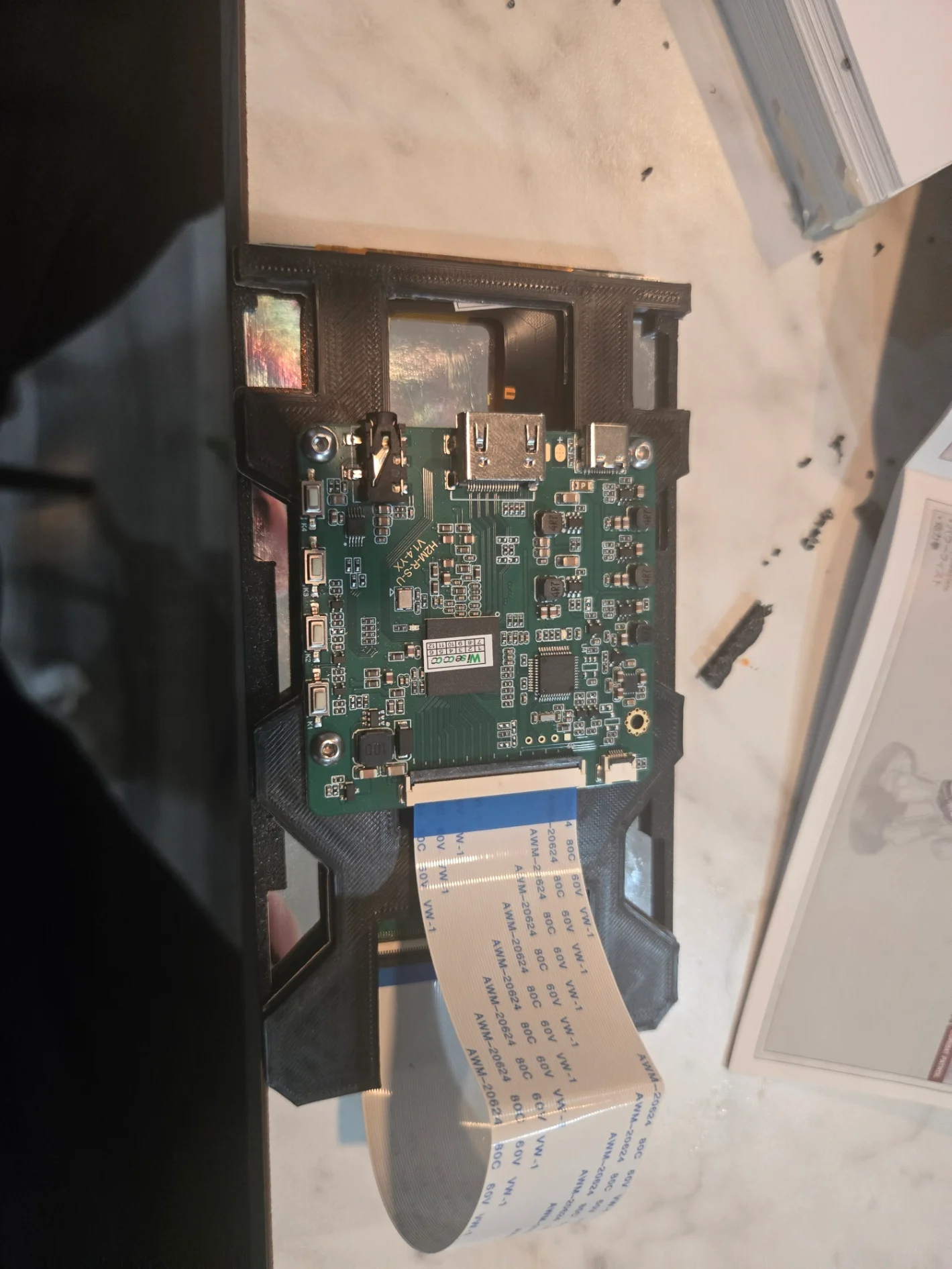
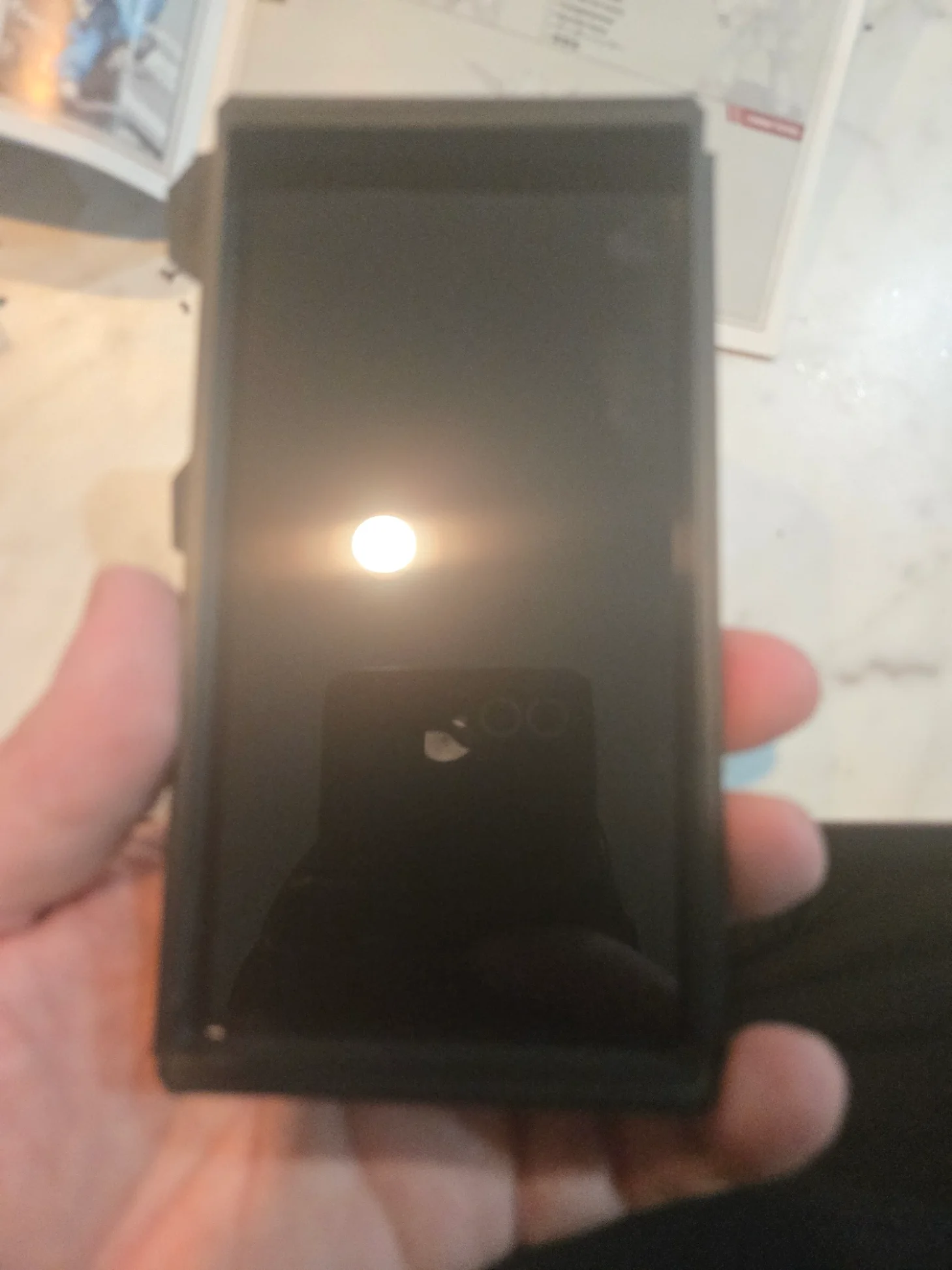
This is for galactic armory Hellbomb prop cosplay. you need to print 3 mounts. but i recommend you print 1 lcd mount to make sure it fits in your Hellbomb. it should fit in all 3 spots.
the 2 parts are glue together after installing screen and routing wire.
Materials need
hellbomb (https://galacticarmory.net/products/helldivers-2-hellbomb-backpack-3d-print-files)
CA glue
hot glue
3 M3 screws (per display)
3 6in LCD with controller
uses the following monitor with controller. Pay attention and make sure you buy the controller with it.
Assembly is pretty simple. But i recommend test fitting the lcd mount before installing screen.
slide the lcd into the lcd mount. it should have minimal resistance. Dont force it.
plug lcd into controller
screw m3 screws into plastic. Do not overtighten. although the model has 4 holes only 3 lines up. (just ignore the misplaced hole.)
use CA glue to secure the lcd to pbc mount.
Last step is to install the monitor and glue it in place with hot glue. then hook it up to your preferred video output. For example my system is a rpi 3 and hdmi splitter with 3 outputs. Using a multiple usb stepdown converters from a 40v ryobi battery. lasts about 2-3 hours.
Bybonzai000Likes716Downloads16.8K

 ByFotisMintLikes340Downloads2.5K

 Bypokon_nurdspaceLikes429Downloads1.8K

 ByDC_8576Likes454Downloads1.8K

 Bypapyskull_3946746Likes152Downloads507

 ByjaztermarealLikes127Downloads459

 Byjorge-cano-gorrachateguiLikes0Downloads409

 ByJasonMastersLikes52Downloads529

 ByZabricot200_1688175Likes8Downloads186

 BytheStonefoxLikes111Downloads206

 Bymagic-3d-printingLikes0Downloads452

 BybobmakesLikes37Downloads287