




Thùng rác in Vase Mode
 BybobmakesLikes2.5KDownloads17.5K
Remix of Giá đỡ cảm biến nhiệt độ Xiaomi cho ABB Tango By JiriPragr_1370438
Build another version of this model.
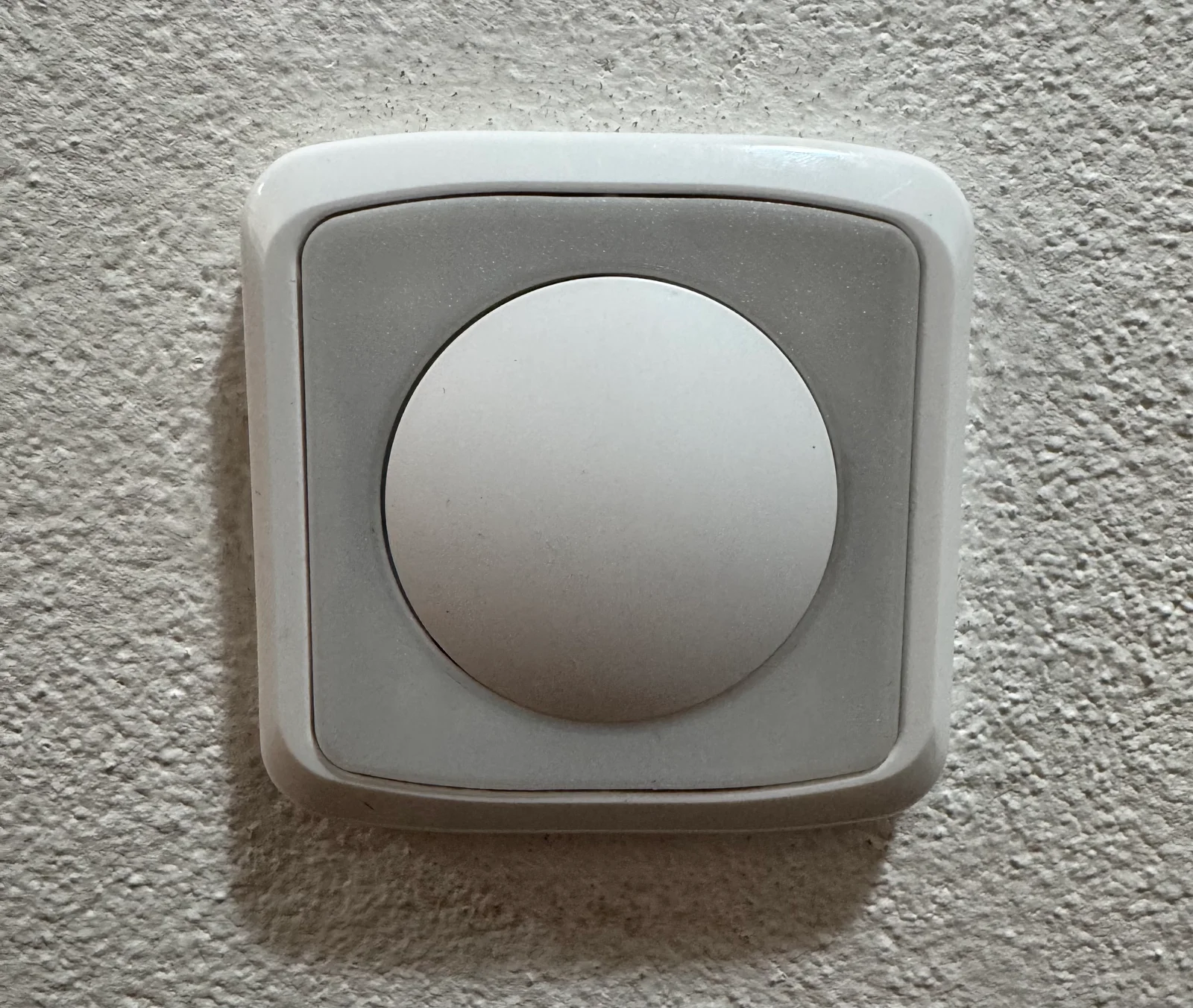
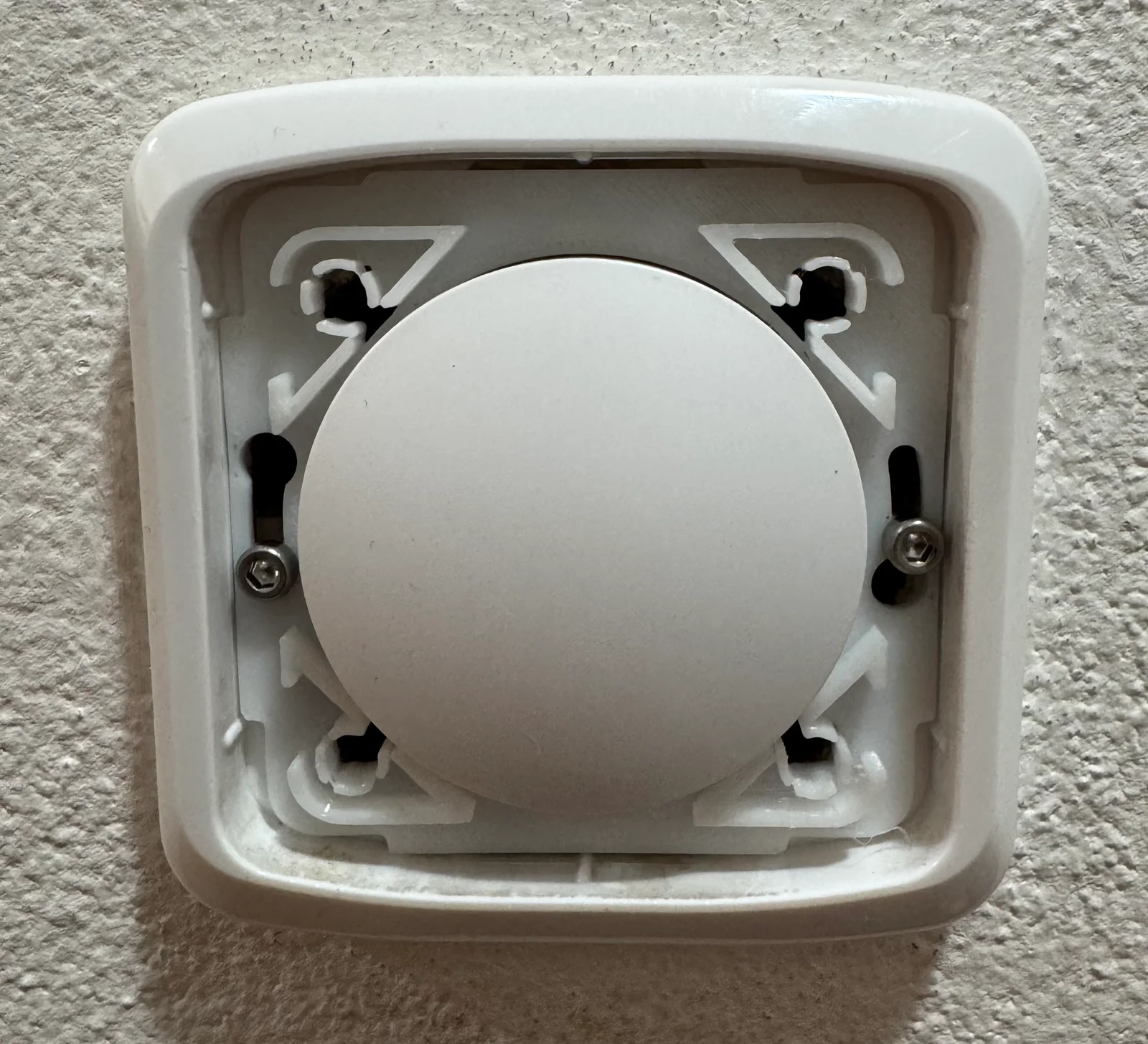
This model allows you to fit a Zigbee switch with dimensions of 50×50×8 mm from Aliexpress into an ABB Tango cover.
The battery can be easily replaced—simply remove the front plate with a screwdriver and twist it to the left to unlock.
It is important to purchase the exact model from Aliexpress that has a bottom section to lock it into place on the back of the 3D print.
BybobmakesLikes2.5KDownloads17.5K

 By178222178222_2484344Likes449Downloads1.7K

 Byquibeck_3353173Likes1.5KDownloads11.5K

 ByVaclav_ZahradkaLikes181Downloads1.2K

 ByowlartLikes527Downloads1.3K

 Bytjfenwick_306961Likes385Downloads1K

 ByAWSWLikes148Downloads580

 ByfifindrLikes216Downloads605

 Bym-collectableLikes0Downloads3.9K

 Byskloter_271869Likes147Downloads426

 Byelectric_pierogiLikes37Downloads386

 ByTommy3DLab_2023125Likes636Downloads2.5K