



New
Small Part Storage
 BymakerxLikes0Downloads356
Build another version of this model.
I recently mounted a bunch of items to my walls and Honeycomb Storage Wall. In the process, I decided to create a template so that I did not have to keep recreating the same sketches and geometry for what is ultimately just a box with cutouts in the sides.
Design a template to achieve the following objectives:
Fully parametric providing customization of all dimensions
Visual representation of the mounted object to confirm tolerances before printing
Sketch templates available
All mounted object faces - these sketches are in the MountedObject component and then referenced in the Mount component for the extrusions
Faces of the front and back mount components for creating an opening and/or design in the front component and mounting patterns in the back component
I started with the mounted object and referenced that geometry for the mount with projections and offsets. You may want to walk through the timeline to understand this approach before saving and making edits for your specific project.
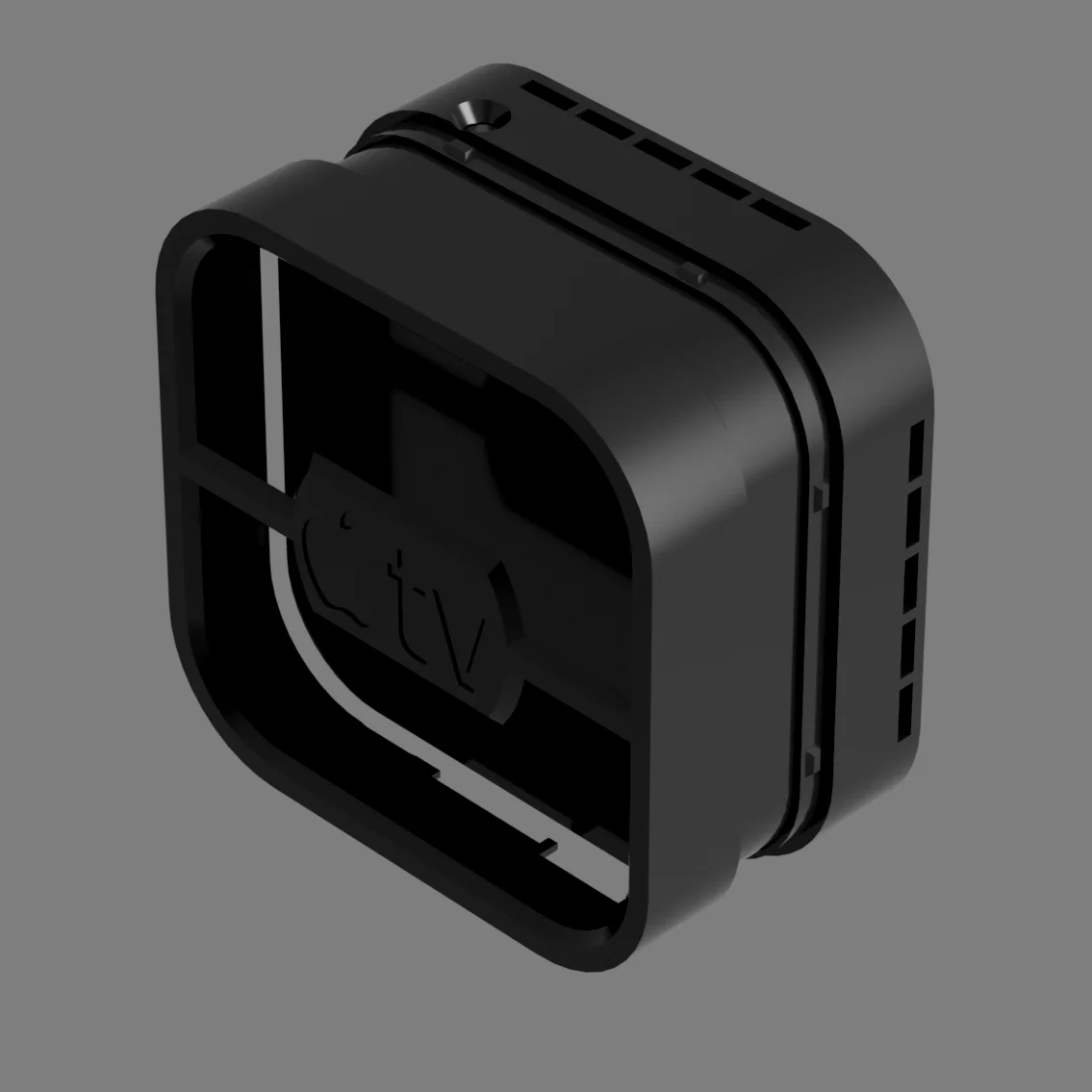
Only the project files have the curved corner geometry. You may want to reference those to see how I handled the snaps and projections with the curved corners. They also show some of the unique ports, cooling channels, and even graphics I customized for each design.
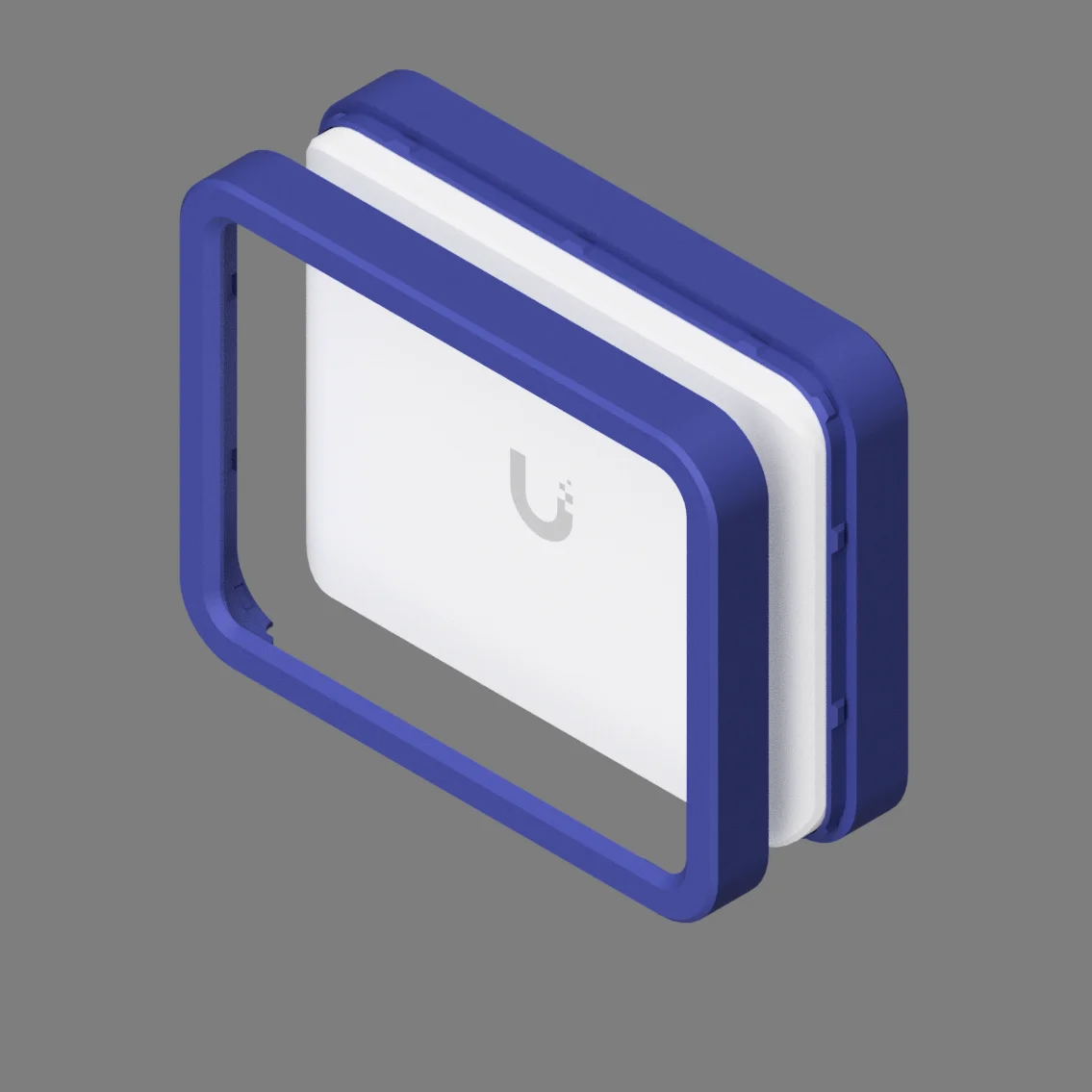
The Fusion files for the template and the following project files are included.
Apple TV (Model A2169)
UniFi Flex Mini 2.5G
Lutron Smart Bridge
You can customize the parameters (DESIGN | SOLID | MODIFY | Change Parameters) as necessary. When you open the Parameters dialog, first sort by name. The parameters most optimized for customization are favorited (in the template only). The non-favorited parameters should work as well but may require more tinkering to repair broken downstream features.
I did not favorite the snap-specific parameters but obviously adjust those to your liking. The parameters and tolerances I used create a very tight fit which is what I was going for.
Since this posting is more about enabling you to make your own custom designs, I did not include any models (.3mf/.stl), PrusaSlicer projects (.3mf) or print (.bgcode/.gcode) files.
If this model helped you solve a problem, save some time, or in any way made your life a little easier then please consider clicking the Like button and posting your Makes! If it fell short after clicking on the title of the model, please let me know (Messenger | Printables.com). Either way, Thank you!
BymakerxLikes0Downloads356

 Bycustom-3d-partsLikes0Downloads205

 BybobmakesLikes2.5KDownloads17.5K

 By178222178222_2484344Likes449Downloads1.7K

 Byquibeck_3353173Likes1.5KDownloads11.5K

 ByVaclav_ZahradkaLikes181Downloads1.2K

 ByowlartLikes527Downloads1.3K

 Bytjfenwick_306961Likes385Downloads1K

 ByAWSWLikes148Downloads584

 ByfifindrLikes216Downloads609

 Bymatus158Likes0Downloads111

 ByMRTWOLikes4Downloads25