F3D
72 'Centerbeam Flatcar 1

3 images

Xe Cộ - Máy Móc

72 'Centerbeam Flatcar

By GoldenBearModels

Downloads
108
Likes
54
Views
505

Files 12 13 MB

  • Brake_air_cylinder_1766222457.stlSTL · 4.5 MB
  • Brake_Control_1766222459.stlSTL · 582.7 KB
  • Brake_Control_Unit_1766222459.stlSTL · 31.1 KB
  • Coupler_Cover_1766222460.stlSTL · 142.3 KB

Make a variant with AI

Build another version of this model.

Open Studio

Description

🥉Bronze Level: Model will be updated in the future to improve directions and include decals (Sept. 4 2023)

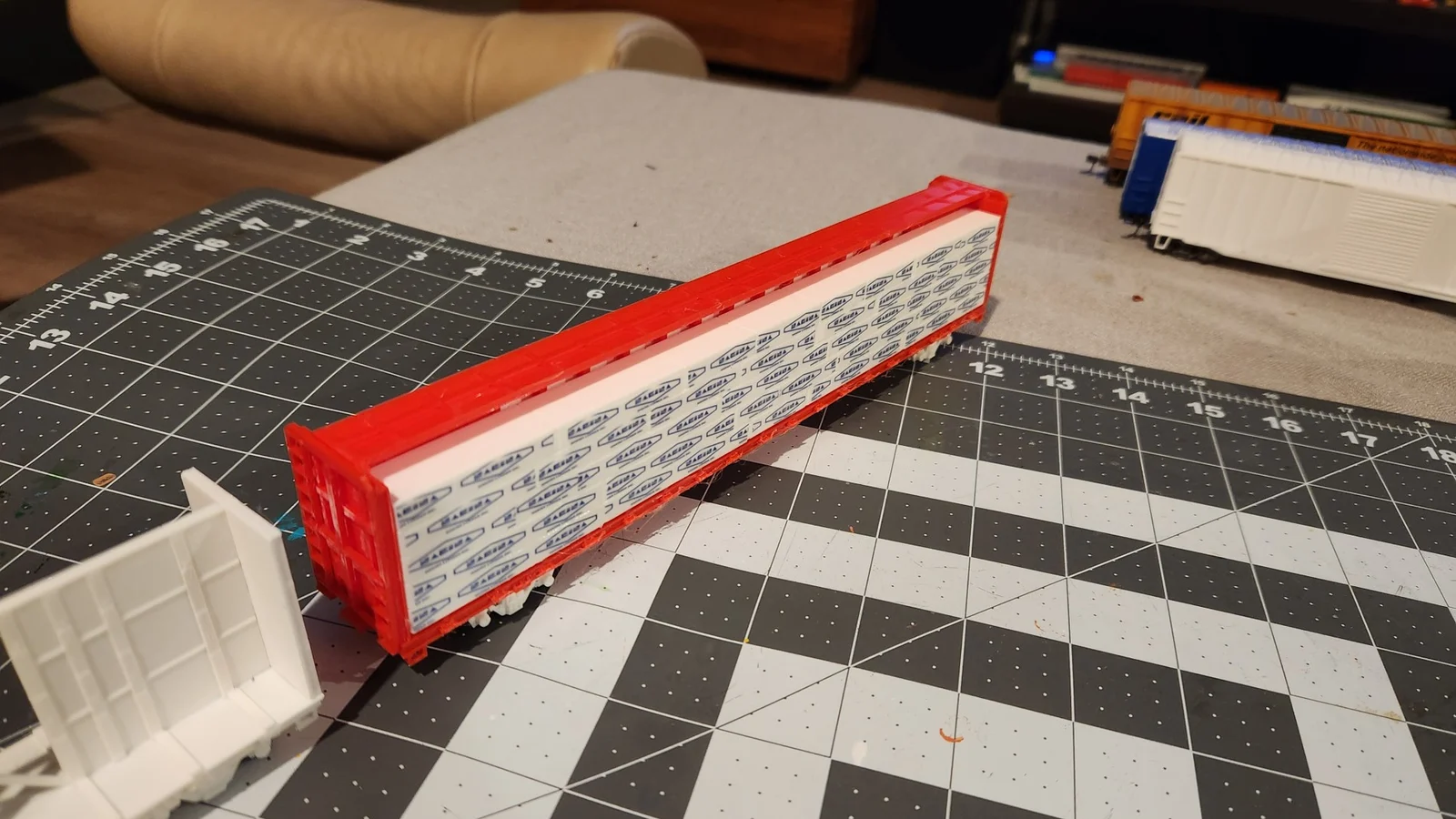
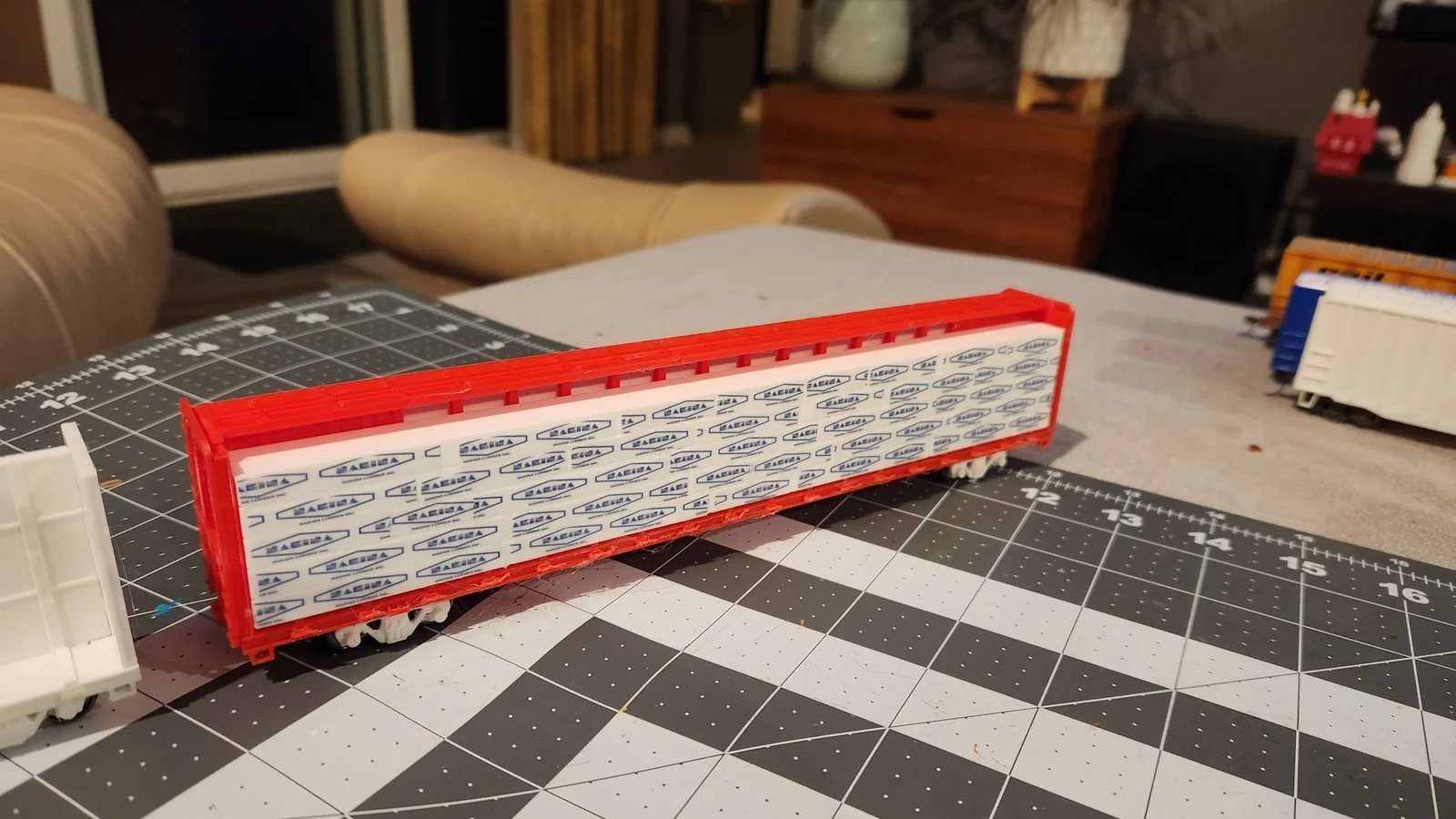
These cars are common to North American railroads, often seen transporting lumber or similar materials. This model will work great with a load such as this one. Print the following parts:

  • 2x Divider
  • 1x End 1
  • 1x End 2
  • 1x Floor
  • 1x Top Beam
  • 1x Underbody
  • 2x Side rail
  • 2x Ladder
  • 1x Brake Air Cylinder
  • 1x Brake Control
  • 1x Brake Control Unit
  • 2x Coupler Cover

Hardware:

  • 4x M2x4 screws
  • 2x Couplers
  • 2x Trucks with wheels
  • Glue

Instructions:

  1. Glue the two dividerstogether
  2. Glue the step 1 assembly into the top of the floor
  3. Glue the two side rails to each side of the step 2 assembly. Make sure the side rails are facing outwards.
  4. Glue the laddersto end 1 and end 2
  5. Glue both of the step 4 assemblies to each side of the main assembly
  6. Glue the Top rail to the top of the assembly on top of the dividers, end 1, and end 2
  7. Glue theunderbodyto the underside of the assembly. Make sure the coupler holes are aligned.
  8. Create a coupler assembly with the coupler cover, M2x4 screw, and a coupler
  9. Screw in the step 8 assembly into the main assembly. Make sure the coupler cover is facing the correct direction.
  10. Screw in the two trucks using the M2x4 screws

Read more Show less

Print spec

Formats
stl
Model files
12
Total size
13 MB
Largest file
4.7 MB

0 comments

See all