

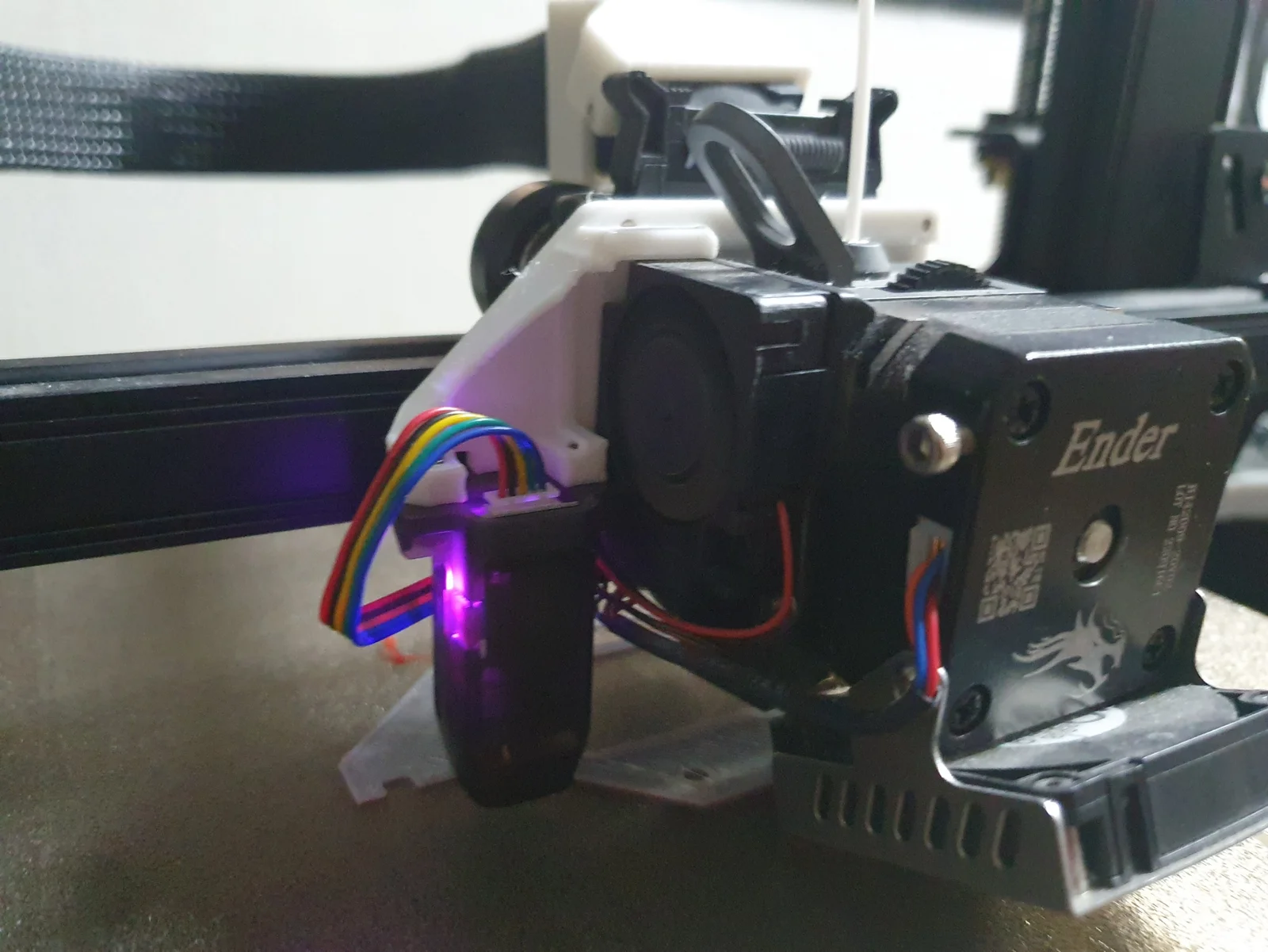


Kẹp giữ sợi Filament
 Bytinx_1344834Likes1.2KDownloads6K
Remix of Giá đỡ đầu dò X45 Sprite CR Touch với độ lệch Y-Offset 0mm cho... By KYZ_446301
Build another version of this model.
Bed leveling fix for Ender 3 S1 models.
Follow word doc instructions or reposition ABL using provided files
Doc source: https://www.facebook.com/groups/602529180853579/permalink/723427122097117/?fs=e&s=cl
The following can be done with custom firmware without using pronterface:
https://github.com/ThomasToka/MarlinFirmware/releases/latest
To set probe offset for the included model, run:
M851 X-44 Y0 Z0
Before disassembling the printer or changing the mounting plate, manually try to level the bed as flat as possible.
Below can be used with pronterface; install CH340 driver if pronterface cannot detect printer.
Get current bed mesh values using M420 V .
Category: 3D Printer Parts
Bytinx_1344834Likes1.2KDownloads6K

 Byprusa-researchLikes0Downloads2.7K

 ByBlackky98Likes25Downloads213

 Bydet-manLikes0Downloads179

 Bygummiegecko8477Likes0Downloads170

 Bychukwufumnanya-arinzechukwuLikes0Downloads155

 Bychris-barwickLikes0Downloads134

 BydalleLikes0Downloads153


 BynasikLikes0Downloads125

 Byarhi_585078Likes64Downloads547

 BytimLikes0Downloads532