



Mô hình trang trí tường 3D chim và hoa (Birds Decor) nghệ thuật
 Bykallekubinsk_3569049Likes37Downloads189
Build another version of this model.
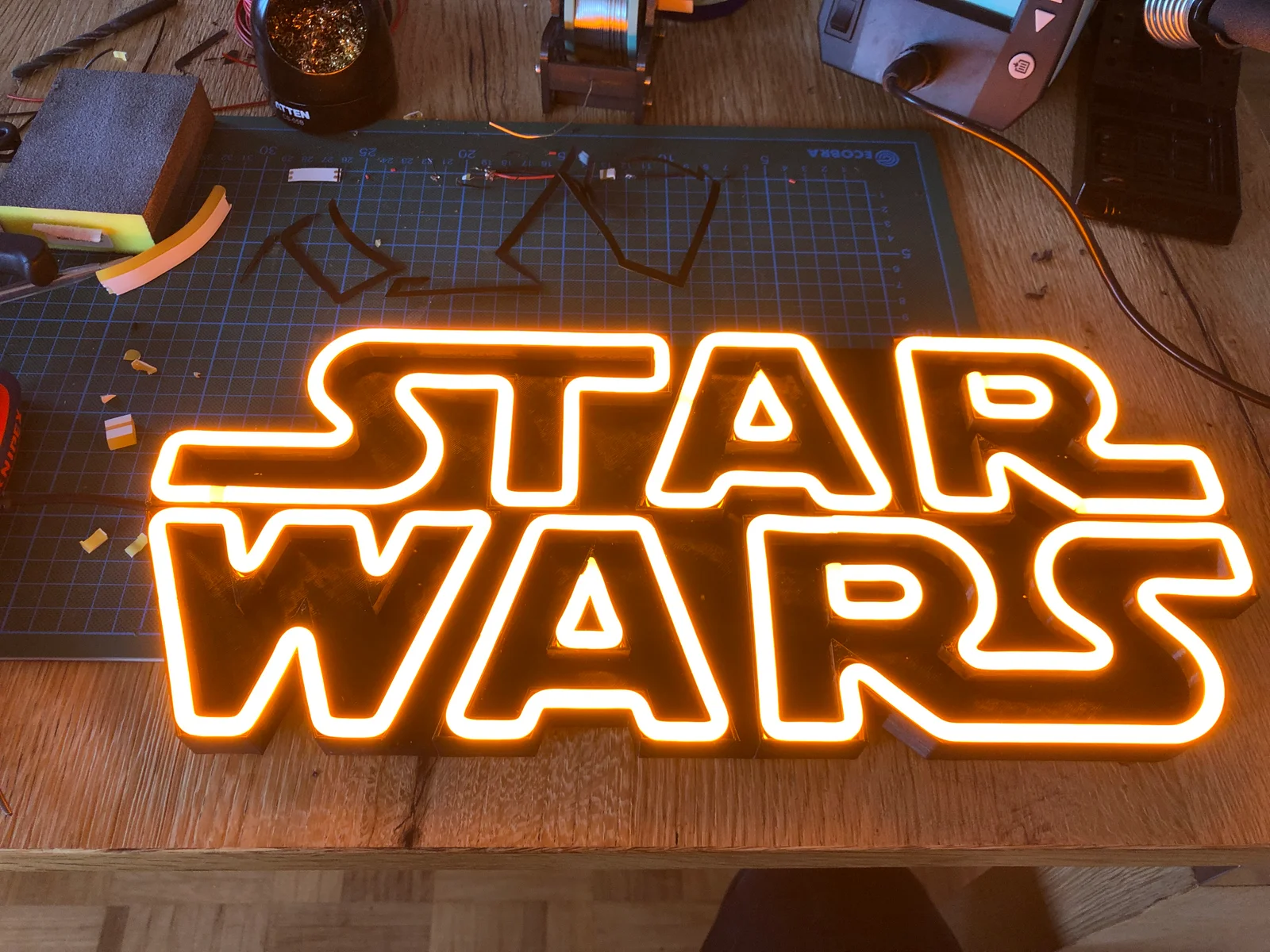
I have used the following neon strips:
You can also use a dimmer button so that the light is not so bright.
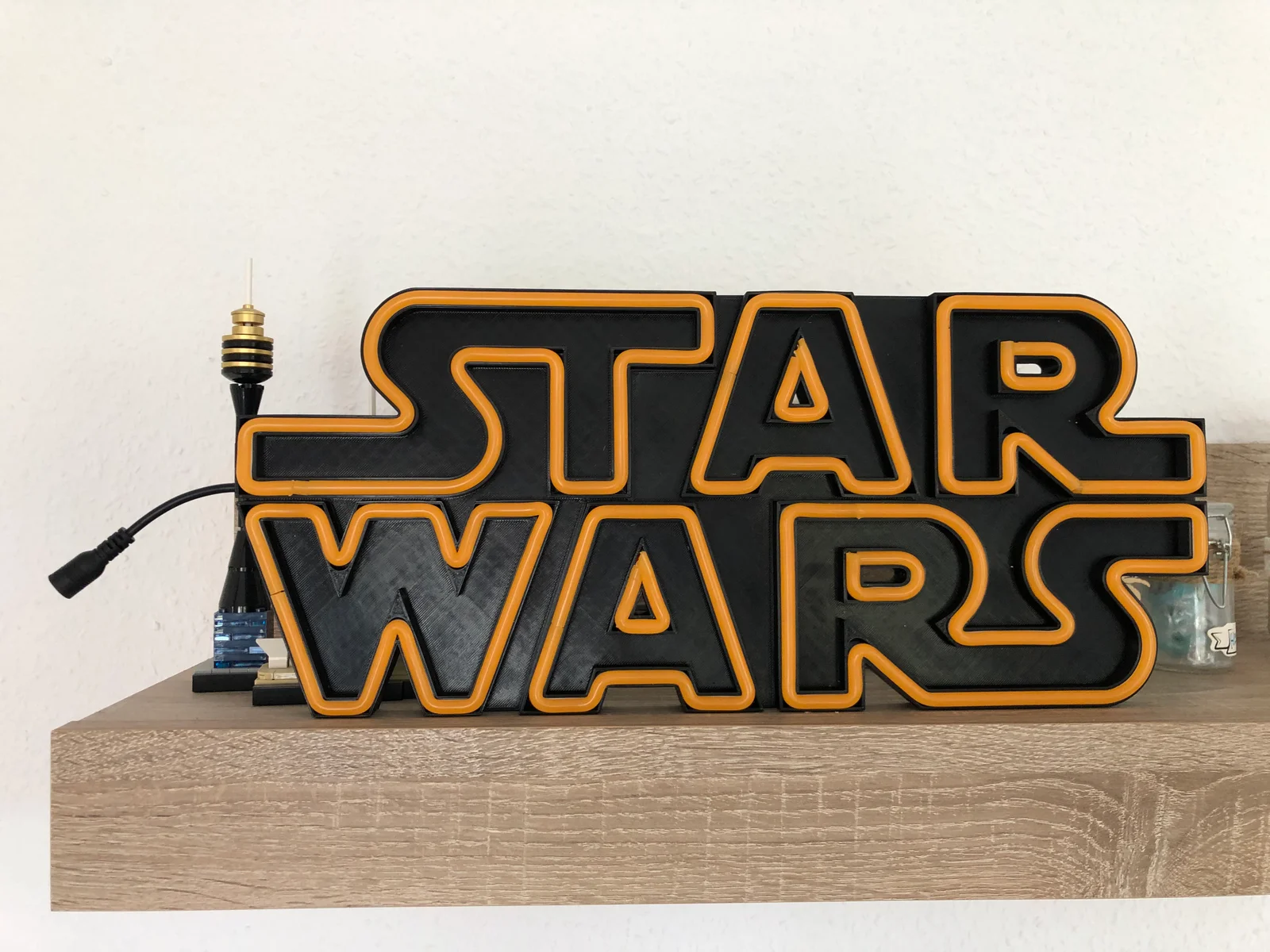
You don't need to glue the parts. It is designed in such a way that no support is needed. It is best to use the ready-made print files. I have changed the solid layer to 2 and the top layer to 3. This means that the layers between the letters don't sag and the infill gives them even more support.
You can either put it down or hang it up. The two holes for screws or nails are 270 mm apart.
Total size 23cm * 41,5cm
Tools you will need:
Hints
I printed it on 0.3 draft with a 0.4 mm nozzle. You don't need to adjust support. You will need to remove some filament from the connector holes.
Have fun making it.
Bykallekubinsk_3569049Likes37Downloads189

 ByCodyMeyer_2545340Likes163Downloads728

 ByStreamMovieY_3470525Likes30Downloads123

 ByvanessaLikes0Downloads114

 Bylame_3949573Likes42Downloads107

 Byjimreurink1_902740Likes25Downloads84

 ByMrCoolGaming_2947996Likes47Downloads177

 ByCederbLikes32Downloads187

 ByTomYumLikes33Downloads161

 ByBryantConawa_2914551Likes19Downloads42

 Byds3d_2333720Likes14Downloads37

 ByAllenM_581301Likes40Downloads141