




Kẹp giữ sợi Filament
 Bytinx_1344834Likes1.2KDownloads6K
Build another version of this model.
Description
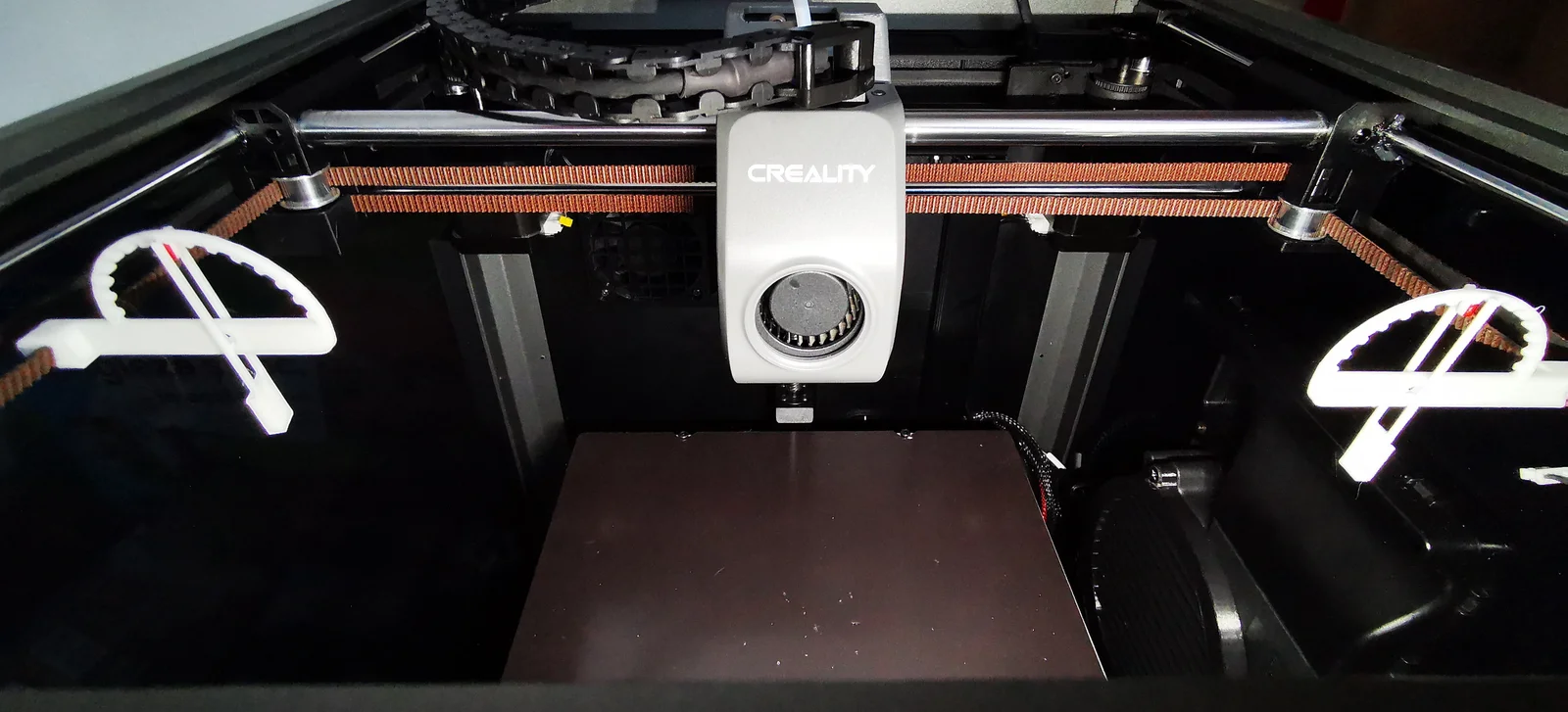
Creality K1 and other printers.
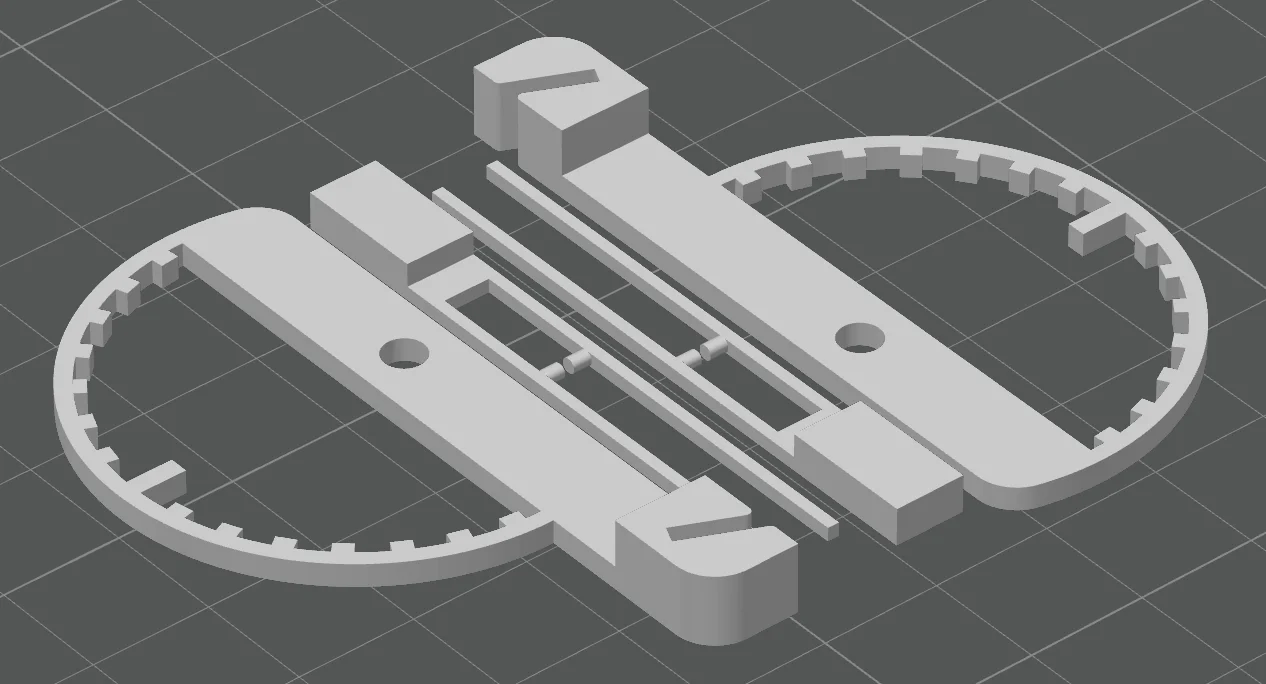
Belt tension meter to adjust belts at same and correct tension.
If you print it right, when the needle is in the middle, the belts tension should be at 110hz.
Settings:
Nozzle: 0.4
Line height: 0.2
Line width: 0.4
Supports: No
Brim/Raft: No
Infill: 100%
Walls: 3
Top/Bottom layers: 3
Material: White PLA from Sunlu, the model had 1.94g
Installation:
Bytinx_1344834Likes1.2KDownloads6K

 Byprusa-researchLikes0Downloads2.7K

 Bynadir-cn3dLikes0Downloads110

 ByAnthonyDouri_1604724Likes24Downloads224

 ByBrokentooth_designsLikes17Downloads147

 Byarhi_585078Likes64Downloads542

 ByhartkLikes59Downloads119

 ByHanzo3dLikes155Downloads415

 ByPrintStructorLikes0Downloads133

 BydarienLikes0Downloads1K

 Byds-printsLikes0Downloads352

 ByGeek5DLikes147Downloads485