

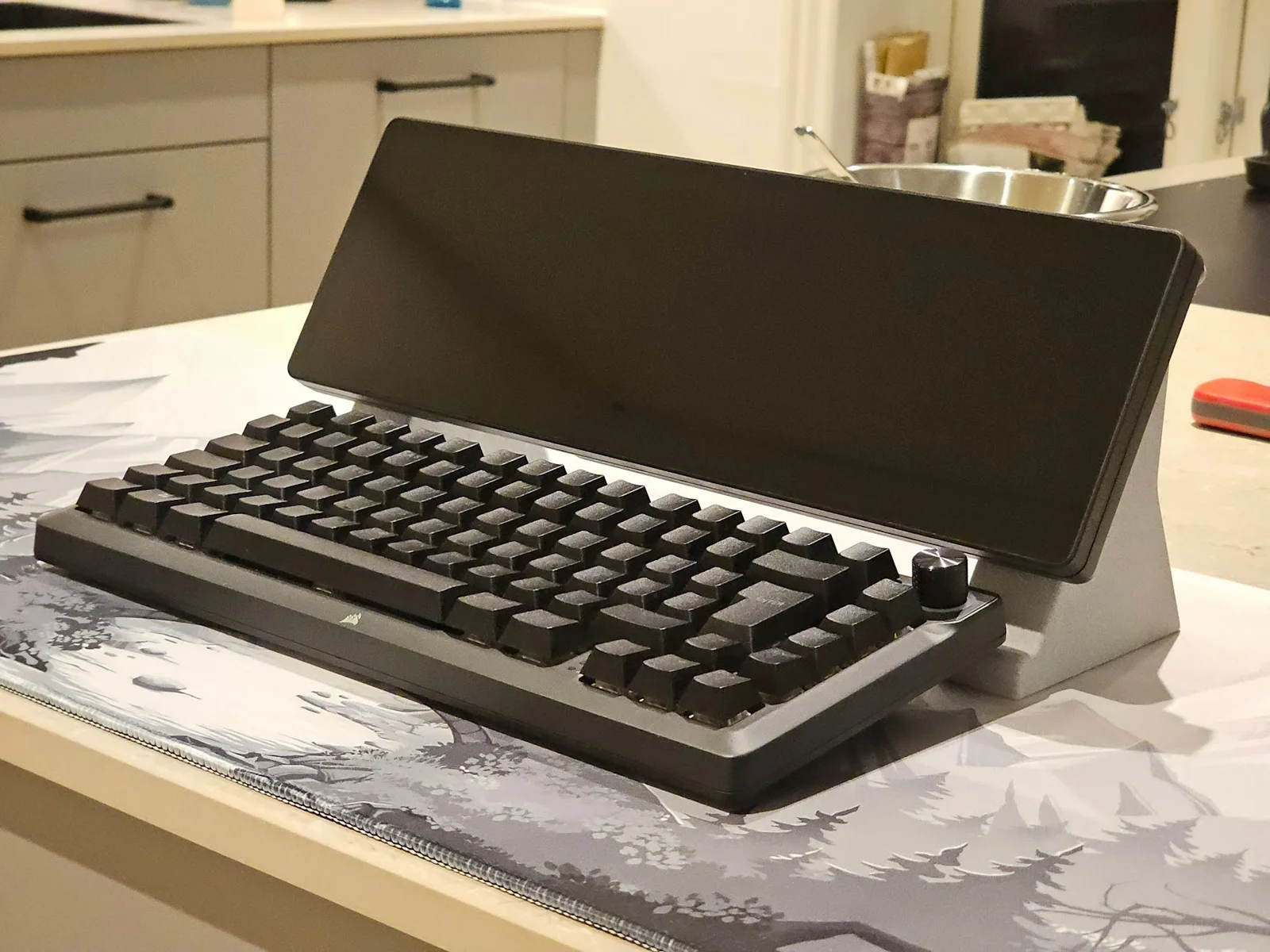
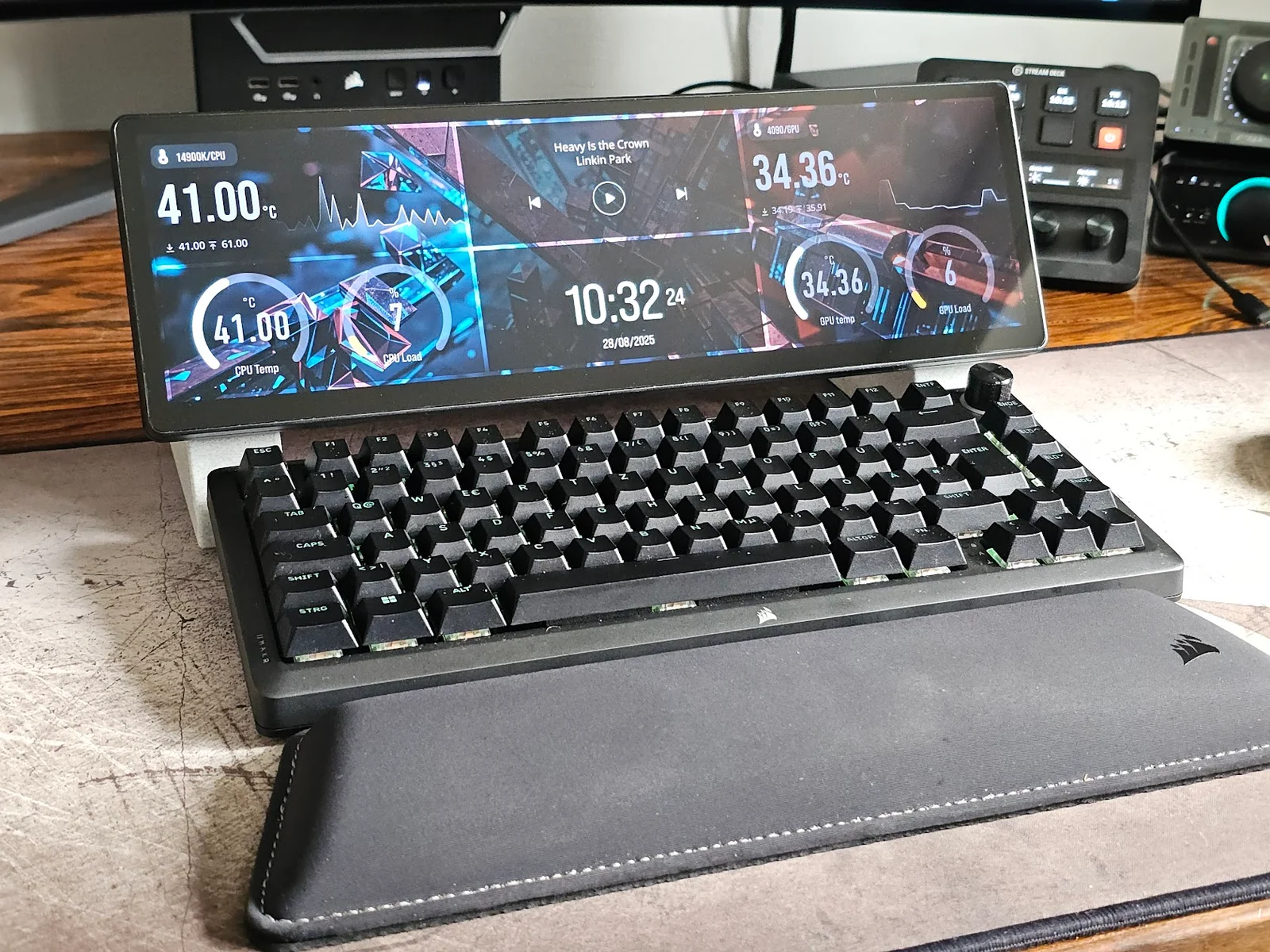
Chân đế màn hình Xeneon Edge

- Downloads
- 137
- Likes
- 18
- Views
- 2,867
- Remixes
- 0
- Comments
- 0
Files 5 1 MB
- spacers_for_screw_holes_1766656716.stlSTL · 20 KB
- Blank_clip_for_stand_1766656717.stlSTL · 19.8 KB
- Right_mount_1766656718.stlSTL · 414.5 KB
- Left_mount_1766656719.stlSTL · 406 KB
Make a variant with AI
Build another version of this model.
Details
- Model ID
- #176703
- Category
- Dụng Cụ Tiện Ích
- Published
- License
- Creative Commons — Attribution
Description
This stand raises the XENEON EDGE monitor above your keyboard so it is quicker and easier to utilize the touchscreen functions.
The stands has hollows that lets you fill them with sand to add additional weight to them (roughly 140 gram if sand is used). The holes gets closed off with the left and right mounts.
The holes are made for M4 bolts, or M4 wood screws (20mm length).
Instructions:
Fill the stands with sand (optional), and mount the left and right mounts to them with either wooden or machine screws.
Unscrew the four corner bolts from the xeneon edge and put one spacer into each hole.
Mount the left and right stands - hand tight only, do not overtighten the screws!
Done, you can now enjoy having the monitor above your keyboard!
On the back of each stand is a hole where a blank mount can be placed. This is there for you to modify and use for anything you like.
Print spec
- Formats
- stl
- Model files
- 5
- Total size
- 1 MB
- Largest file
- 414.5 KB