



Pocket-Size Third Hand Mini Spring Loaded Vise
 ByrjunLikes0Downloads304
Remix of Vỏ Case Raspberry Pi 5 Tùy Chỉnh By tiramisu
Build another version of this model.
A make would be highly appreciated
Please also have a look on my Raspberry Pi 4 Version:
https://www.printables.com/de/model/385660-raspberry-pi-4-enclosure-with-25-ssdhdd-mount
UPDATE 16.03.2025: added pi5_case_top_m2hat_nogpio_vents_allover. This top case supports official Raspberry Pi active cooler and M.2 HAT+ .
https://www.raspberrypi.com/products/m2-hat-plus/
https://www.raspberrypi.com/products/ssd/
https://www.raspberrypi.com/products/active-cooler/
UPDATE 22.11.2023: added raspifan.sh. Linux Shell Script for reading out temperature, frequency and fan speed (of official active cooler). (Within raspifan.zip)
UPDATE 11.11.2023: rpi3b-2.5drive_b14_notch_with_screw_holes added to mount SSD with M3 screws and also added pi5_case_button_Symbol_new
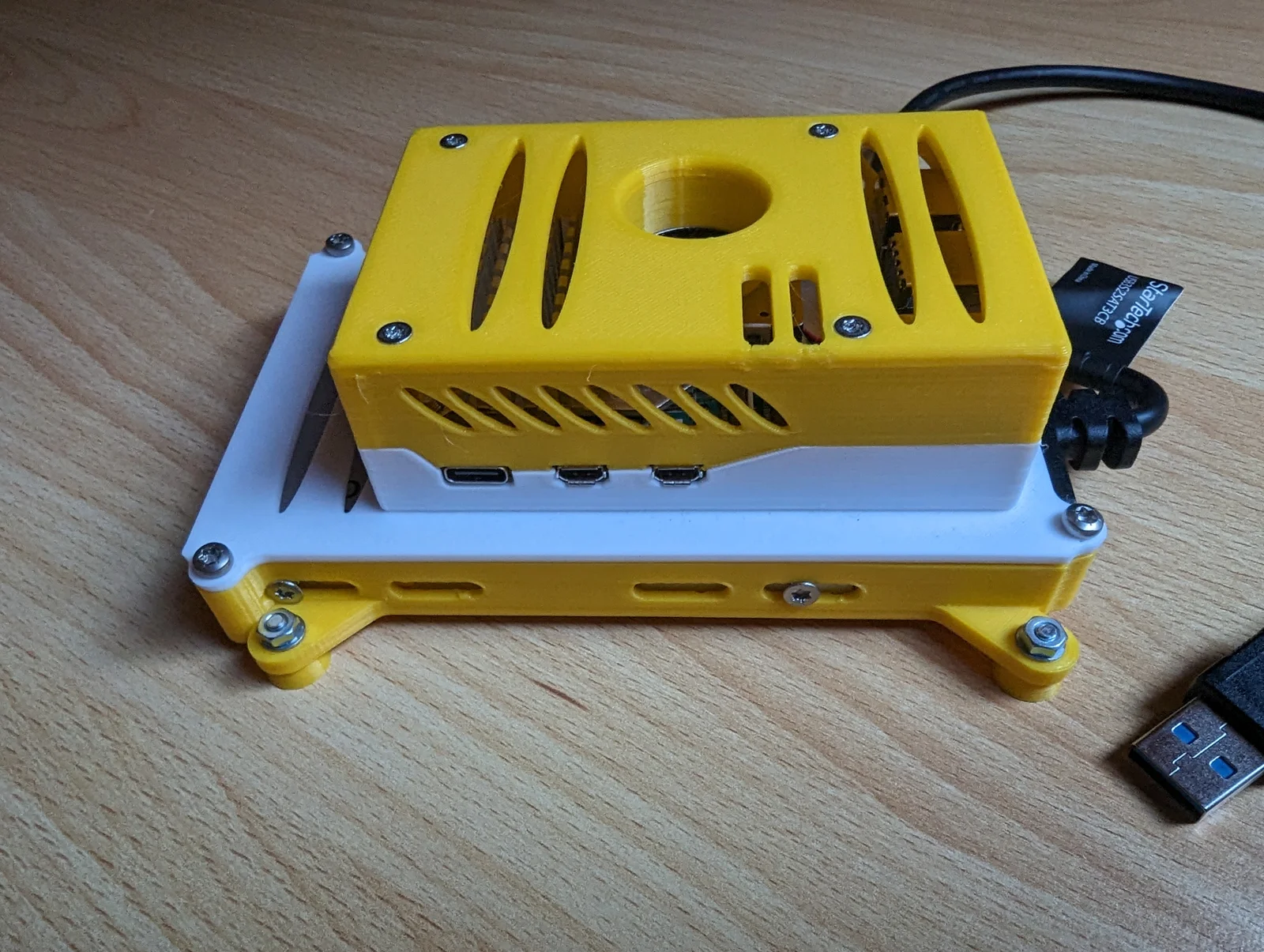
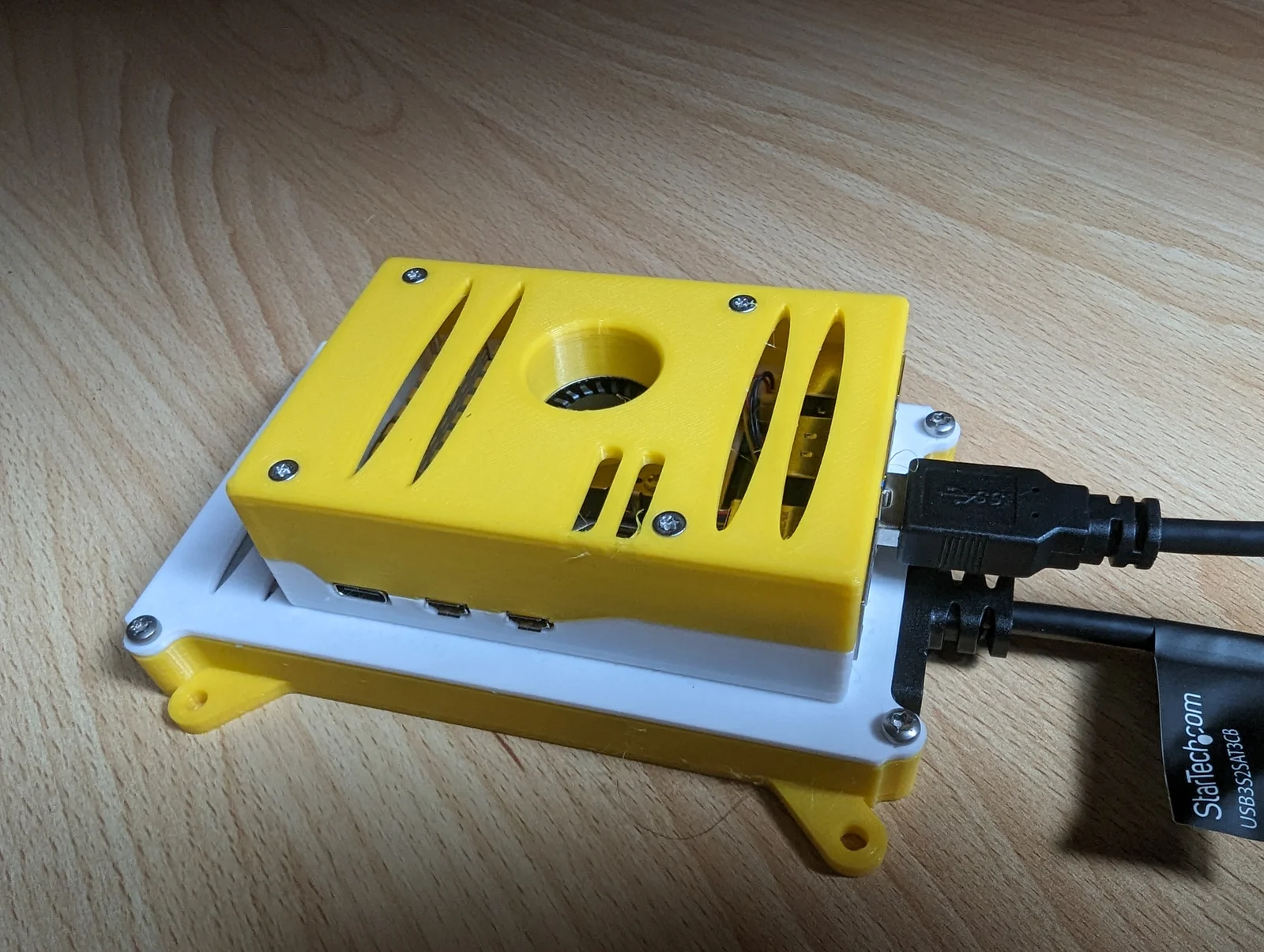
It is possible to “stack” more than one SSDs. You also have the choice between several top cases (with GPIOs exposed or not or also with more vents)
You need at least the following parts:
Maybe something interesting ;-)
For the pictures below:
Blue line is temperature
Orange line is CPU frequency
Temperature and frequency of Raspberry Pi 5 without cooler (Throtteling after few seconds):
Temperature and frequency of Raspberry Pi 5 with official cooler, running @2.4GHz:
Temperature and frequency of Raspberry Pi 5 with official cooler, overclocked running @3.0GHz:
Fanspeed included @ 2,4 GHz:
Fanspeed included @ 3 GHz:
ByrjunLikes0Downloads304

 ByleonicLikes0Downloads1.4K

 ByZED4EverLikes313Downloads5.2K

 ByVC_DesignLikes271Downloads757

 ByfifindrLikes500Downloads4K

 Bymrfixit_324954Likes65Downloads478

 Bylab-96Likes0Downloads106

 ByDan Schwartz SchwartzLikes744Downloads3.4K

 ByBrokentooth_designsLikes83Downloads453

 Byvc-designLikes0Downloads3.2K

 Bythorin-oakenshieldLikes0Downloads532

 Bykai-schulze-spuntrupLikes0Downloads165