



New
Clean Storage Boxes | 16 Sizes
 BymoonyxLikes0Downloads701
Remix of Jig Gắn Nam Châm Đế Gridfinity By MarkD
Build another version of this model.
EDIT 2022.12.04:
-added second file called separator. It is meant to easily separate the magnetic jig from magnets so you do not pull them out while the glue is not fully hardened.
Usage:
1. Put jig into the separator
2. Put magnets on the separator
3. Put superglue on the magnets
3. Insert the jig and separator with magnets in to the baseplate
4. Remove jig without the separator from baseplate
5. Remove separator
4. Repeat until done
----------------------------------------------------------------------
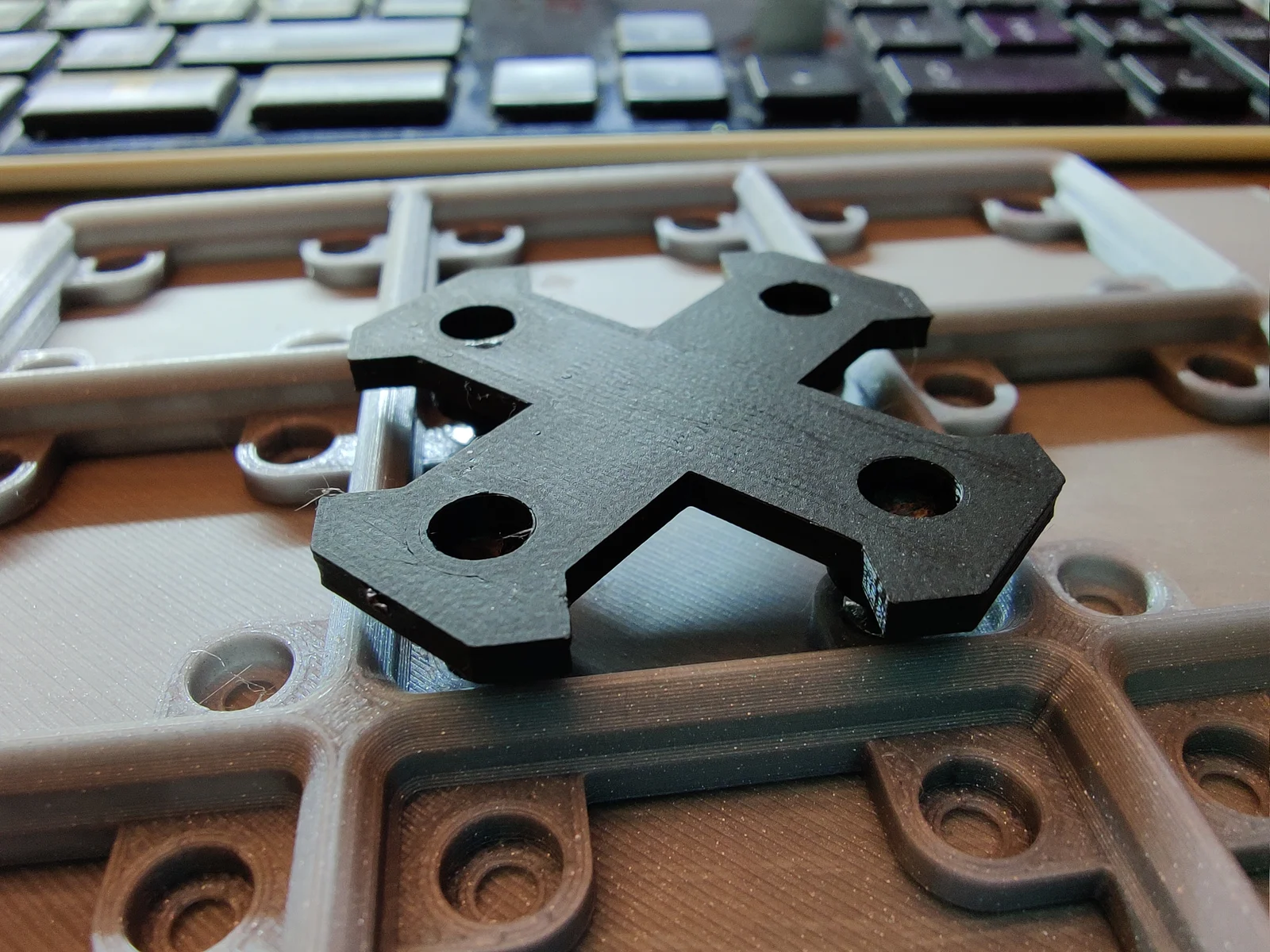
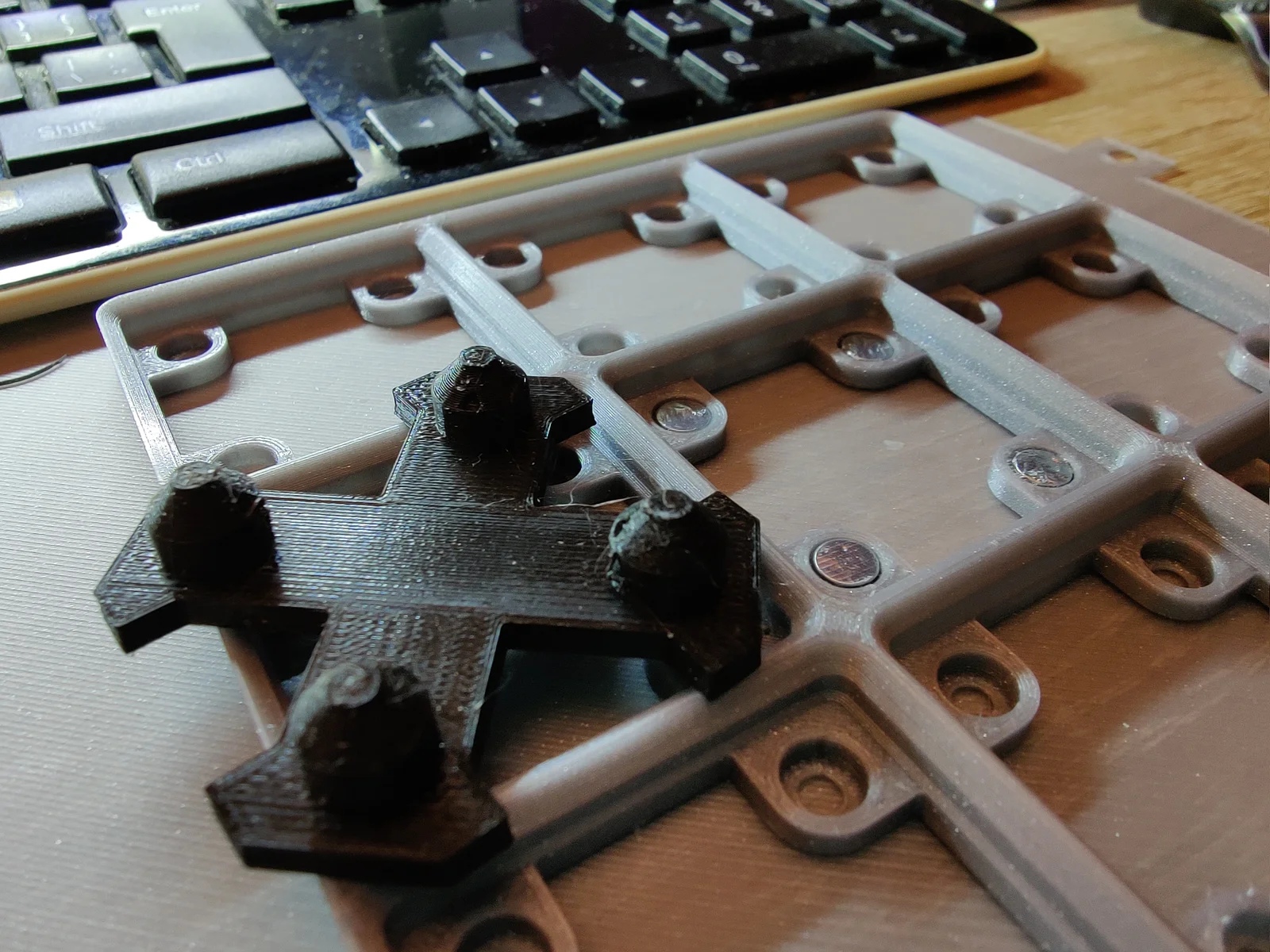
This is a remix of MarkD's jig. I made the tabs longer so they can reach further.
Assembly:
1. Put magnets in the jig holes (Mind the polarity!)
2. Glue them with hot glue or superglue
Usage:
1. Put magnets on the tabs
2. Put superglue on the magnets
3. Insert the jig with magnets in to the baseplate and wait for the glue to dry
4.Repeat until done
BymoonyxLikes0Downloads701

 Bydona3d_Likes456Downloads686

 ByVC_DesignLikes721Downloads2.9K

 ByUpcrid3D_1585693Likes808Downloads2.1K

 ByshoheiyLikes0Downloads437

 ByWilko_SLOLikes935Downloads2K

 ByRobertoGalloc_356815Likes549Downloads1.8K

 ByTater_364200Likes486Downloads1.6K

 ByfifindrLikes709Downloads1.7K

 Bywhilex_1739192Likes644Downloads1.1K

 ByGi_TLikes801Downloads1.3K

 ByzeroflowLikes186Downloads1.2K