
Large file collection Ý Tưởng Khác
Các bộ phận có thể in được cho MK4/MK3.9
- Downloads
- 42,312
- Likes
- 2,606
- Views
- 147,810
- Remixes
- 78
- Comments
- 0
Files 98 104 MB
- x-holder-R2_1765451892.stlSTL · 81.1 KB
- y-belt-idler-R2_1765451900.stlSTL · 215.6 KB
- y-belt-idler-R2_1765451908.stpSTP · 278.5 KB
- y-motor-holder-R3_1765451924.stlSTL · 294 KB
Make a variant with AI
Build another version of this model.
Remix versions 78
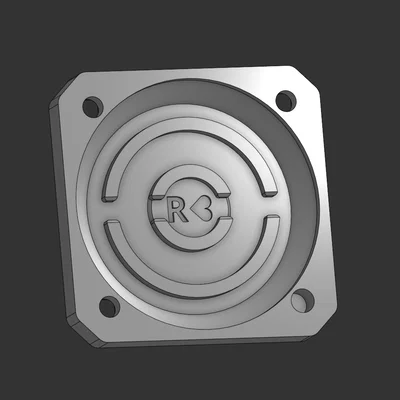
Nắp đậy PG Case R<3 dành cho bộ truyền động hành tinhByMarlin Schrock Schrock · 07/31/2026
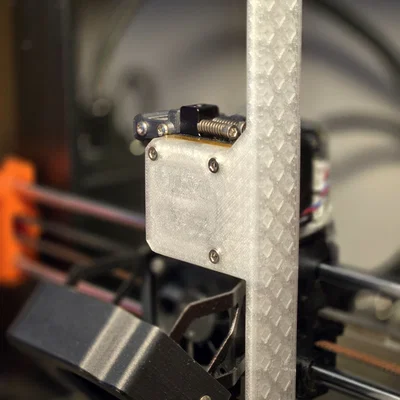
Nextruder Toolholder - Giá đỡ đa năng cho máy in PrusaByMarcel · 07/29/2026
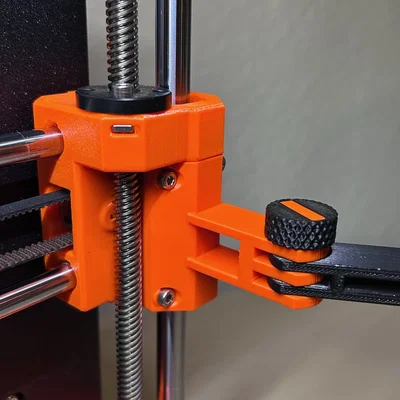
Kẹp X End MK4/MK4s kèm ngàm gắn articulated armByagdewijn_1756807 · 06/24/2026
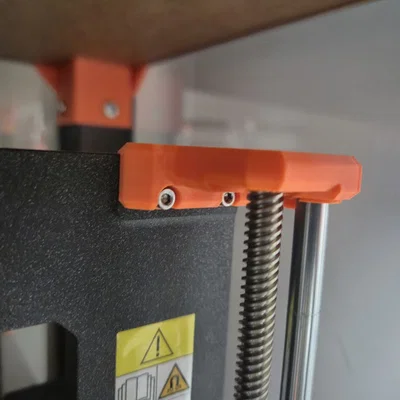
Giá đỡ động cơ trục Z cho khung MK4 - Tương thích thanh trượt 8mmByJanek250 · 05/07/2026
Details
- Model ID
- #157347
- Category
- Ý Tưởng Khác
- Published
- License
- Creative Commons — Attribution
Description
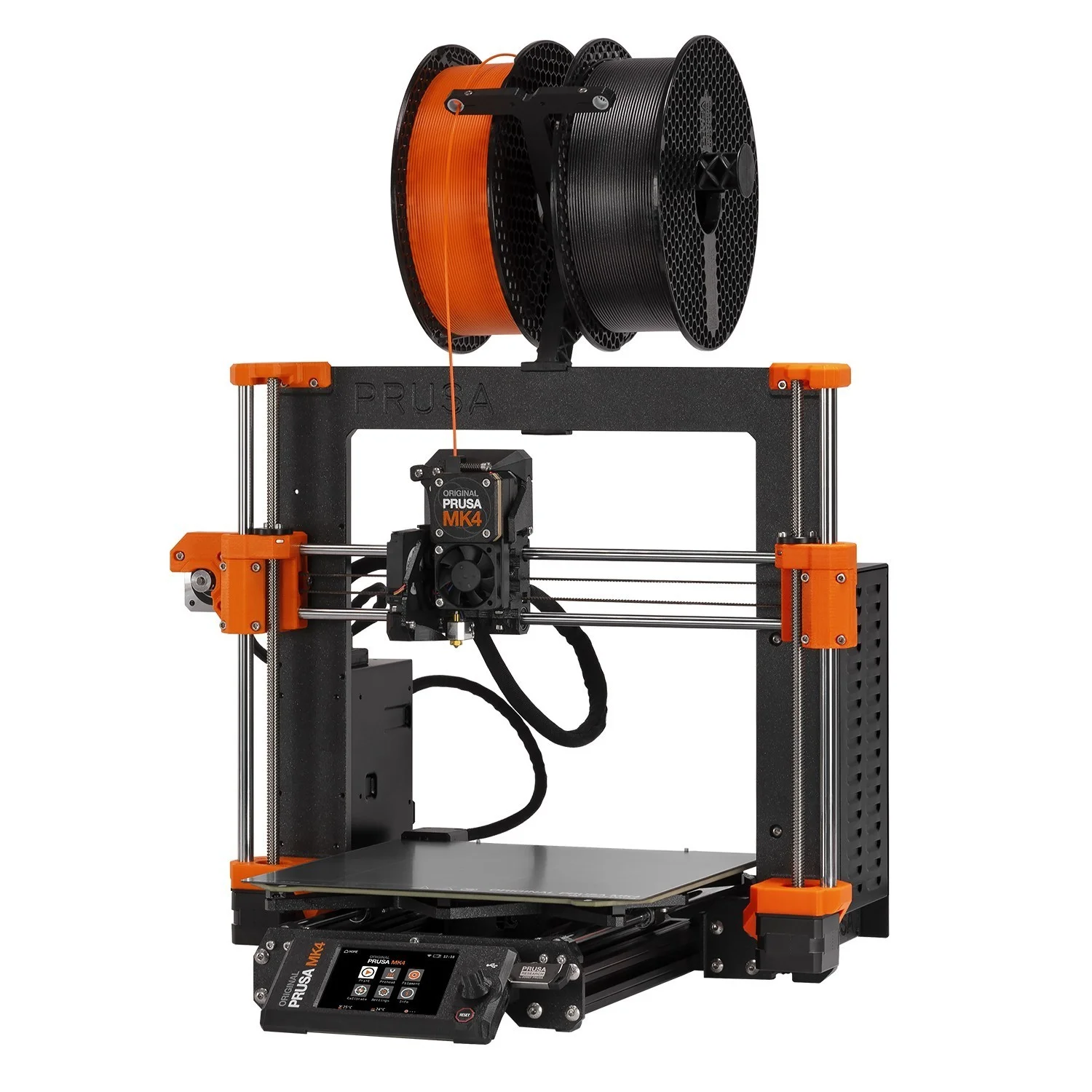
All printable parts for your Original Prusa MK4 and Original Prusa MK3.9.
MK4/MK3.9 upgrade
Stage 1: Read the manual first!
- Don't disassemble the printer for now, follow the instructions provided in the manual.
Stage 2: Printing the required parts
- The upgrade package includes two spools (black and orange). Based on the color combination, some filament will remain unused. It serves as a reserve in case of a failed print (for the black&orange option only).
- Fan-shroud is included in the package from Prusa, since it must be printed from ASA or similar.
- Compared to the MK4 kit, the xLCD-cover and PG-front-case will be printed by your printer without the “Original Prusa MK4” signs, because a special post-processing is needed. However, the upgrade package includes stickers, which should create similar look. Applying the stickers is optional. See the assembly upgrade manual.
- Optional: If you decide to upgrade your older Silver PSU to the newer Black PSU, remember to print PSU-cover.stl from the 'xLCD' folder in the 'Files' tab. Print settings are described below.
- All the printer parts are separated into multiple G-codes, you have to print all of them. Each G-code has in its name either BLK or BLK_ORG, so you can load the correct color in advance.
Stage 3: Assembling the MK4/MK3.9 upgrade
- Follow the instructions, prepare parts, then assemble your full MK4/MK3.9 upgrade.
Print instructions
Download the latest PrusaSlicer and use the following settings**:
- Print settings: 0.20mm QUALITY
- Filament: PETG (tested on Prusament)
- 15% Grid infill
** Note that print settings are recommended, but you can experiment with your own.
Print spec
- Formats
- gcodestlstp
- Model files
- 98
- Total size
- 104 MB
- Largest file
- 23.1 MB