



Steam Machine Companion Cube / Vỏ đựng Weighted Storage Cube
 ByJaronLikes310Downloads1K
Build another version of this model.
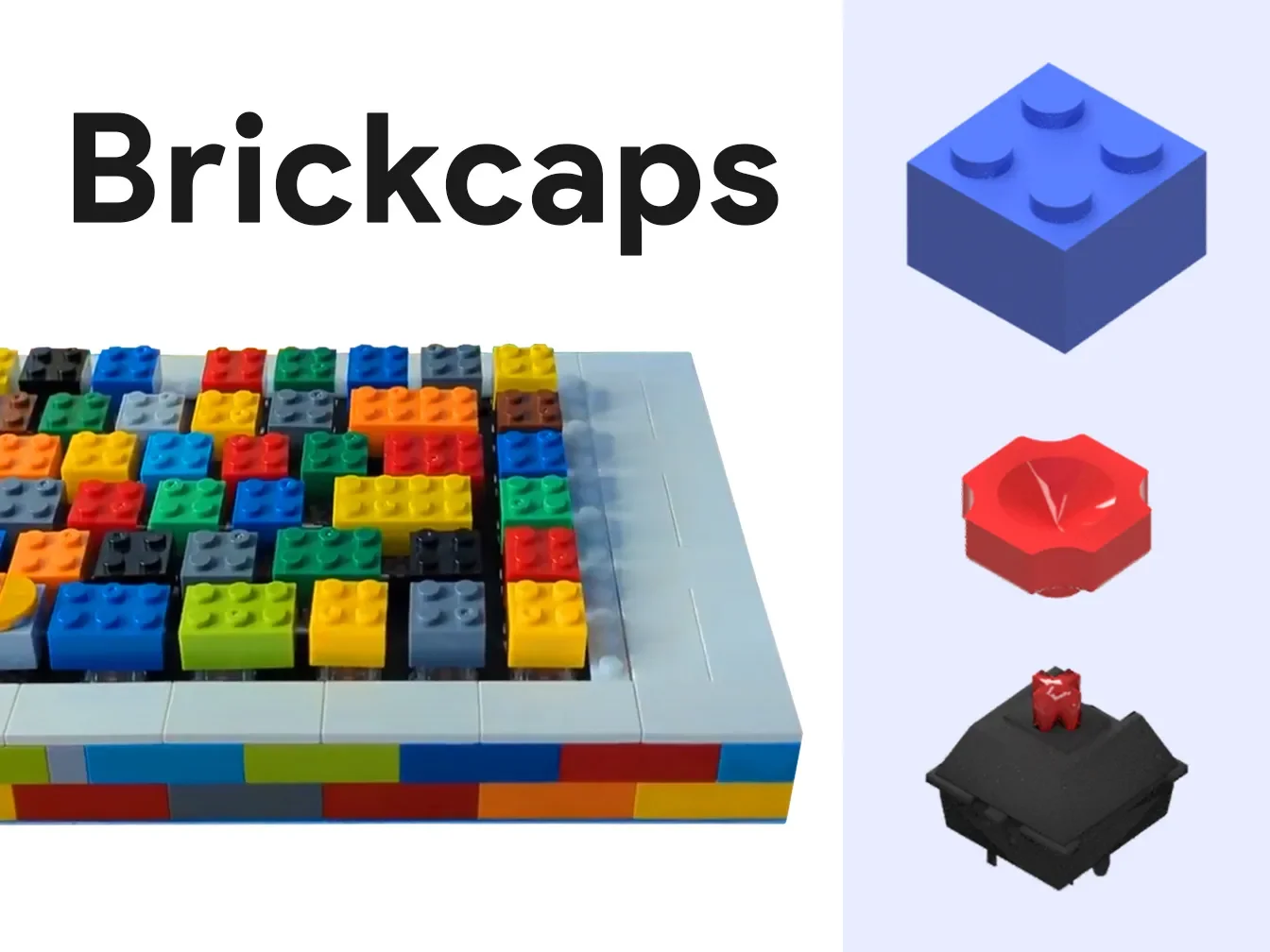
Turn your ████ bricks into keycaps!
Compatible with MX style switches, tested with Outemu switches.


ByJaronLikes310Downloads1K

 Byw3rN42Likes127Downloads935

 BynasikLikes0Downloads272

 ByTomDDLikes89Downloads574

 ByJwidessLikes34Downloads375

 ByBroBuilds3D_4455044Likes32Downloads454

 ByckthLikes148Downloads2.4K

 Bynexgen-3d-printingLikes0Downloads394

 ByVikingptty_1943738Likes50Downloads234

 ByBrokentooth_designsLikes30Downloads226

 Byslava-kuzminLikes0Downloads284

 ByJKMCZLikes11Downloads177