




Hộp Trượt Tham Số Tùy Chỉnh – Giải Pháp Lưu Trữ Thông Minh
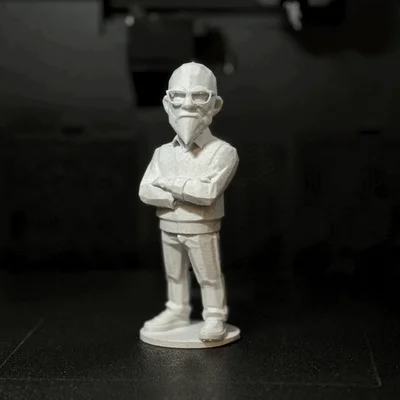 ByRobertoGalloc_356815Likes549Downloads1.8K
Build another version of this model.
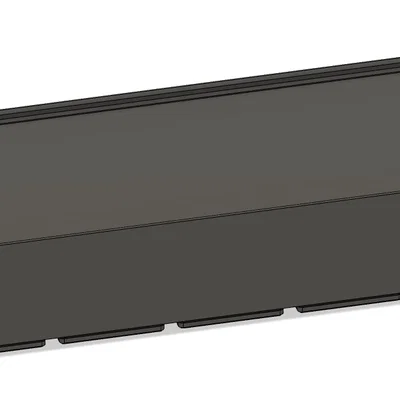 Gridfinity Parametric Blank - Khay trống tùy biến cho hệ thống GridfinityByschenkzoola_202788 · 04/27/2026
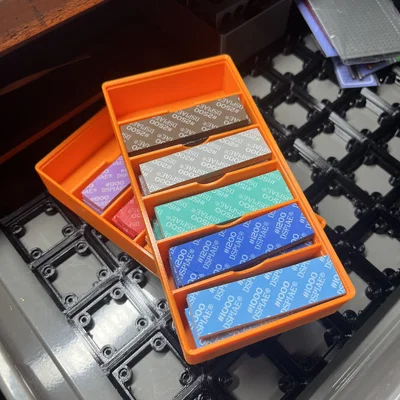 Hộp Gridfinity cho bộ Dspiae Sanding Sponge SetByJoachimSchnyd_315241 · 04/25/2026
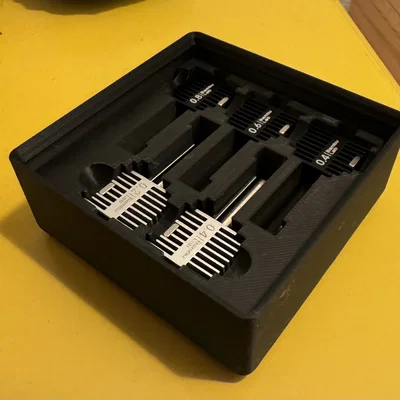 Khay đựng Hot End cho Bambu A1 chuẩn Gridfinity cực gọn gàngBymuanis_1211845 · 04/20/2026
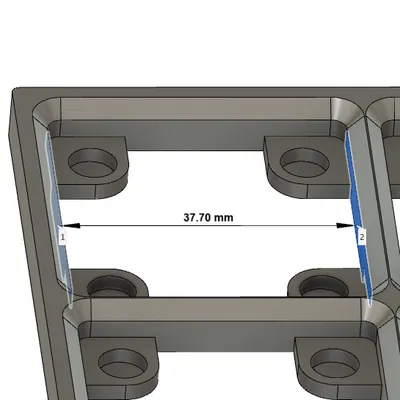 Gridfinity Tham Số Thực Tế với Kích Thước Chính XácByschenkzoola_202788 · 12/19/2025
Here is a very parametric and ✨ now Configured✨ Gridfinity Base Grid and Bin Fusion 360 file with 3MF's. I'll keep adding and updating as we develop new items. See our collection.
14 Oct 2023
Mag = Magnets - much faster and less material use to print without magnet holes.BF = Bin Fillet - easier to get your SOLID = Solid Bin so you can modify to your likin18 Sep 2023 – Fusion 360 file CONFIGURED-v10.f3z has fixes for the non-specification Gridfinity that a few pointed out. None of the 3MF files have been fixed yet.
If you need a non-configured version (free users) use the _-v10.f3d_.
This is an actually parametric Grid and Bin model generator
Parameters in Fusion 360 (red lines are key parameters to change for customizations.
NESTABLE GRID BASES - Simply mirror in slicer to get the other sides.
Change the [Side]GridOffset to 0mm for nestable sides on the Grid Bases. Pre-made 3MF are named as such:
-0S – Nestable Grid-2S – Has two adjacent thickened outer walls and two nestable (mirror one way to get other side) -4S – All four outer walls are "outside walls"The CONFIGURED-V10.f3z file now has configured options to make it easier to change common features that are tricky otherwise.
See our video on the new Configurations feature.
Links below contain affiliate
Feel free to collaborate and I'll add it here.
ByRobertoGalloc_356815Likes549Downloads1.8K

 ByfifindrLikes709Downloads1.7K

 ByVC_DesignLikes679Downloads3.6K

 ByDan Schwartz SchwartzLikes744Downloads3.4K

 ByMatthew_GhostLikes350Downloads939

 Bydona3d_Likes456Downloads679

 Bychubbs8697_2027893Likes585Downloads1.7K

 Byquibeck_3353173Likes965Downloads1.9K

 ByKNIN_CustomLikes112Downloads437

 ByUpcrid3D_1585693Likes808Downloads2.1K

 ByWilko_SLOLikes935Downloads2K

 ByRungeKuttaLikes229Downloads1.2K