



Grippy Broom Holder
 Byvc-designLikes0Downloads3.2K
Build another version of this model.
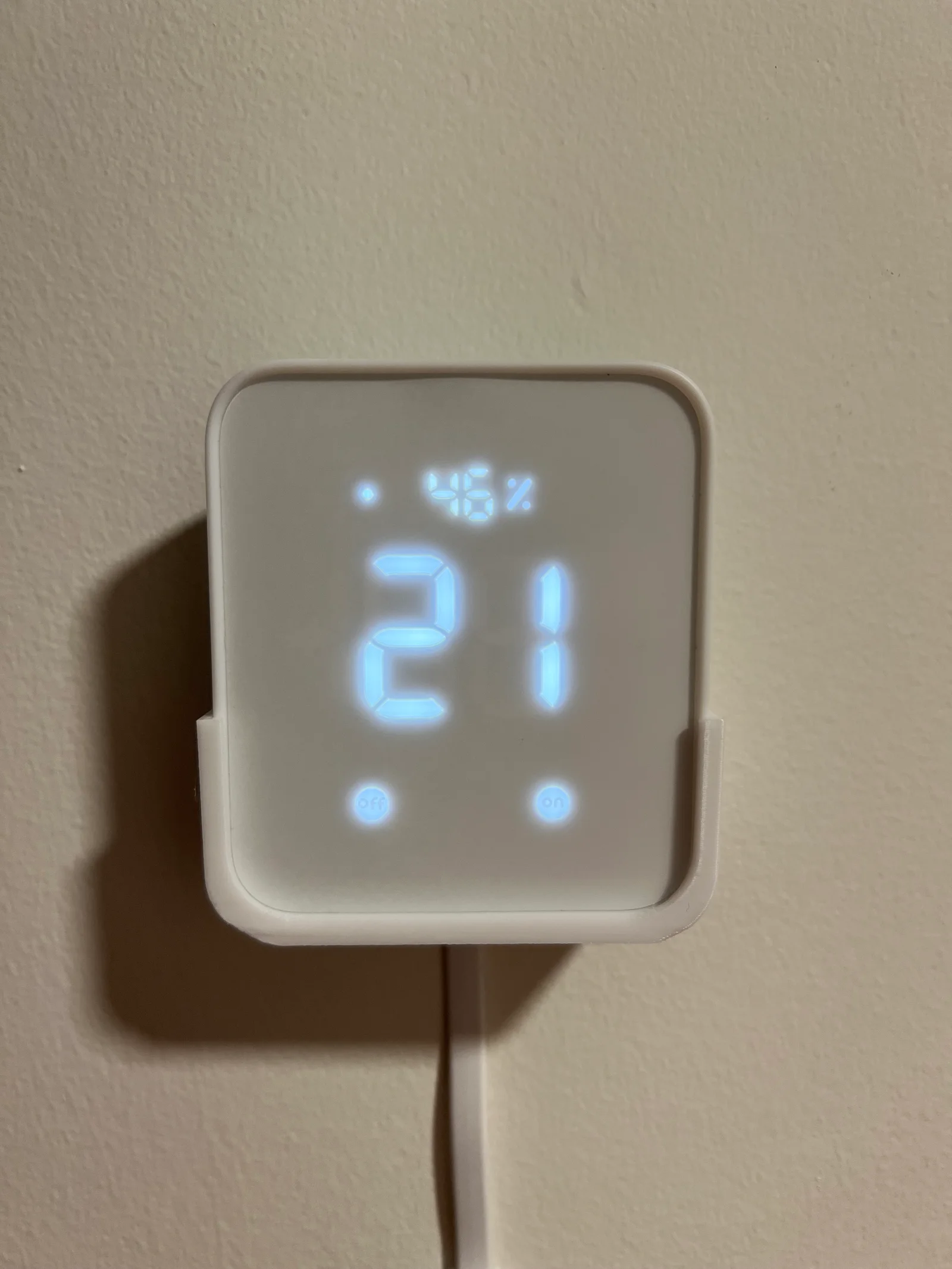
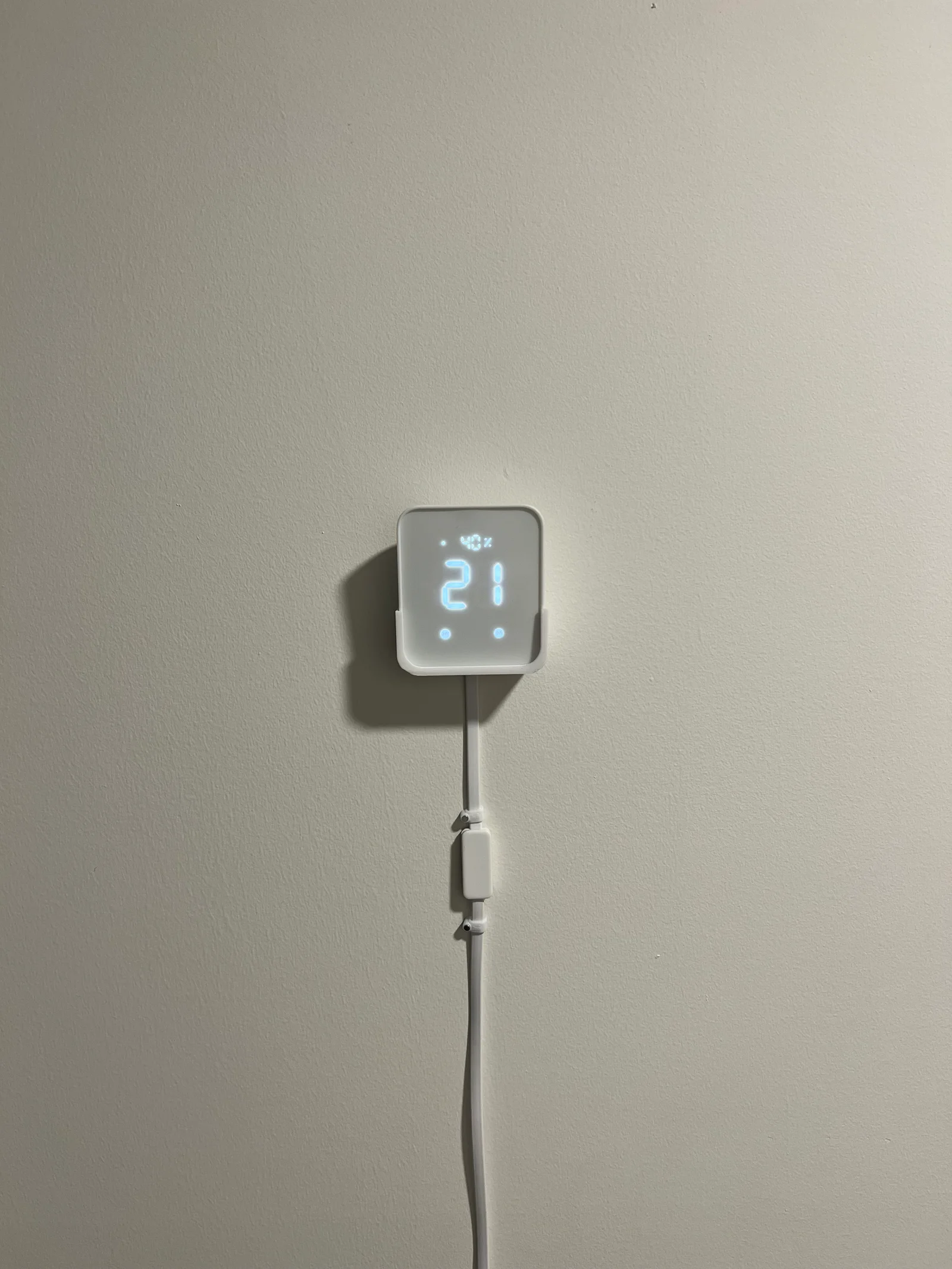
Switchbot Hub 2 wall mount. The hub 2 is nice, but because of its shape with the cable I never knew where to put it until I had the idea of hanging it on the wall. I couldn't find a wall mount so I made my own.
Update: I improved the design to compensate if you are using round screws like me. If you want to use flat nails, you can use the new version or the old versions. Your comments are welcome to improve the design.
Print instructions
Byvc-designLikes0Downloads3.2K

 BySeppoTakaloLikes960Downloads1.9K

 Byrb_200934Likes48Downloads1.1K

 ByleonicLikes0Downloads1.4K

 ByZED4EverLikes313Downloads5.2K

 ByfifindrLikes500Downloads4K

 ByVC_DesignLikes679Downloads3.6K

 ByKNIN_CustomLikes112Downloads438

 ByDan Schwartz SchwartzLikes744Downloads3.4K

 ByUpcrid3D_1585693Likes808Downloads2.1K

 ByWilko_SLOLikes935Downloads2K

 ByshoheiyLikes0Downloads426