



Kẹp giữ sợi Filament
 Bytinx_1344834Likes1.2KDownloads6K
Build another version of this model.
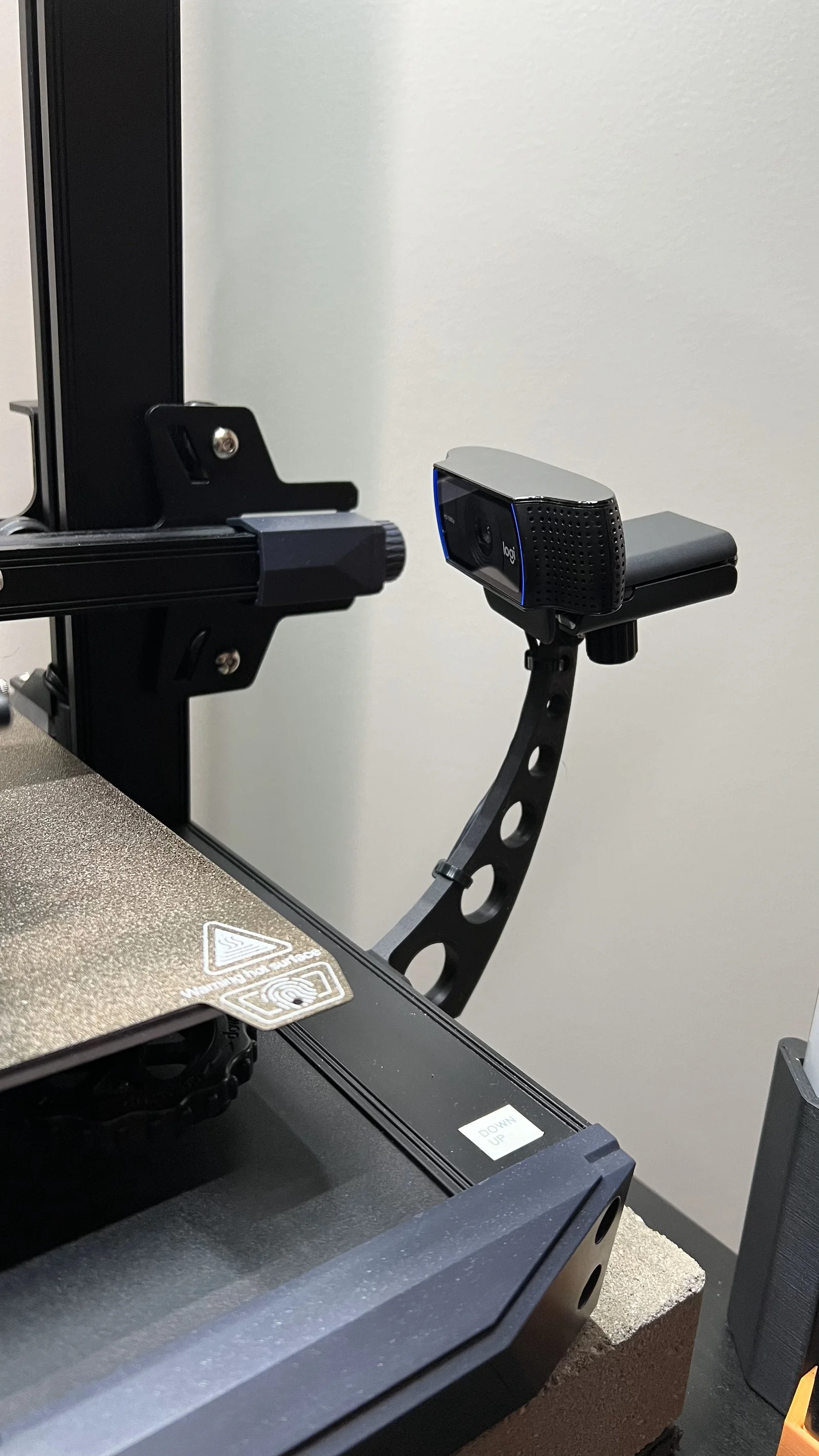
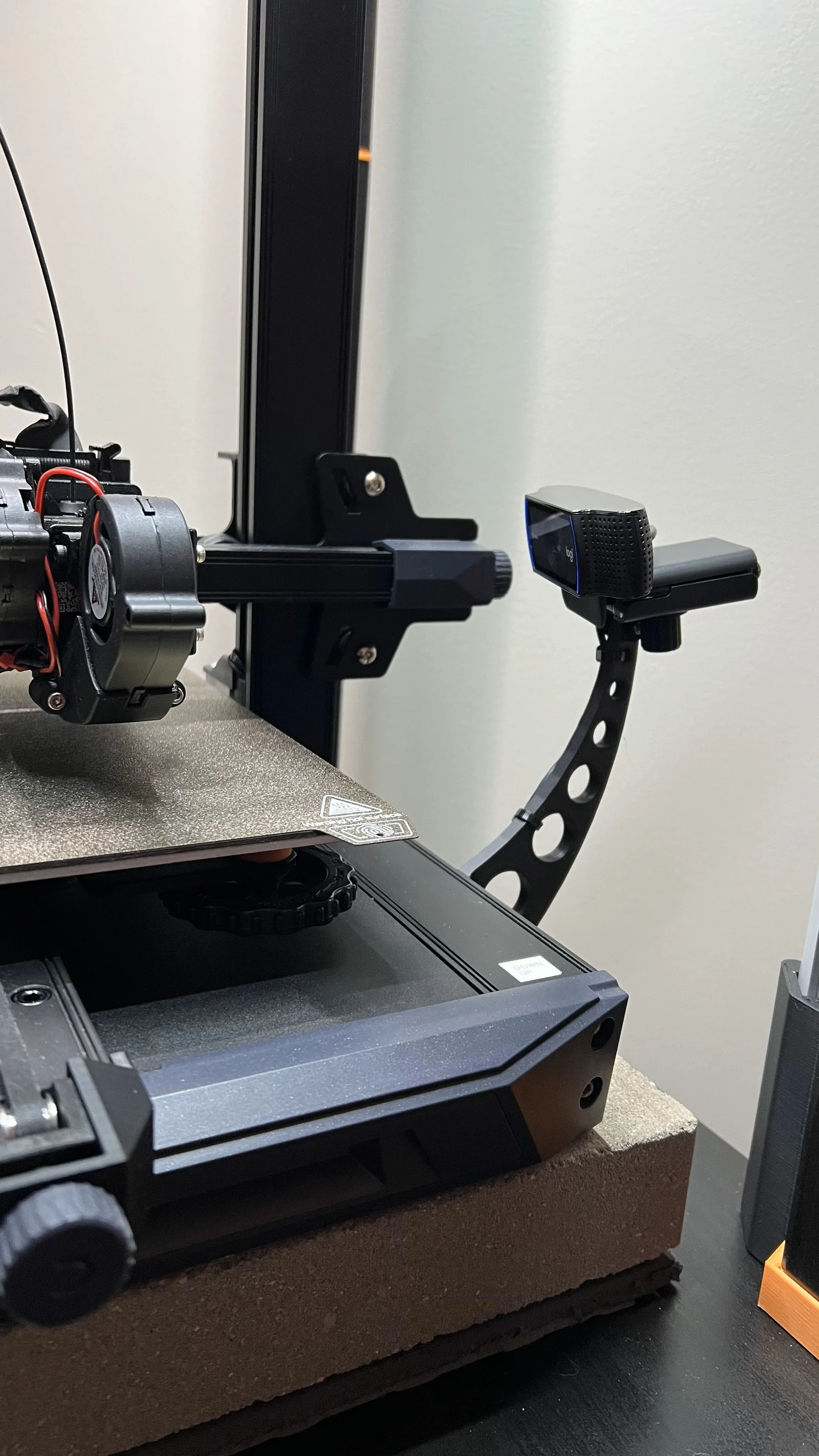
Ender 3 S1 camera mounting bracket using the existing holes of the original control screen. (I have removed the screen since I am using a Sonic Pad.) I prefer to come off the side with my camera as opposed to the front.
I have placed a 4.5mm clearance hole at top for a M3 screw. You can use, or make, your own mount. Personally, I am using the MID variation bracket with a Logitech C920, using the standard ¼-20 mounting hole, and the mounting bracket by Mustangconv85 (https://www.printables.com/model/425274-webcam-mount-for-14-20).
There are three variations, all having a little fun with curves and circles, placing the distance and height at various points above the frame of the printer (dimensions are below) depending on how you want to line up your camera with the bed. The photo illustrates the camera shot with the MID bracket.
Using the circles and wire ties will allow you to hide the cable nicely.
No supports required if printed as shown in the photo.
Bytinx_1344834Likes1.2KDownloads6K

 Byprusa-researchLikes0Downloads2.7K

 Bydet-manLikes0Downloads178

 Bygummiegecko8477Likes0Downloads169

 Bychukwufumnanya-arinzechukwuLikes0Downloads154

 BydalleLikes0Downloads152

 Bychris-barwickLikes0Downloads133


 BynasikLikes0Downloads123

 Byarhi_585078Likes64Downloads547

 ByHanzo3dLikes155Downloads417

 BydarienLikes0Downloads1K