




Kẹp giữ sợi Filament
 Bytinx_1344834Likes1.2KDownloads6K
Build another version of this model.
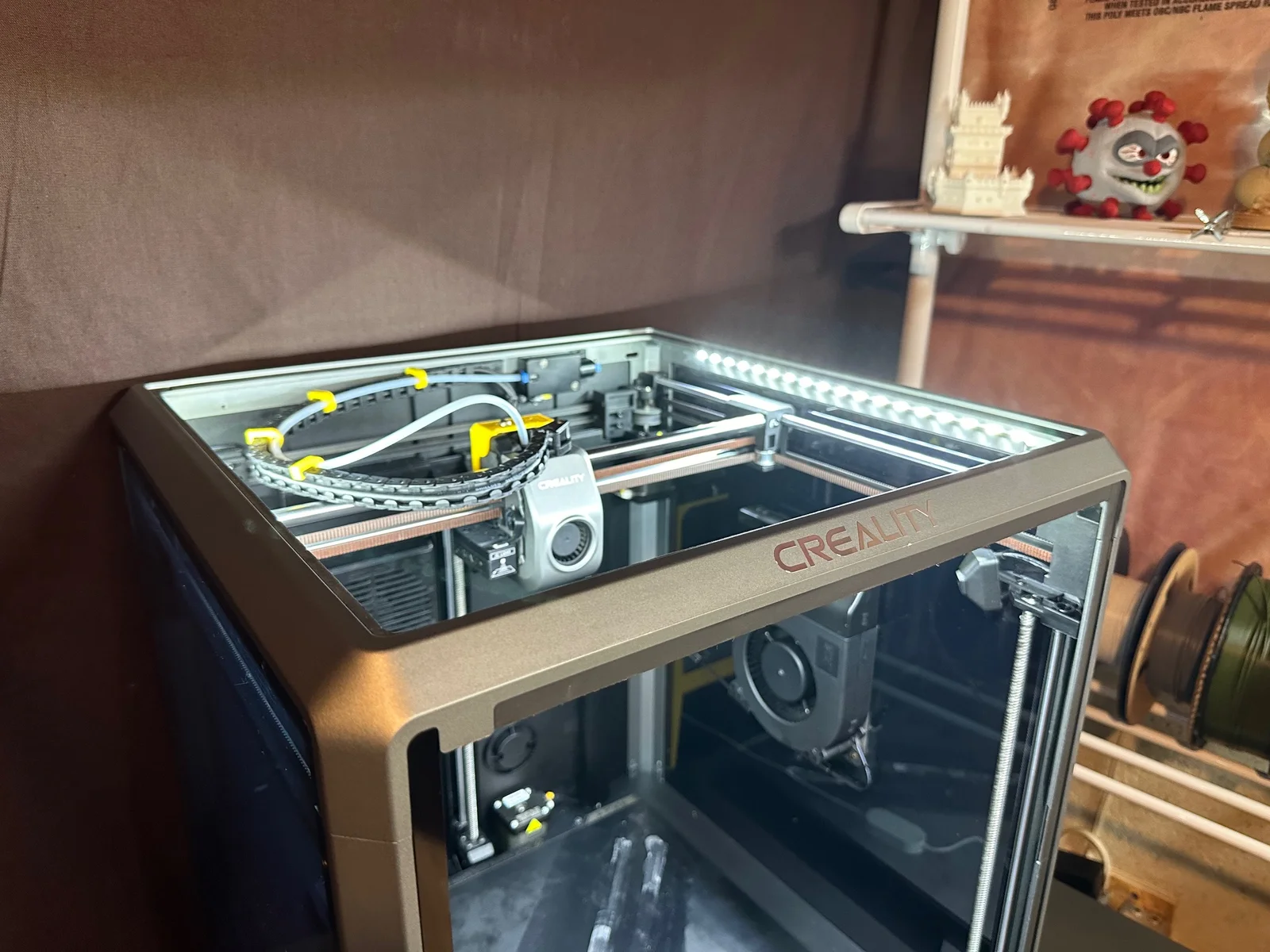
I created this 45 degree light bar mount do to the poor light given off by the factory 6 light LED strip in the front of the K1 and K1 Max.
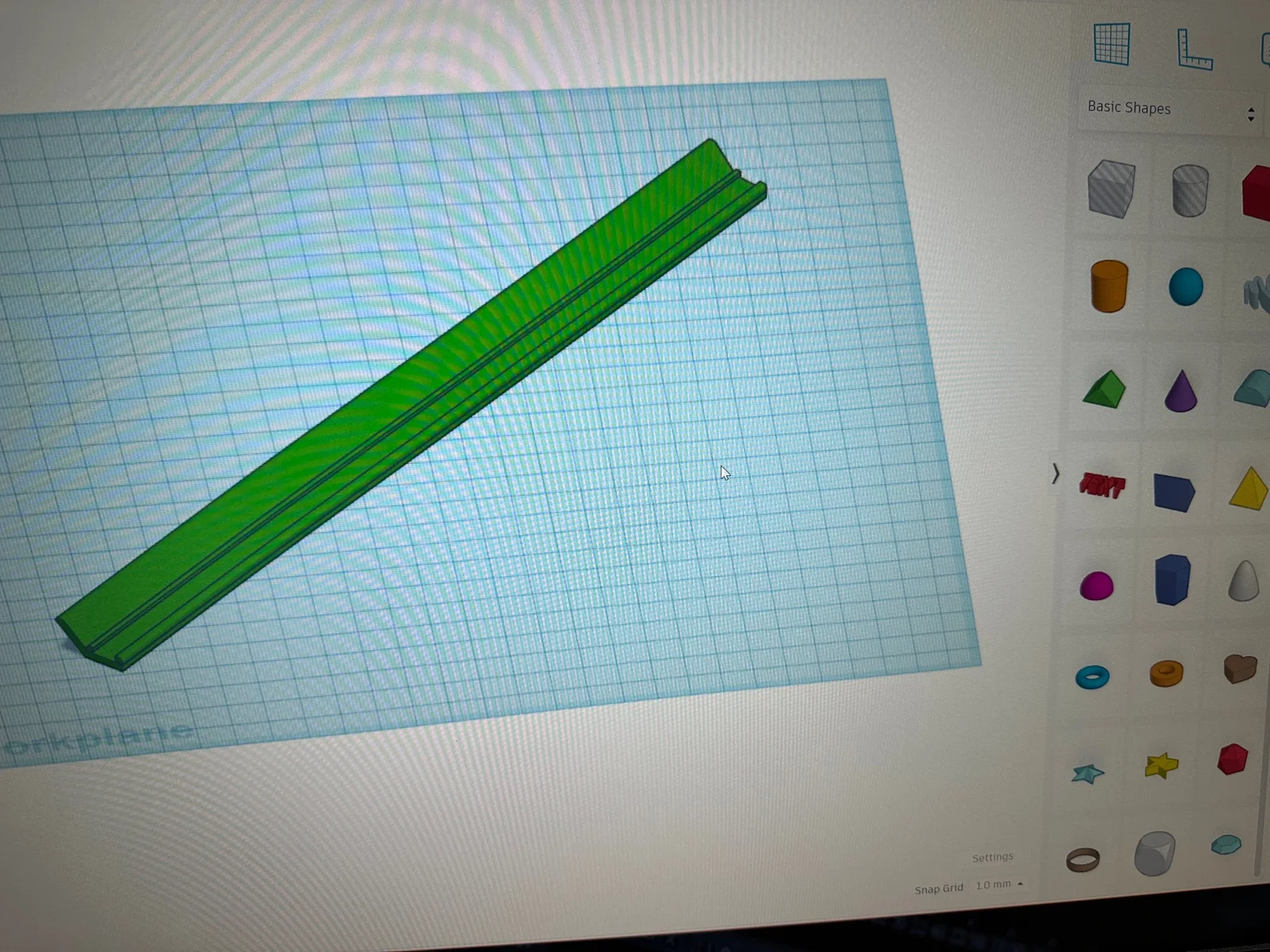
This print will let you slide a 10mm or 8mm strip of led's to mount on the inside front and sides of your K1 and K1 Max with 3M tape.
You do not need to remove the led adhesive covering, just slide the strip straight in. I have created this file in 2 lengths, if you require more or less led's, you can resize the length "ONLY" of the .stl file in the slicer.
You will also need a female JST 2 pin connector to plug into the factory male plug. I attached mine to the right side corner snap jumper connector.
LED Lights : https://a.co/d/bBs2krS
LED Connectors : https://a.co/d/7WV4xmA
COB LED Lights : https://a.co/d/h13XLfM
COB LED Connectors : https://a.co/d/ab0gFjG
3M Tape : https://a.co/d/0KRiNH8
JST 2 Pin Connector : https://a.co/d/eMj3O8k
Warning: After further testing and reviews from users, I have to caution you on placing a led strip on the left side of the printer. The cable chain may catch on the led’s causing issues. I therefore recommend only using COB style led's that are covered or placing a light strip in the front, on the right, or both front and right.
Please don't forget to leave a like, Thanks!
Bytinx_1344834Likes1.2KDownloads6K

 ByAnthonyDouri_1604724Likes24Downloads224

 Byprusa-researchLikes0Downloads2.7K

 Byarhi_585078Likes64Downloads542

 ByHanzo3dLikes155Downloads415

 BydarienLikes0Downloads1K

 ByGeek5DLikes147Downloads485

 ByBrokentooth_designsLikes23Downloads408

 Byla-cave-au-chatLikes0Downloads965

 Bycrawler-3903250Likes0Downloads906

 ByvertigomakesLikes0Downloads562

 By3DSourcererLikes48Downloads377