



Kẹp giữ sợi Filament
 Bytinx_1344834Likes1.2KDownloads6K
Build another version of this model.
Hello Everyone
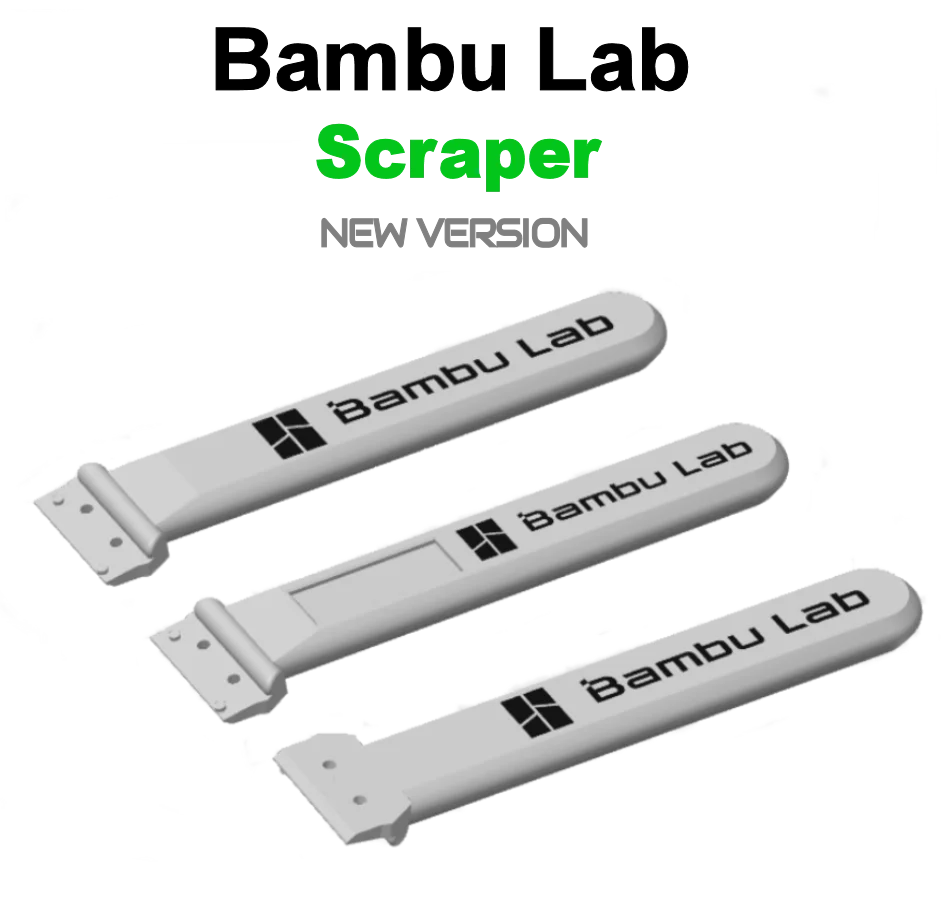
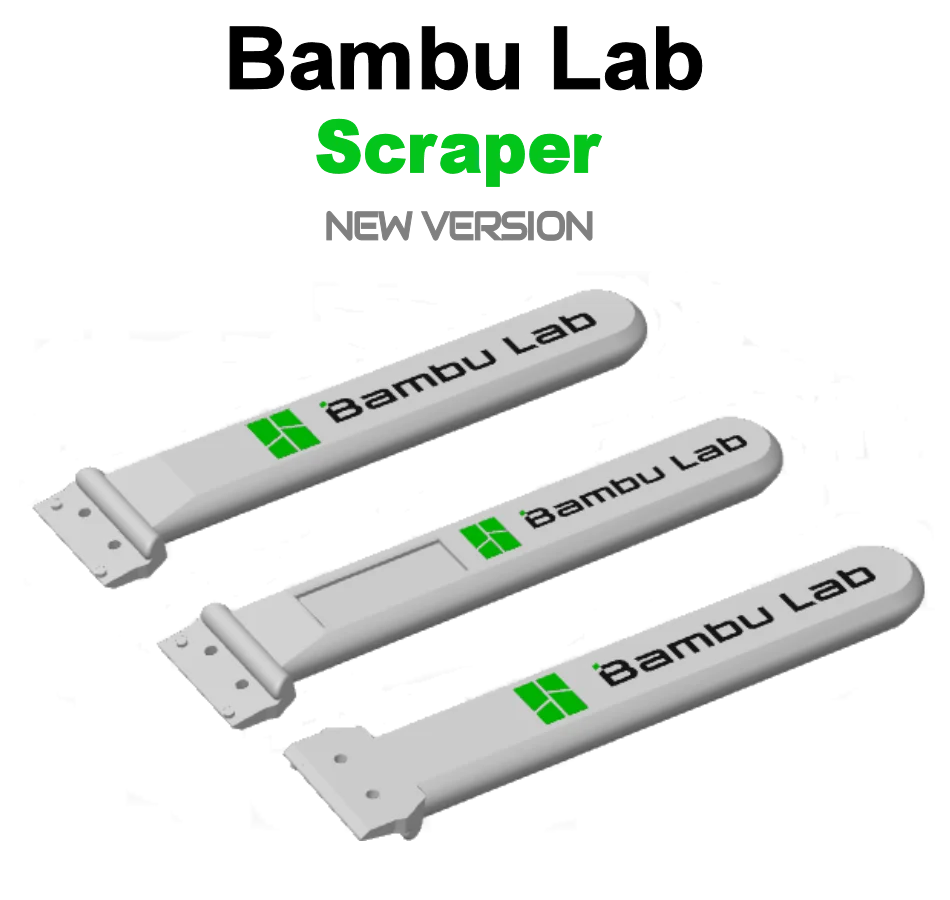
I am sharing two versions of the modified Bambu Lab Scraper. I was annoyed with the original version because the Logo was placed on the wrong side. It should be visible when using Scraper. In addition, the project contained errors because the Logo is upside down and the font used is standard. I was looking for a ready-made modified project and found it but the Bambu Lab logo is printed separately and requires gluing which is pointless. In my two versions, the logo on both sides is flush with the handle. It does not protrude and is not recessed. You print and use. I share also Scraper Stand with small and large logo. You can download individual files or a ready-made colorful .3mf project containing all versions and change only the colors of the filaments.
When you complete the project, please share a photo and a comment. Thank you and have a nice day.
Feel free to download and print my latest version of Bambu Lab Scraper Stand from the link below :
https://www.printables.com/pl/model/455625-new-bambu-lab-scraper-stand
IMPORTANT - READ:
Color the bottom and top logos before printing. I designed Scraper so that if you don't color the logo it won't be printed. You can also color one selected logo and the other will not be printed. This way you decide for yourself whether you will have two or one logo or maybe you will print a scraper without a logo.
Version 1 - Scraper - Use file number 1
Version 2 - Scraper - Use file number 2
Version 1 - Stand - Use file number 3
Version 2 - Stand - Use file number 4
Characteristics :
How to print ? :
Bytinx_1344834Likes1.2KDownloads6K

 ByreddLikes216Downloads2.2K

 ByJasonOlliff_519145Likes241Downloads2K

 Byarhi_585078Likes64Downloads537

 ByHanzo3dLikes155Downloads411

 ByGeek5DLikes147Downloads482

 ByBrokentooth_designsLikes23Downloads403

 By3DSourcererLikes48Downloads374

 ByWyomingWolf_261196Likes52Downloads424

 Bytopronix_2170418Likes41Downloads293

 ByBlackky98Likes25Downloads205

 ByAnthonyDouri_1604724Likes24Downloads217