

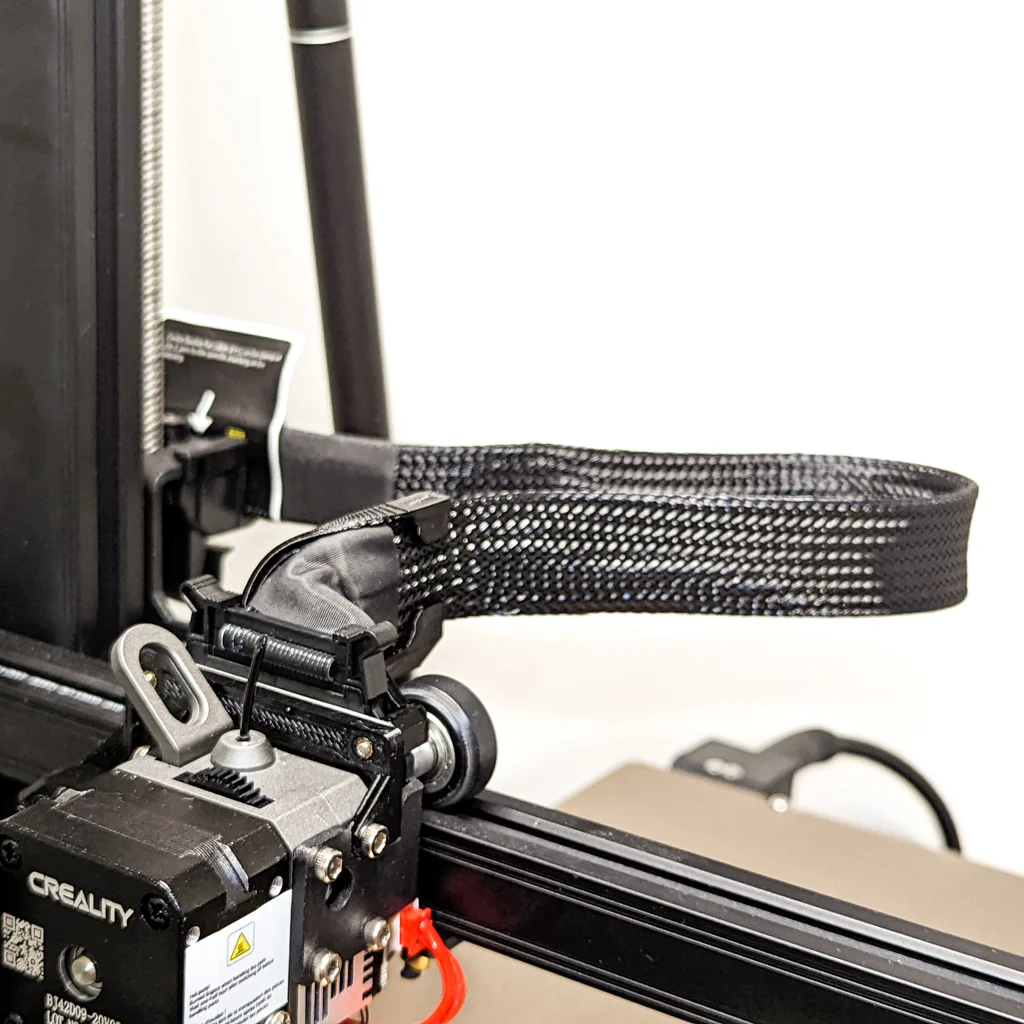
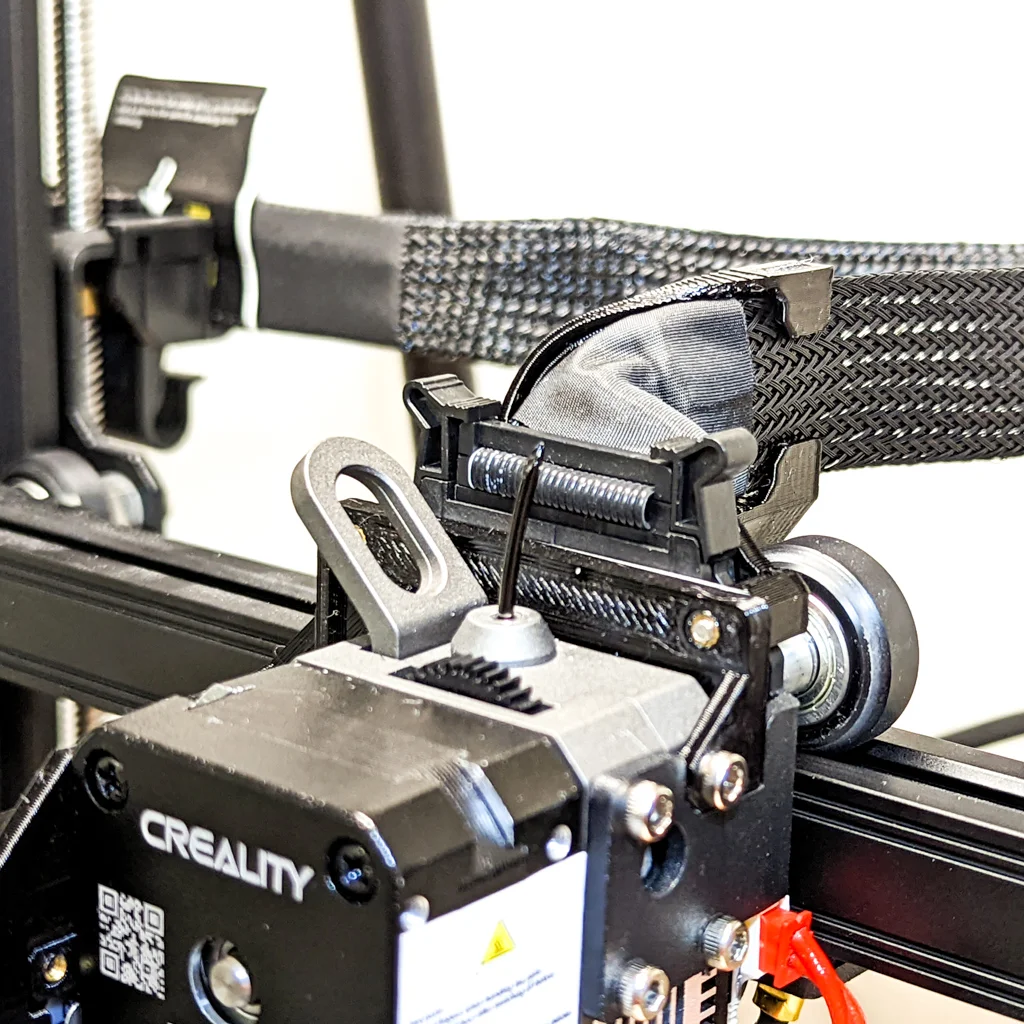


Kẹp giữ dây cáp (Cable Clip) gọn gàng cho Sprite Extruder máy in 3D
 ByExagono3D_4006360Likes1Downloads6
Remix of Kẹp Dây Cho Ender 3 S1 By WojciechKawa
Build another version of this model.
Developed by MAXPROBE for the Creality CR10 Smart Pro with Sprite Pro extruder, allows full x-axis gantry movement without hitting the frame.
Fitting a cable guide to your printer allows the ribbon cable to flex gently over its length rather than all in one place which prevents the cable from getting damaged over time - a known issue with the sprite extruder ribbon cables.
So are we, that is why we developed the MAXPROBE backplate - the solution to auto bed levelling issues on Creality printers with the Sprite Pro Extruder such as the CR10 Smart Pro and Ender 3 S1 Pro. It is easy to install, uses all standard components and does not require cutting any wires. Download the MAXPROBE backplate here
Two different STLs are provided:
ByExagono3D_4006360Likes1Downloads6

 Bytinx_1344834Likes1.2KDownloads6K

 Byprusa-researchLikes0Downloads2.7K

 Bydet-manLikes0Downloads175

 Bygummiegecko8477Likes0Downloads167

 ByBrokentooth_designsLikes17Downloads159

 BydalleLikes0Downloads149

 Byarhi_585078Likes64Downloads545

 Bygafyx3dLikes0Downloads122

 ByHanzo3dLikes155Downloads417

 BydarienLikes0Downloads1K

 ByGeek5DLikes147Downloads490