



New
1300 Miniature People Low Poly - 8 Scales
 Byjose-pedroLikes0Downloads1.2K
Build another version of this model.
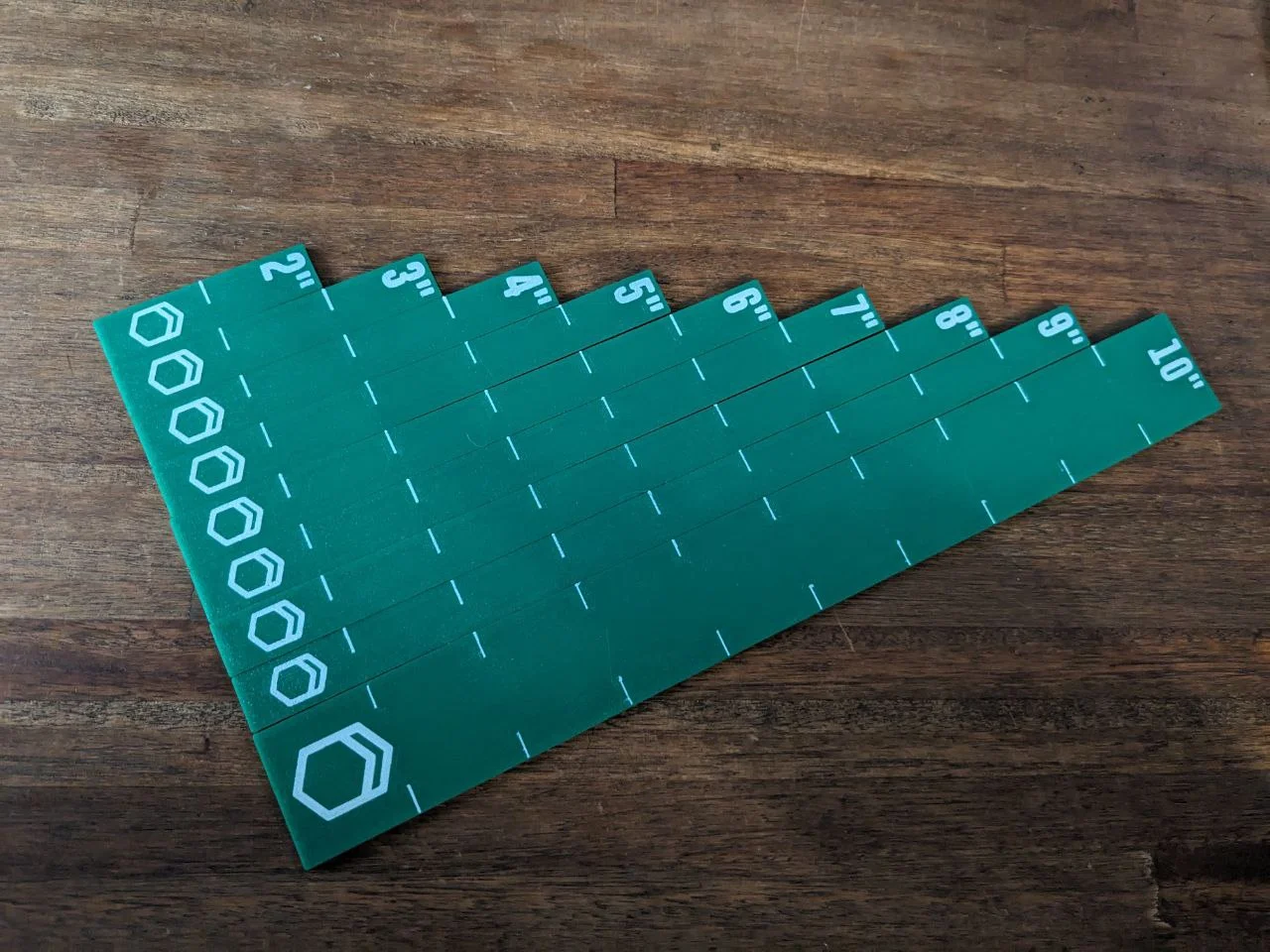
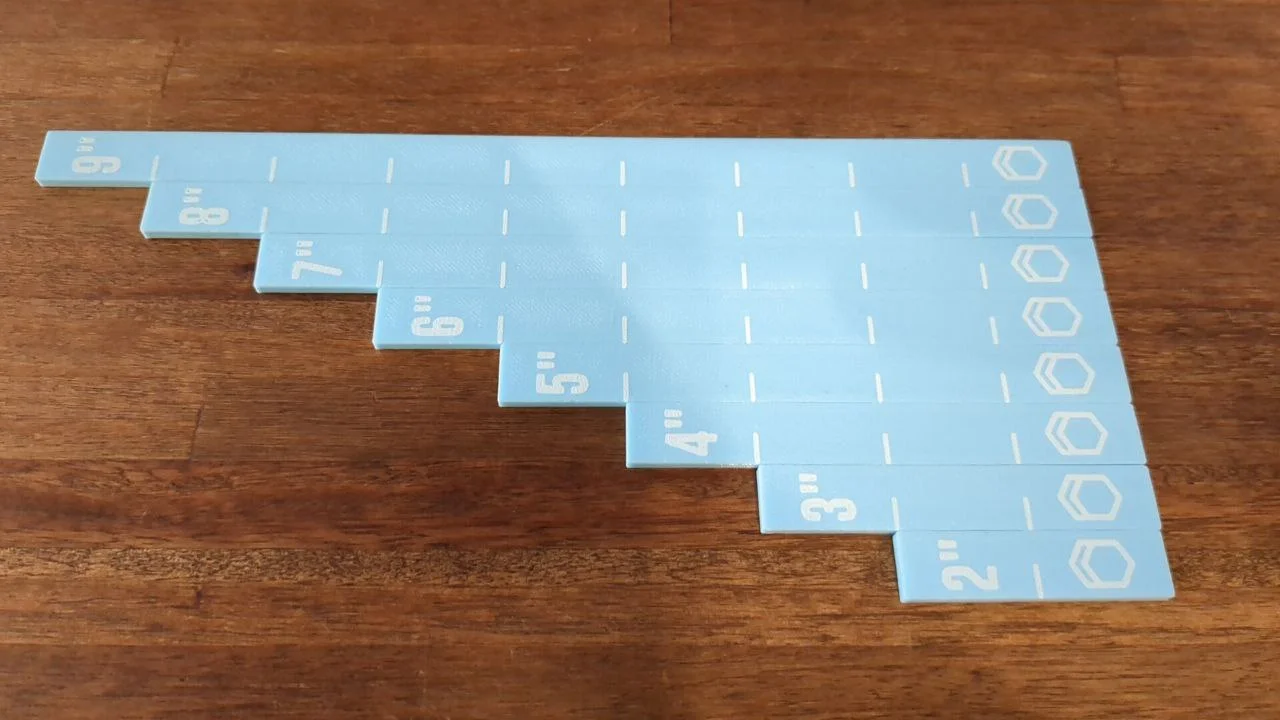
The 2–9" sticks are 0.5" wide so they can fit between models.
The 10" stick is 30 mm wide, designed as a ball path for Guild Ball.
Two versions are included, one plain and one with our wargaming club logo.
These models are prepared for easy two-color printing with only one extruder, no MMU or multi-nozzle setup required.
In Printer Settings → General, enable Single Extruder Multi Material.
In Printer Settings → Custom G-code, make sure you have the following line under Tool change G-code:
M600 ; pause for manual filament change
The Wipe Tower can be enabled or disabled depending on your preference:
Byjose-pedroLikes0Downloads1.2K

 Bylarp3dLikes0Downloads217

 BymoduforgeLikes0Downloads533

 ByScalecastLikes0Downloads174

 Bymodel-magicLikes0Downloads144

 BydragonduckyprintsLikes0Downloads165

 Bymagig-i3prusaLikes0Downloads327

 Bytinker-nookLikes0Downloads115

 BywilliamlundLikes0Downloads265

 Bysauterelle57Likes0Downloads355

 ByminiflowLikes0Downloads259

 ByshoheiyLikes0Downloads133