
F3D
Giá đỡ cửa Bambu Lab P1/X1 cho camera Tapo C200/C210 1

3 images

Máy In 3D

Giá đỡ cửa Bambu Lab P1/X1 cho camera Tapo C200/C210

By ja_guor_5760

Downloads
102
Likes
14
Views
1,187

Files 2 183.5 KB

  • Base_1766024683.stlSTL · 82.4 KB
  • Mount_1766024684.stlSTL · 101.1 KB

Make a variant with AI

Build another version of this model.

Open Studio

Description

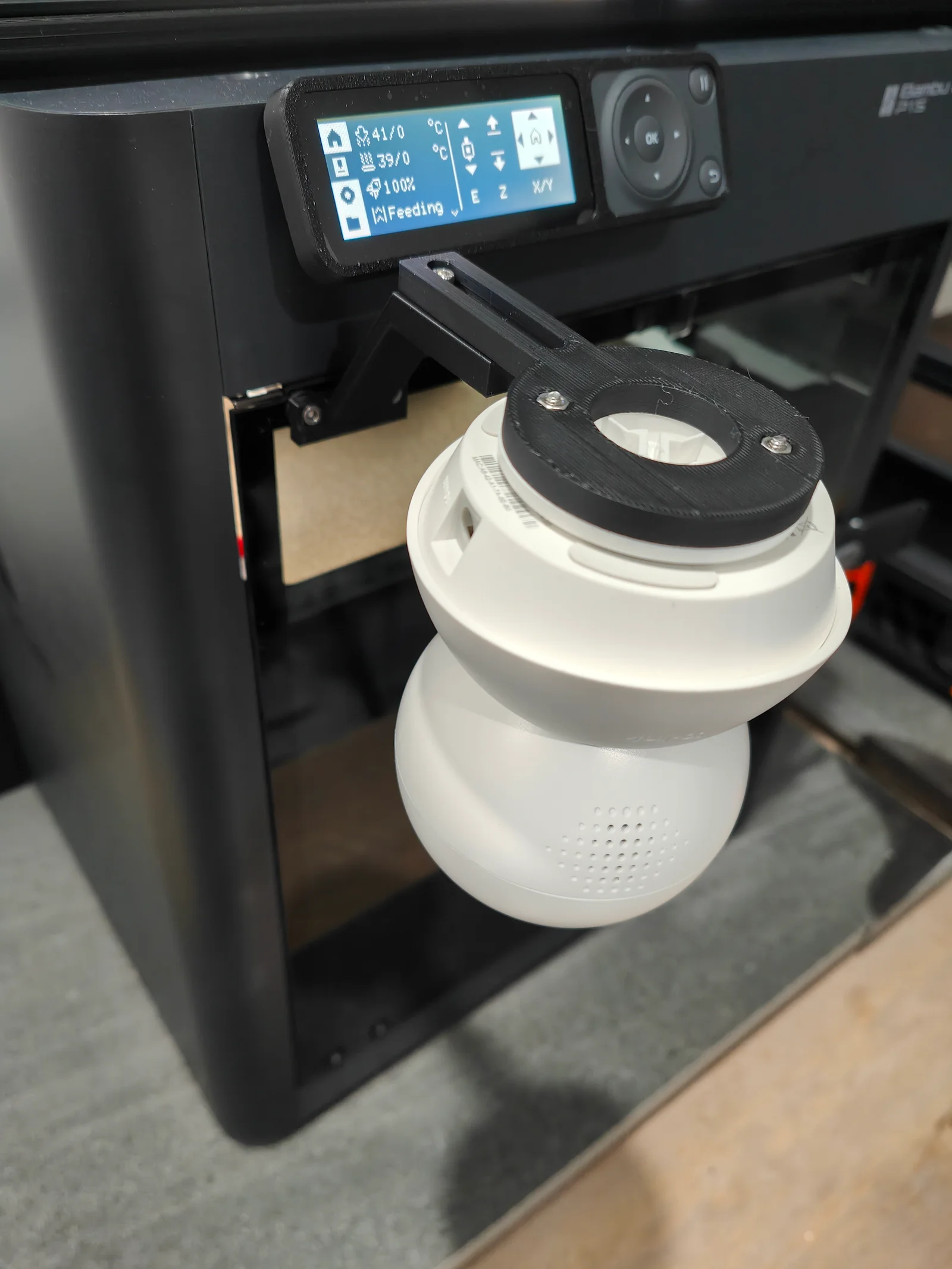
Side facing door mount for TP-Link Tapo C200/C210 cameras for Bambu Lab printers.

Features:

  • Door can be fully opened without needing to move the camera
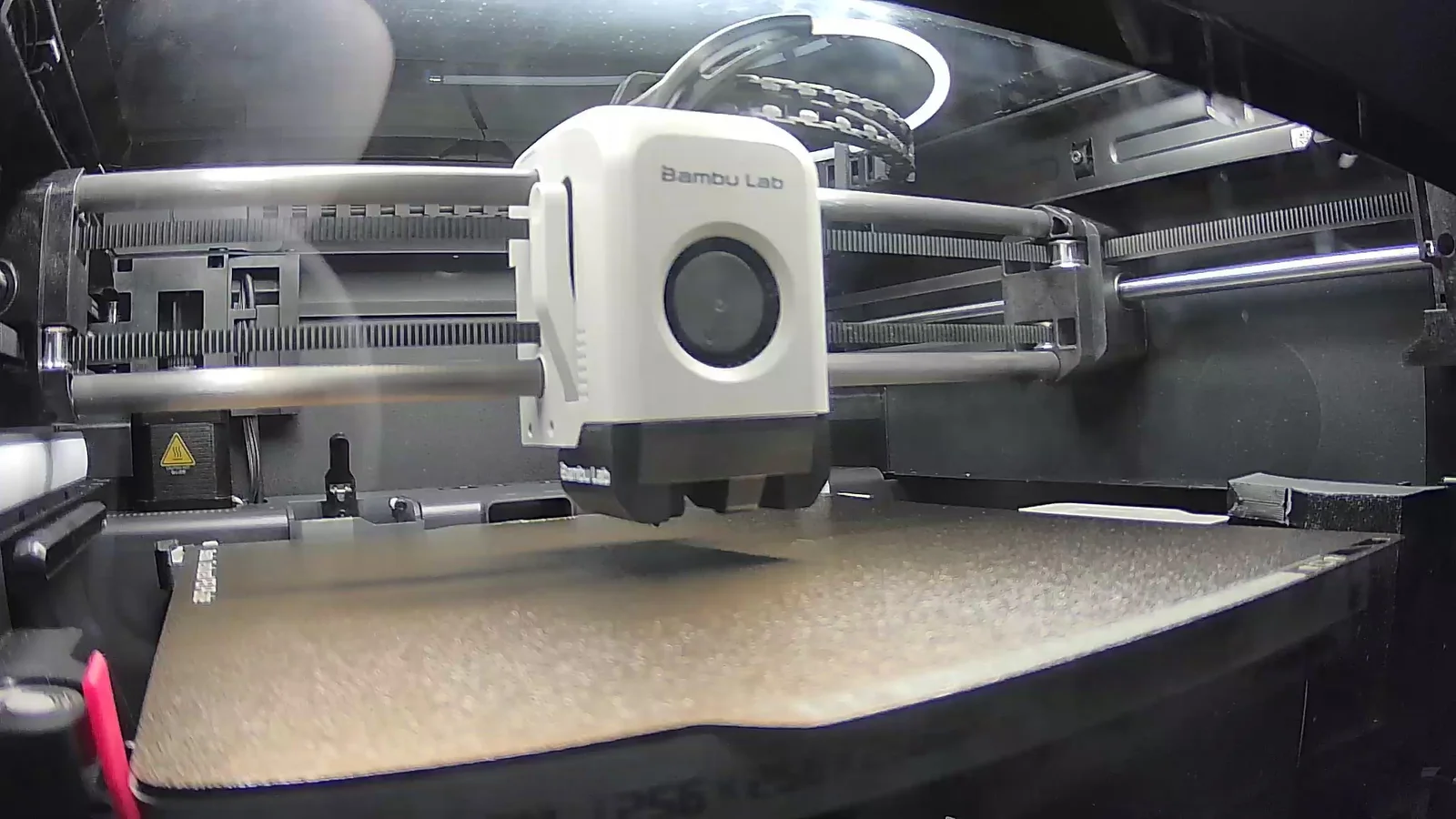
  • Camera angled slightly down at print bed to better see first layer squish
  • Adjustable camera distance
  • Hidden cable channel for a cleaner look
  • Camera remains easily removable

Hardware required:

  • 4x M3 hex nuts
  • 2x M3 x 6 mm screws
  • 4x M3 x 8 mm or longer screws
  • Tapo C200/C210 mount (comes with camera, or can be printed)

Instructions:

  • Press fit 2x M3 hex nuts into camera mount
  • Use 2x M3 x 8 mm (or longer) screws to bolt together the camera mount and Tapo mount
  • Run the camera power cable through the rear cable channel of the base and along the top of the arm. The wider portion allows you to twist the cable gently to get around the bends
  • Add 2x M3 hex nuts to the underside of the base arm
  • Use 2x M3 x 6 mm (or longer) screws to bolt together the base arm and camera mount
  • Remove the 2x screws at the upper left of the printer door. Keep the washers in place
  • Use 2x M3 x 6 mm screws to bolt the base to the door
  • Mount the camera by twisting it into the Tapo mount

Print settings:

  • Print as orientated
  • Support: no (overhang is only 55 degrees, should be easy to print)
  • Overhang speed: if having issues printing the overhang of the base, try 20 mm/s

Notes:

  • Adding better lighting (e.g. riser and LED strip or ring light) will improve the glare and image quality

Read more Show less

Print spec

Formats
stl
Model files
2
Total size
183.5 KB
Largest file
101.1 KB

0 comments

See all