

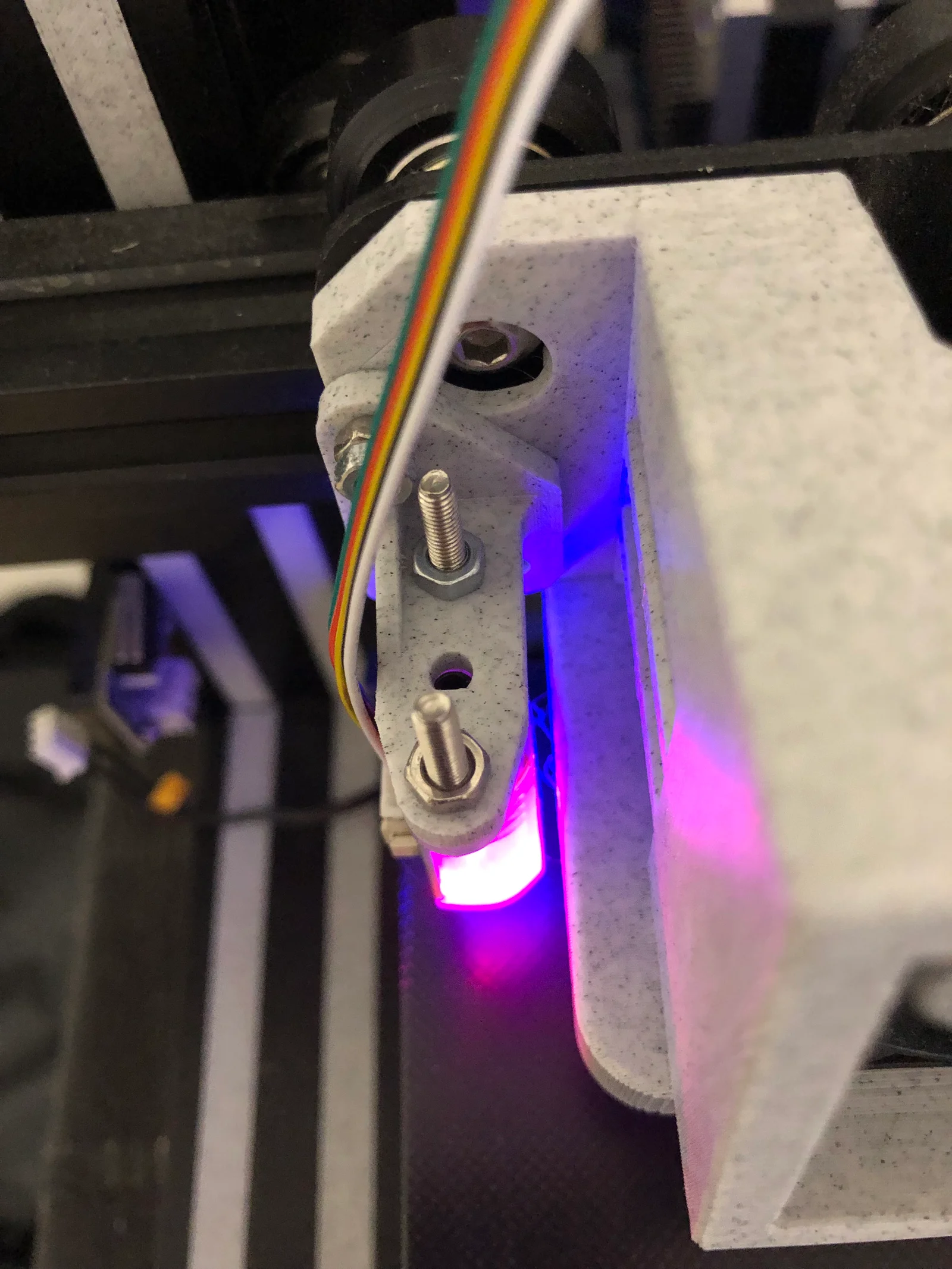
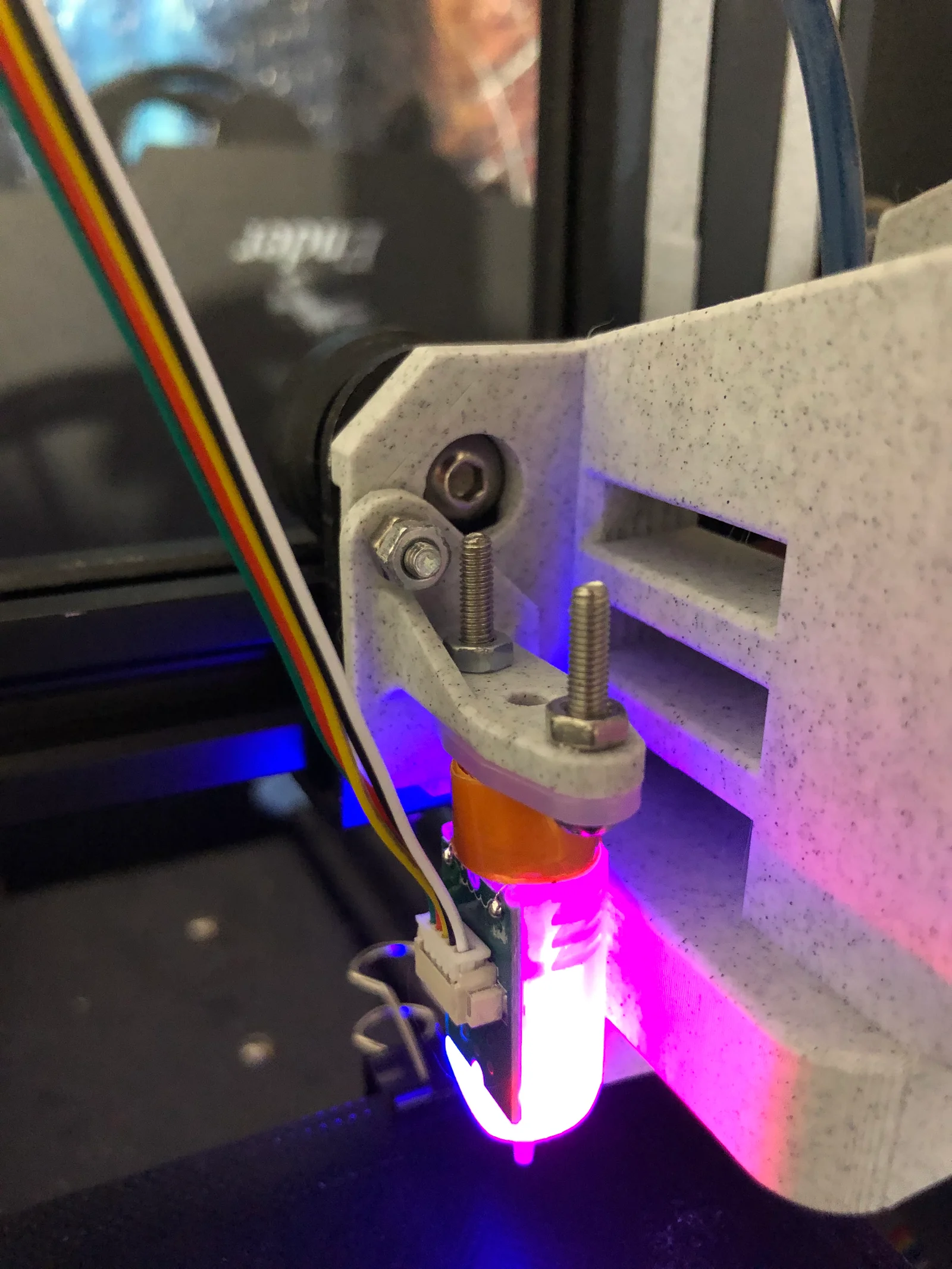


Kẹp giữ sợi Filament
 Bytinx_1344834Likes1.2KDownloads6K
Build another version of this model.
Initial version (my preference, unless you use the Creality firmware and don't want to update the offset):
Offset X = -39, Y = -7
Version with correct offset for Creality firmware:
Offset X = -45, Y = -20
There are two ways to set the X and Y offset:
Add M851 X-39 Y-7 to your start G code
Use Pronterface to execute the exact same command, followed by M500 so that the new offset is stored in the Eprom
The mount is fixed to the Hot End carrier by 2 M3 x 6 screws in existing holes. I had only M3 x 10 avaiable, which also works but is the maximum length you can use
Bytinx_1344834Likes1.2KDownloads6K

 Byprusa-researchLikes0Downloads2.7K

 ByRyanLikes0Downloads236

 Bychukwufumnanya-arinzechukwuLikes0Downloads190

 Byemmanuel-garciaLikes0Downloads171

 Bycrawler-4460618Likes0Downloads173

 Bydet-manLikes0Downloads185

 Bygummiegecko8477Likes0Downloads178

 Bychris-barwickLikes0Downloads143

 BydalleLikes0Downloads162


 BynasikLikes0Downloads131