

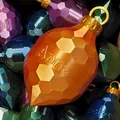
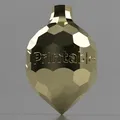
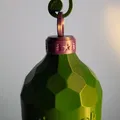
Customizable ornament with Your logo/name (vase mode)
Trang trí mà bạn có thể tùy chỉnh có hoặc không có Fusion360
660
Lượt Xem
41
Lượt Thích
116
Lượt Tải
Cập Nhật Nov 22, 2025
Mô tả
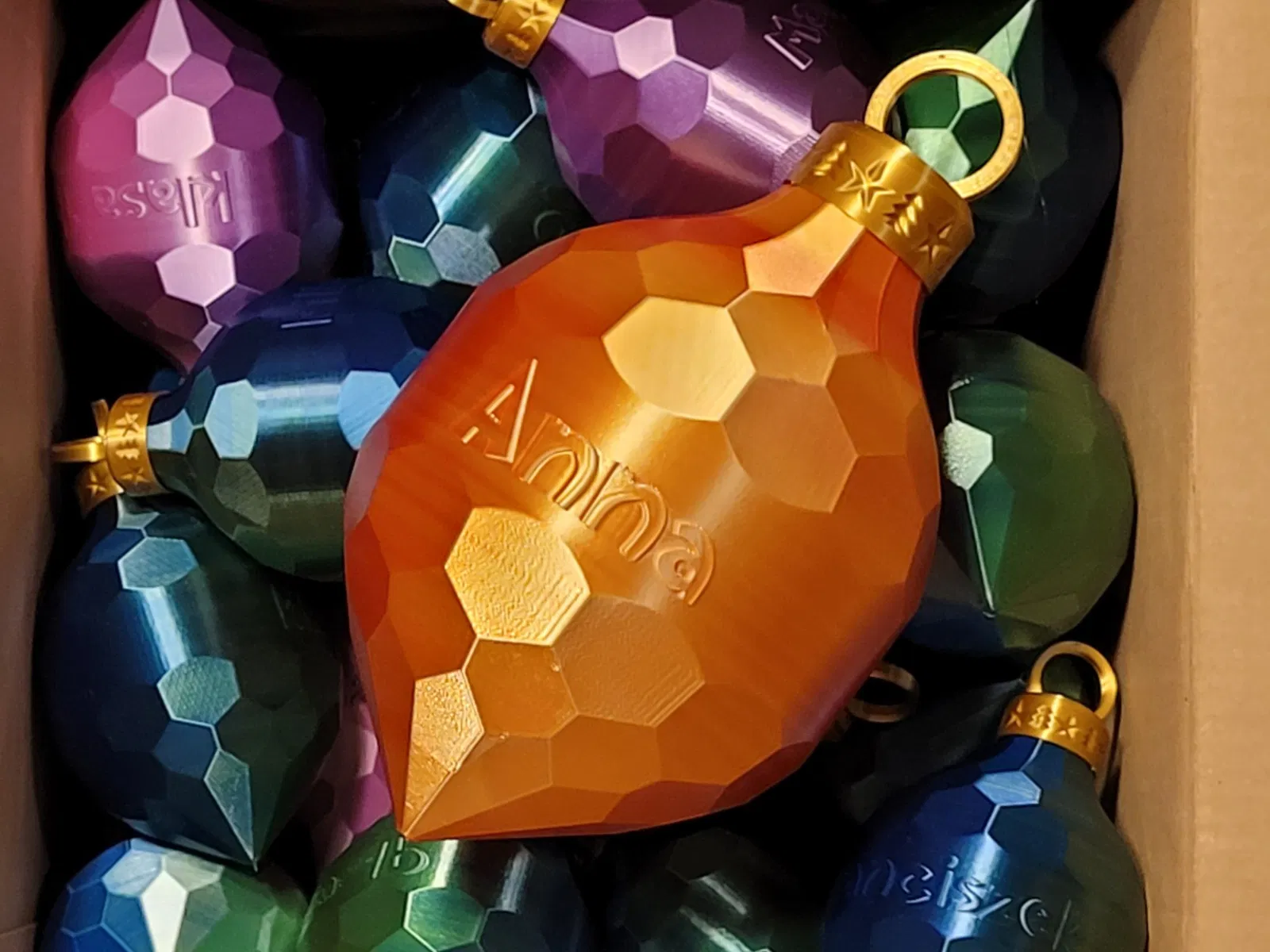
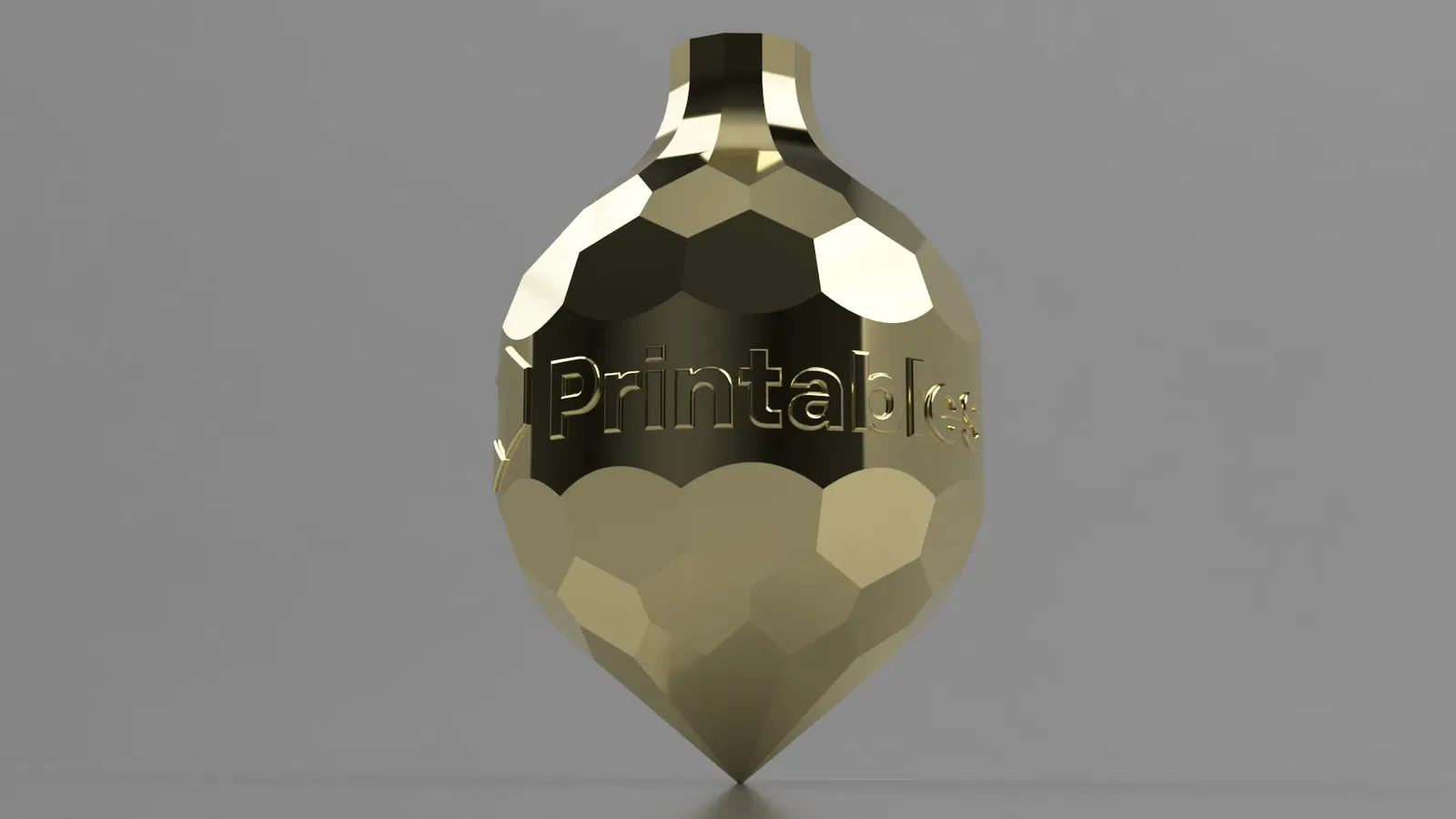
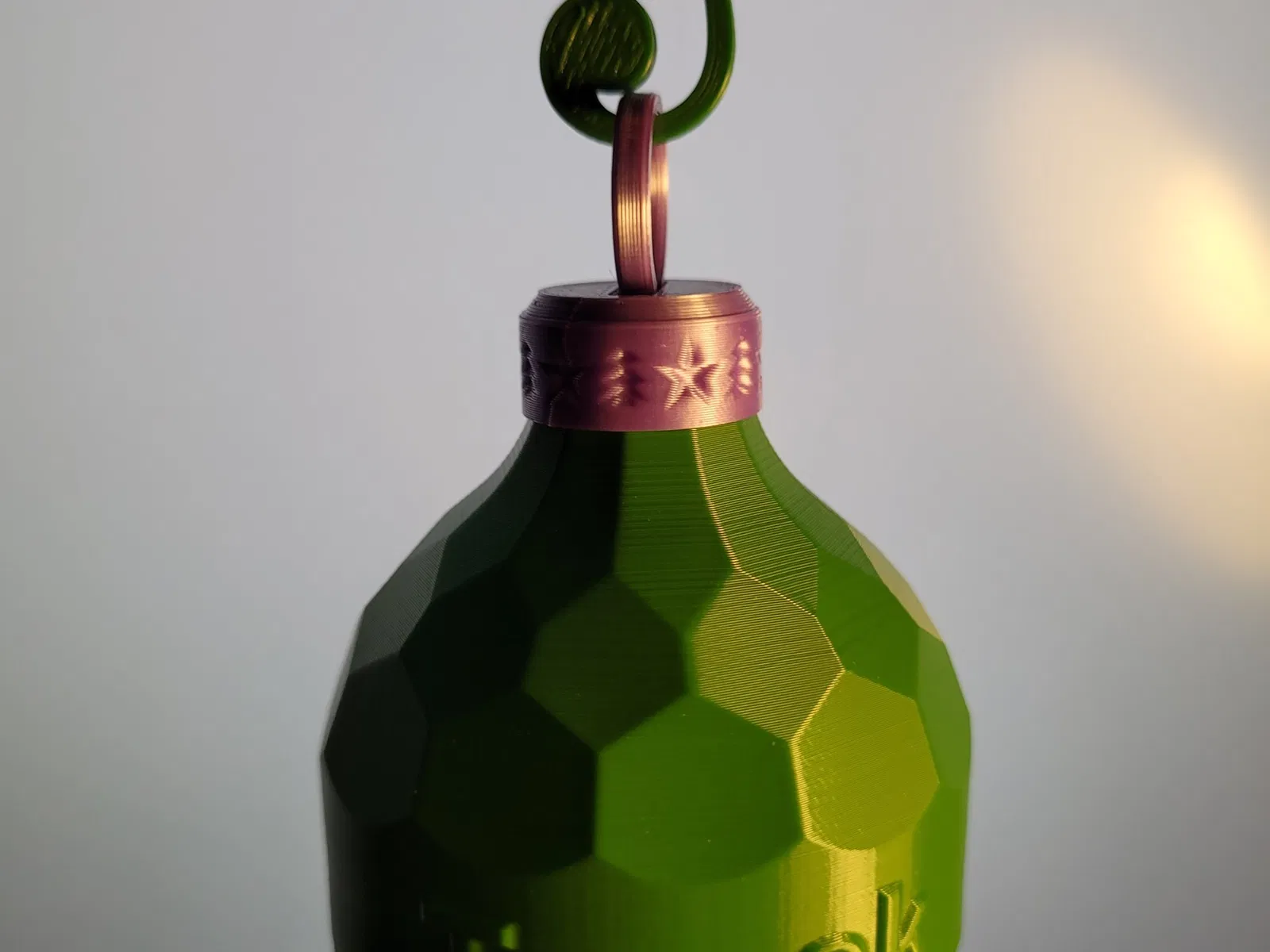
Ornament You can customize.
How to customize with Fusion360
- Just download bombka.f3d file and edit sketch with logo.
How to customize without Fusion 360
- In Your favorite editing software create a cylinder with diameter 100mm and height 26mm (height may vary).
- Add logo to this cylinder.
- Place cylinder between bombka-top.stl and bombka-bottom.stl in slicer and merge before printing.
- Alternatively You can merge it in mesh editing software like Meshmixer.
Tips
- If Your logo is narrow - make the ornament higher or repeat logo several times.
- You can scale model for your needs (example gcode is at 60% scale)
- If You want to see how it looks without designing logo - just print bombka-blank.stl
- You can use my Universal ornament hanger to hang it on the tree
- And You can use my treble clef clip to make it more interesting
Giấy phép

File mô hình
Đang tải files, vui lòng chờ...


Vui lòng đăng nhập để bình luận.
Vui lòng đăng nhập để khoe bản in của bạn.
Chưa có bản in nào được khoe. Hãy là người đầu tiên!


Chưa có bình luận nào. Hãy là người đầu tiên!