

Tp-Link camera (C200, C210, etc.) mount for Prusa Enclosure

Camera TP-Link (C200, C210, v.v.) Gắn kết cho bao vây Prusa
Mô tả
Tp-Link camera (C200, C210, etc.) mount for Prusa Enclosure
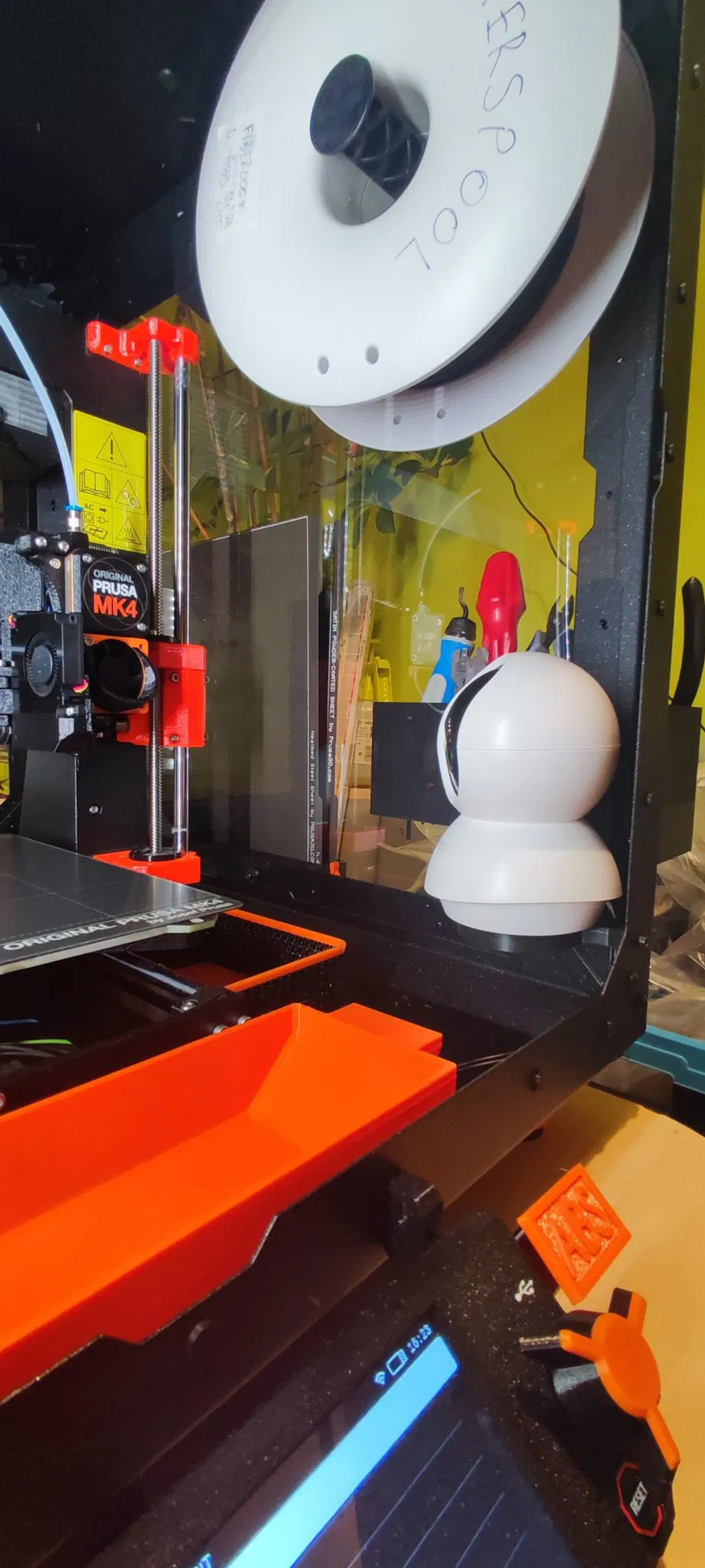
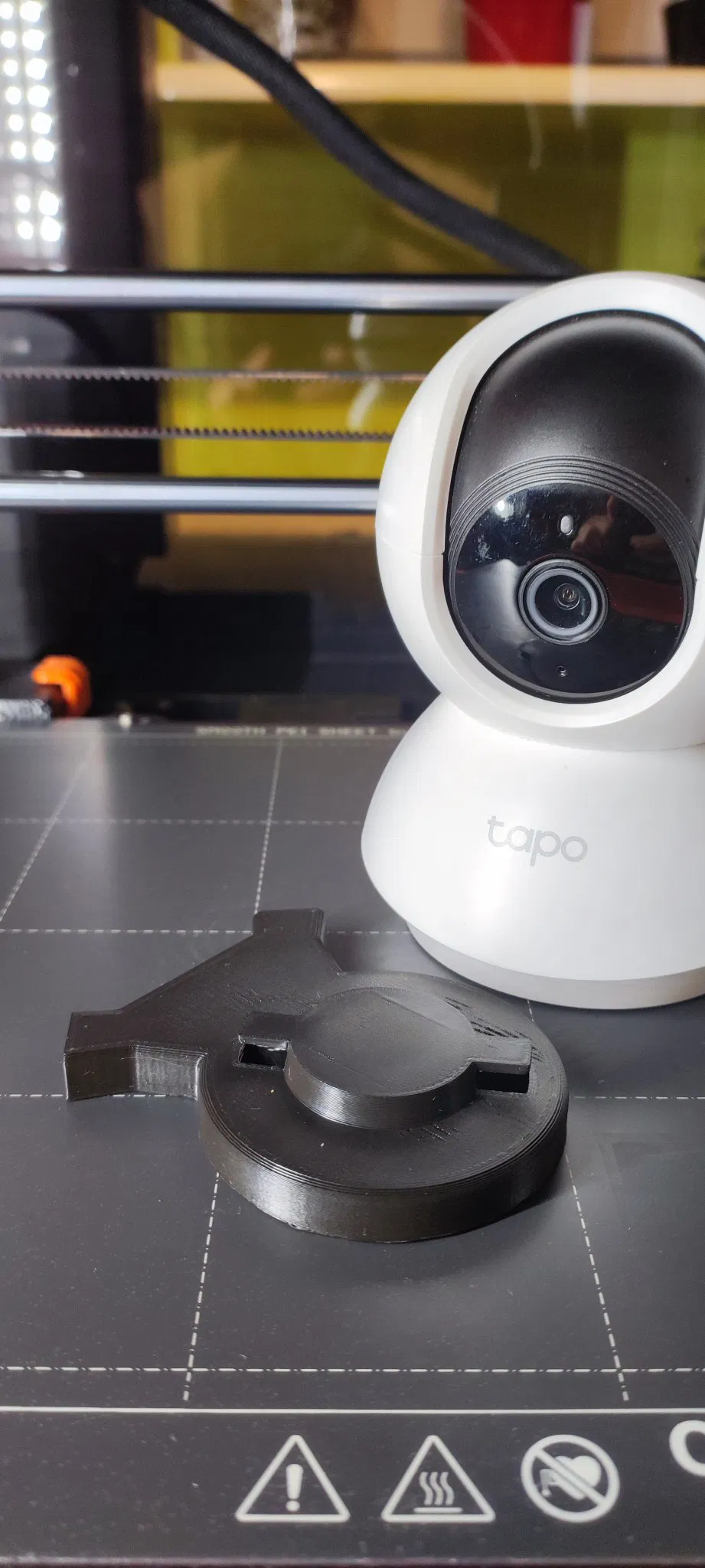
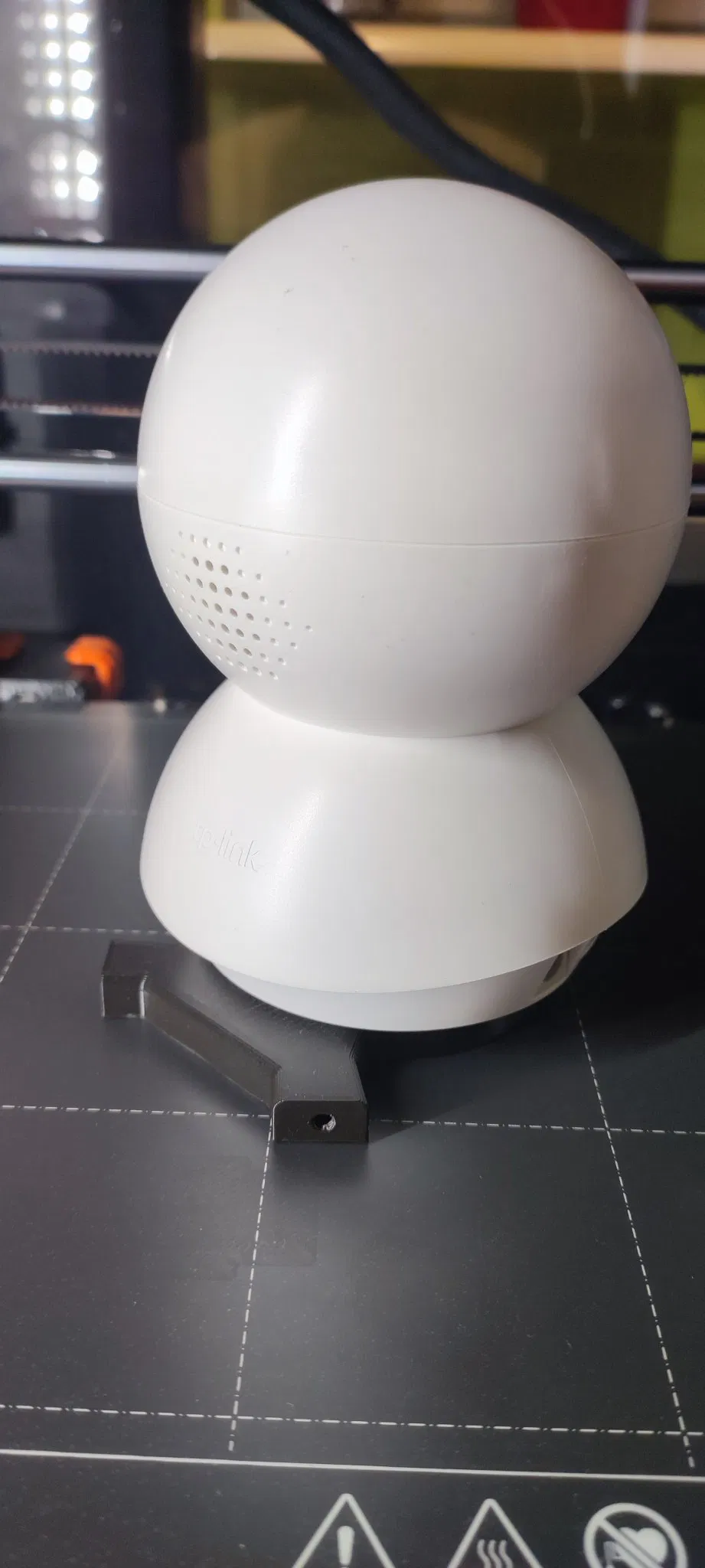
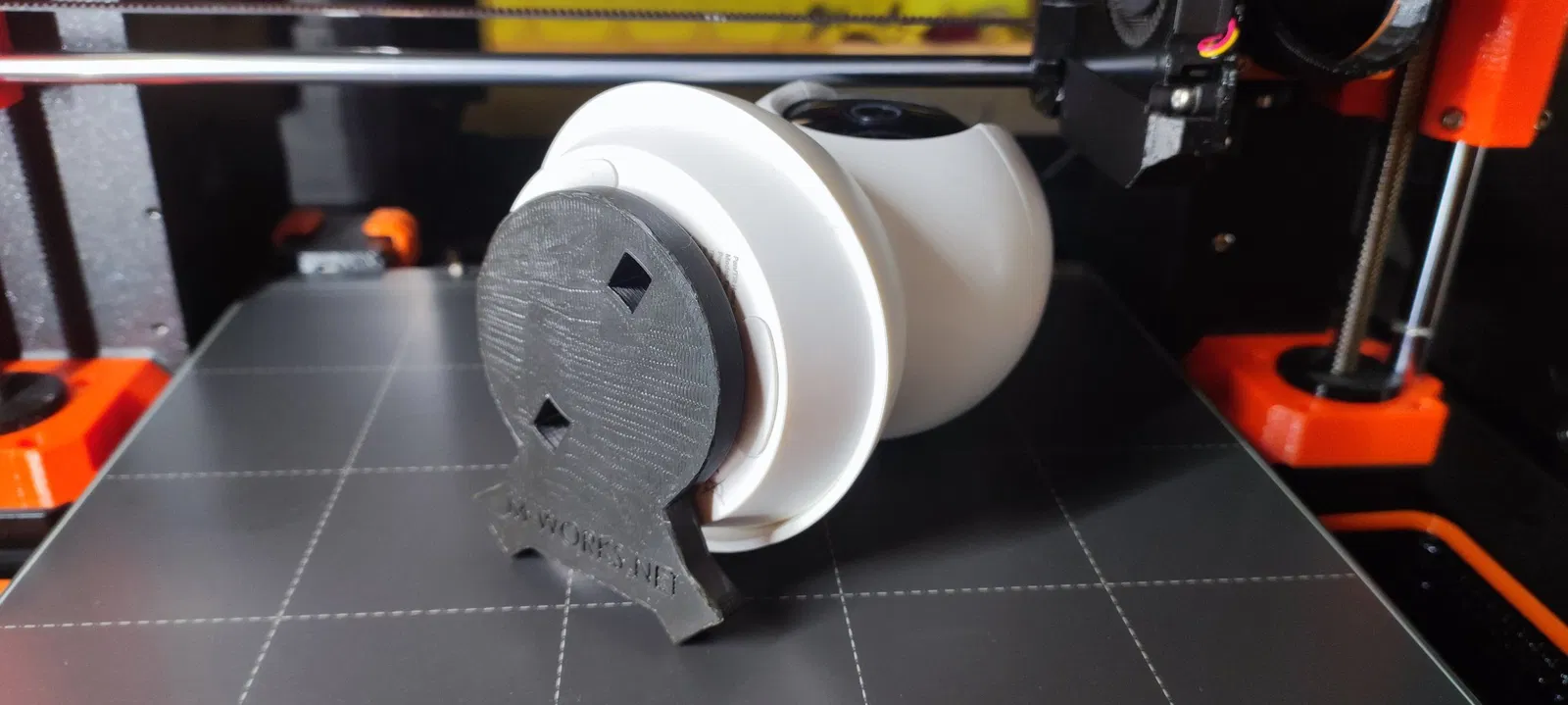
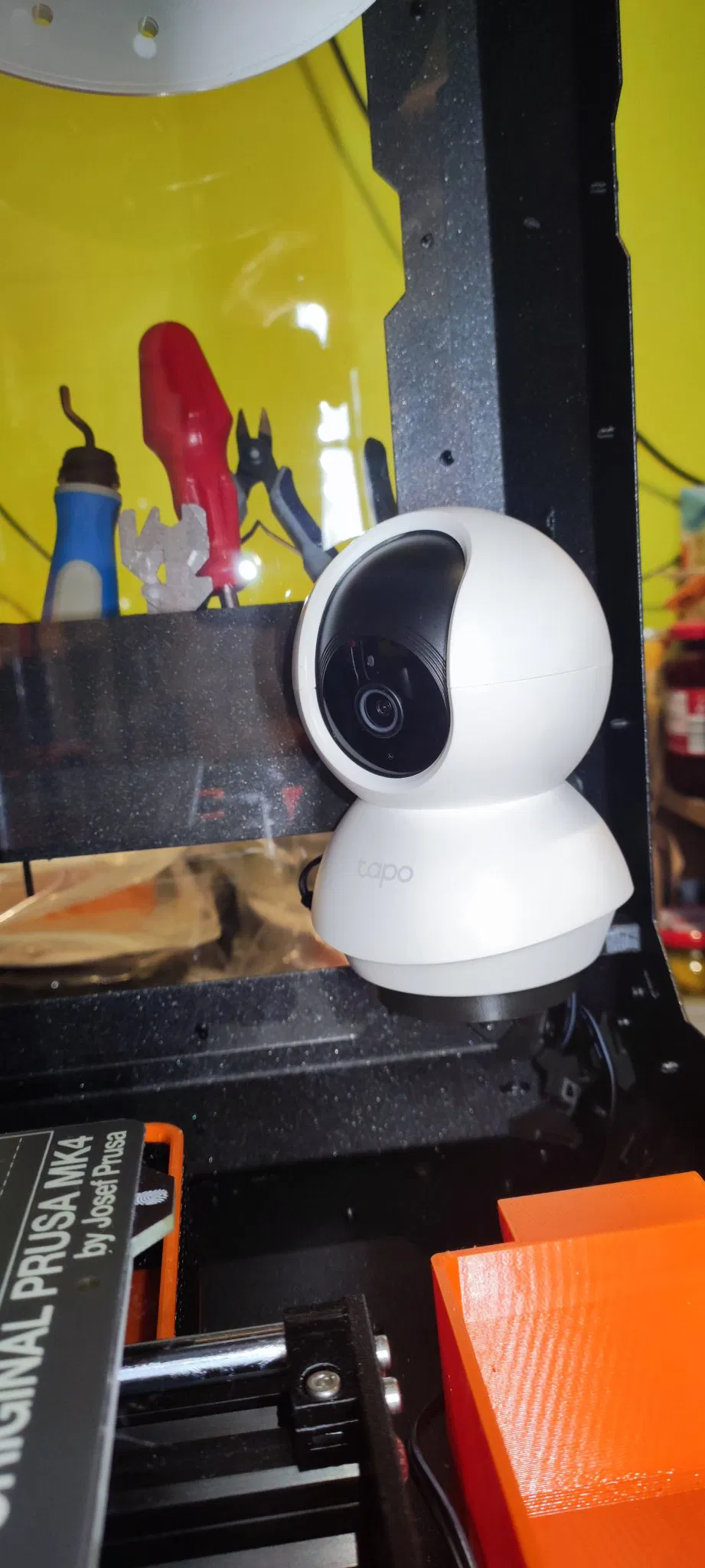
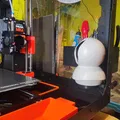
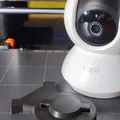
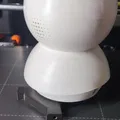
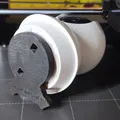
The camera can be mounted on the right side of the Prusa Enclosure using the original camera mount holes. Simply place the camera on the mount and rotate it clockwise. This orientation is chosen to minimize space usage. Initially, the camera's neutral orientation after powering up is tilted 30 degrees to the left. However, you can easily configure a different neutral orientation using the Tapo application, so this should not pose any issues after startup.
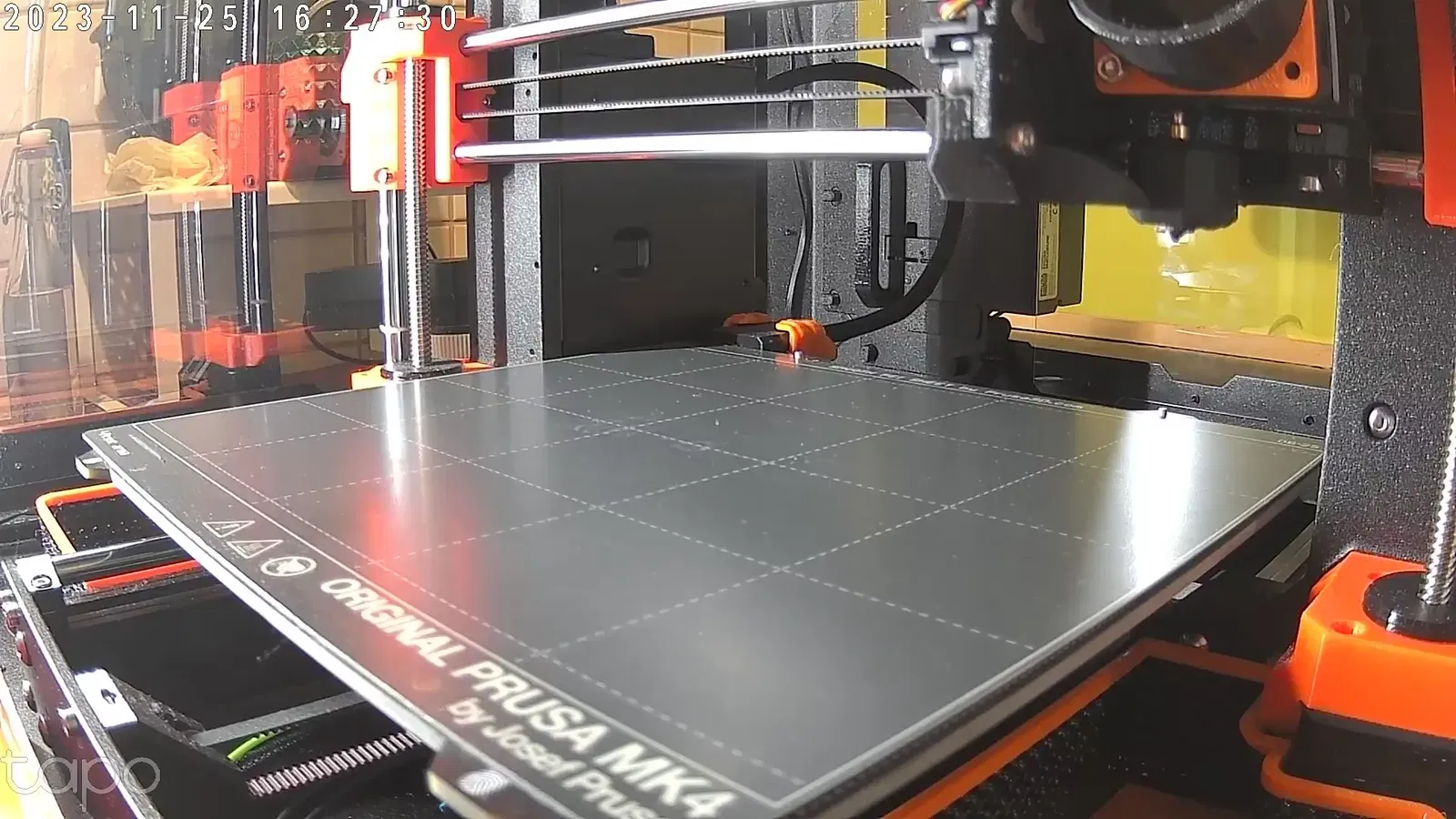
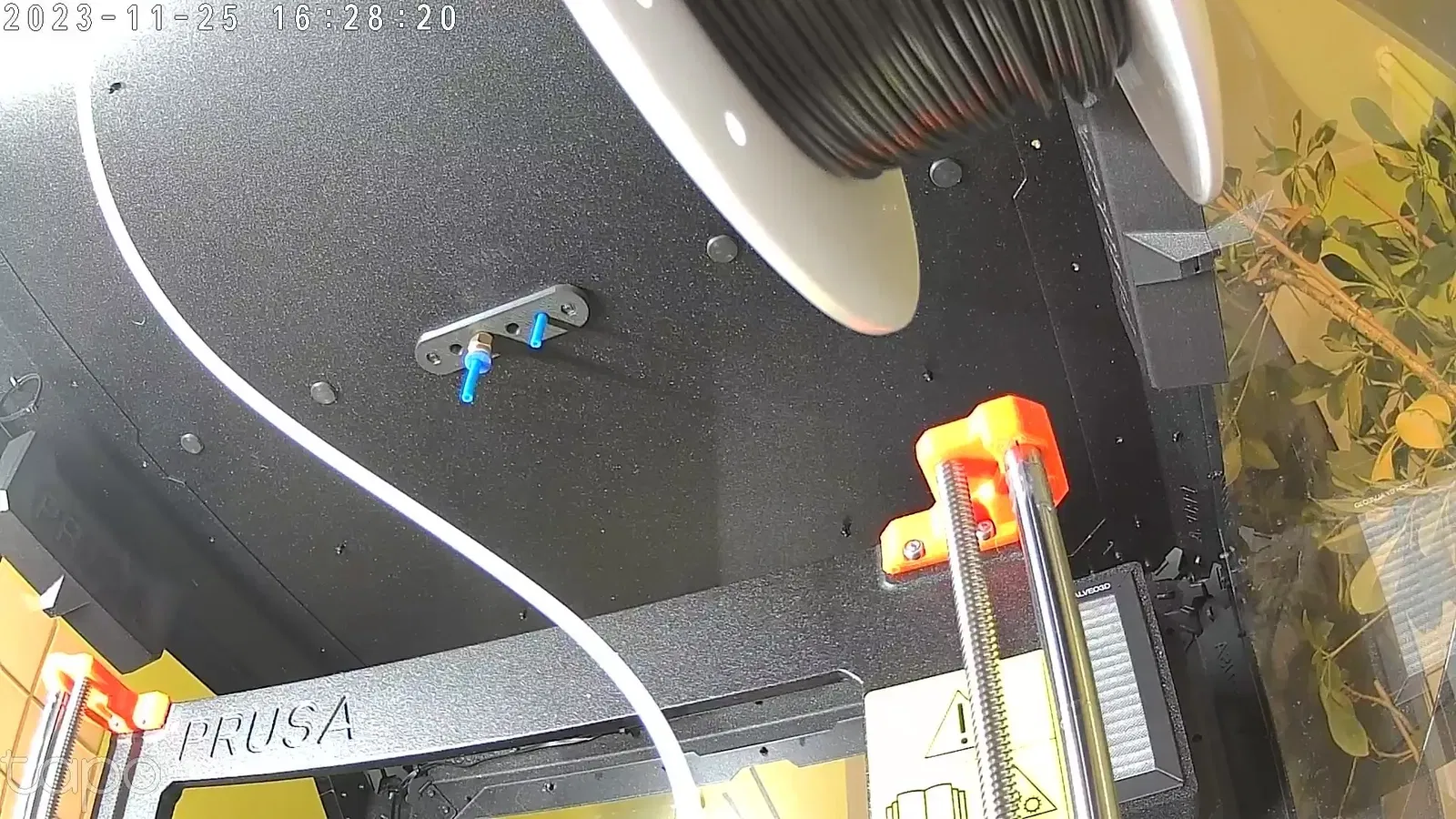
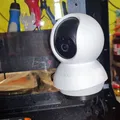
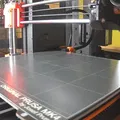
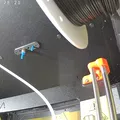
Last two photos are taken by the camera on the mount. The first one is my default saved view (after power up) and the second one is also a saved view for checking the spool.
Needed parts
- Screw M3 x (8-12 mm) - 2 pcs
Recommended print configuration
- Tested od PLA and ABS. Recommended ≥ABS because of higher temperatures in the enclosure.
- 3 perimeters.
- 10% gyroid infill.
- Supports needed.
Installation
- After print remove the supports: cut the support interface with knife for easier separation. Use tweezers to pull out the support from the bottom.
- Screw in the screws to tap the holes while still having the model in hand.
- Hold the camera by the bottom case and mount it on the model to make sure it works smooth.
- Put the camera mount inside the prusa enclosure and first screw in the right screw. The model will rest partially on the plexiglass - that is fine.
- Screw in the second screw and tight them both.
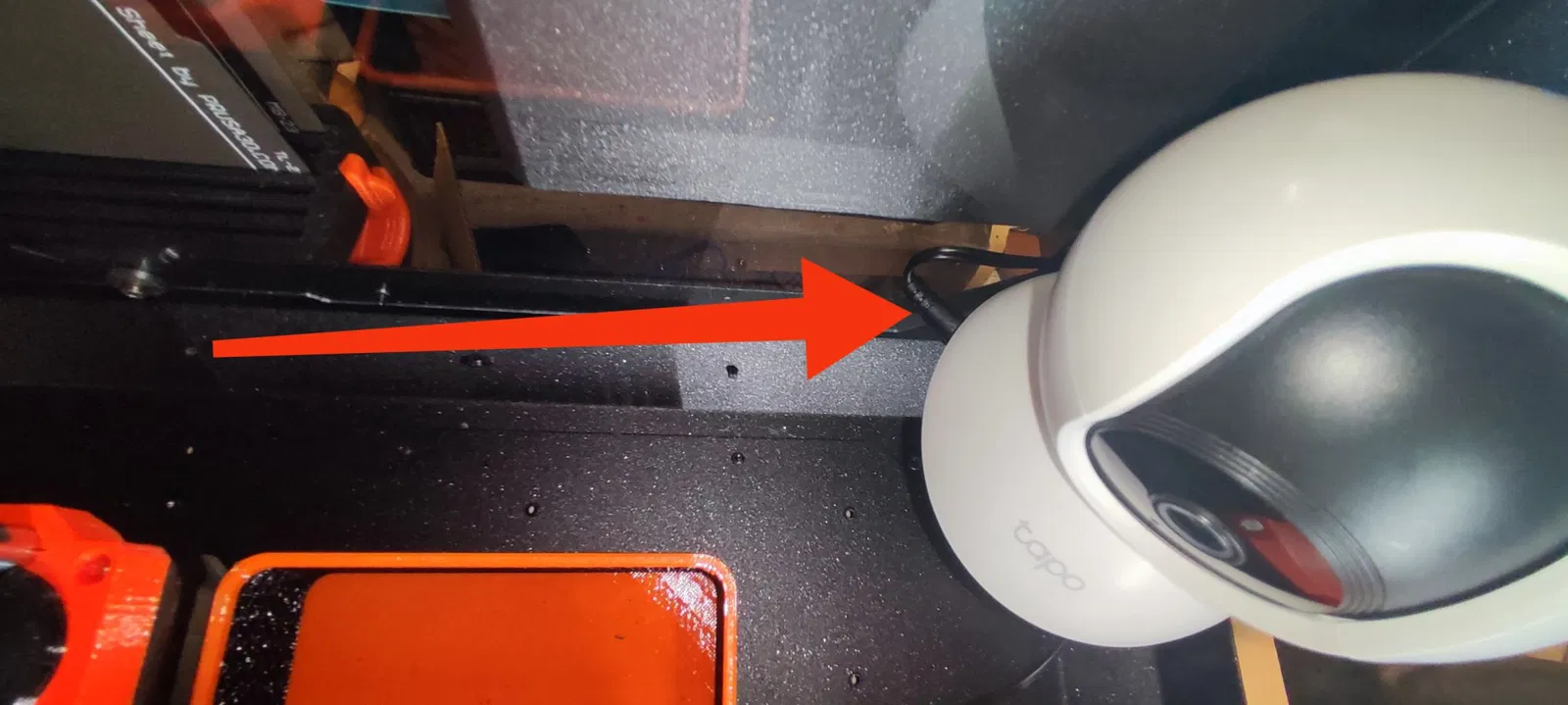
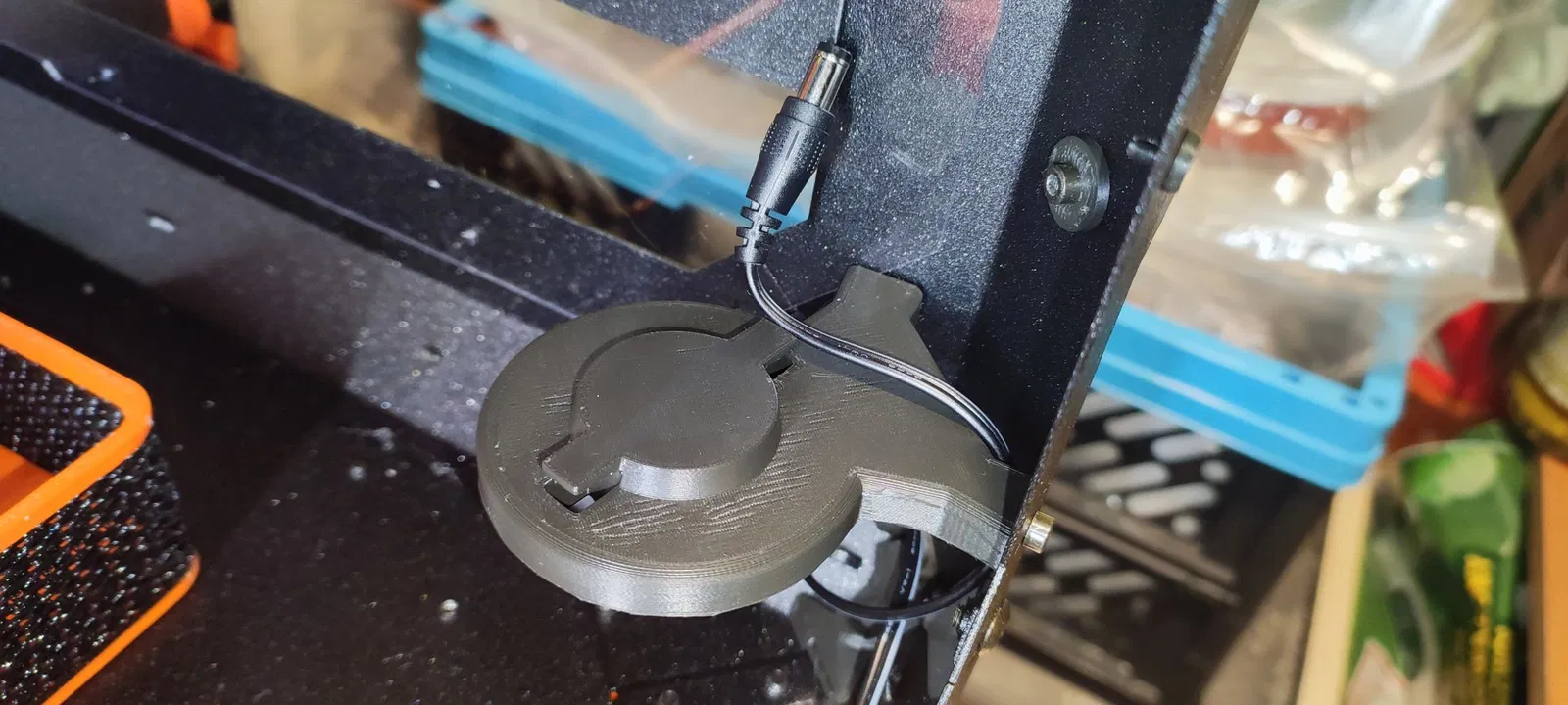
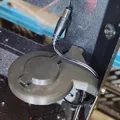
- Put the camera cable through the back of the model (7th photo).
- Connect the cable.
- Rotate the camera towards the left side of the enclosure and rotate it clockwise to lock it.
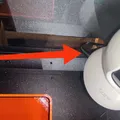
- The final position give a little separation between the power plug and the plexiglass (3rd photo).
Giấy phép
Tác phẩm này được cấp phép theo
Creative Commons — Attribution — Noncommercial — Share AlikeCC-BY-NC-SA

File mô hình


Chưa có bản in nào được khoe. Hãy là người đầu tiên!


Chưa có bình luận nào. Hãy là người đầu tiên!