

Year of the Rat Lunar New Year Decorations

Đồ trang trí mặt trăng/năm mới của Trung Quốc cho năm của con chuột
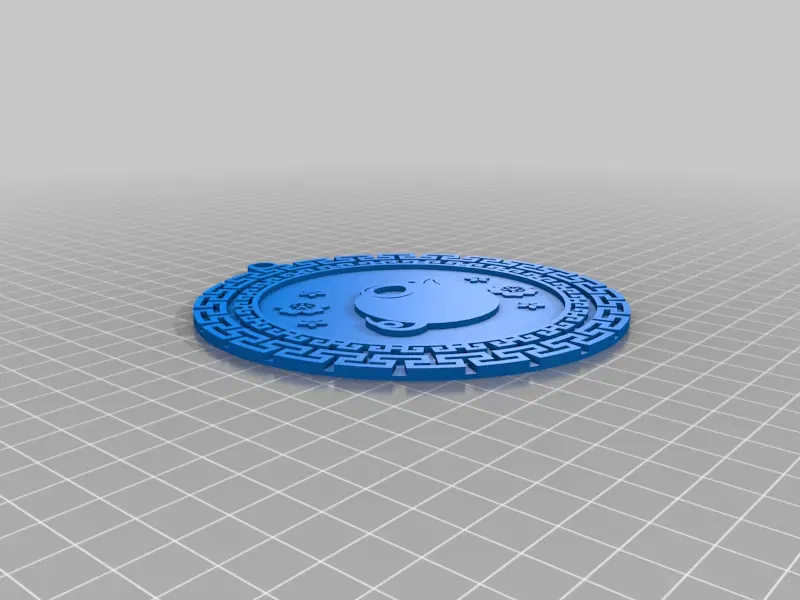
Mô tả
Note: I will be updating this model for multi-colour in the new year. This is an import of an old design of mine on Thingiverse.
Happy Year of the Rat!
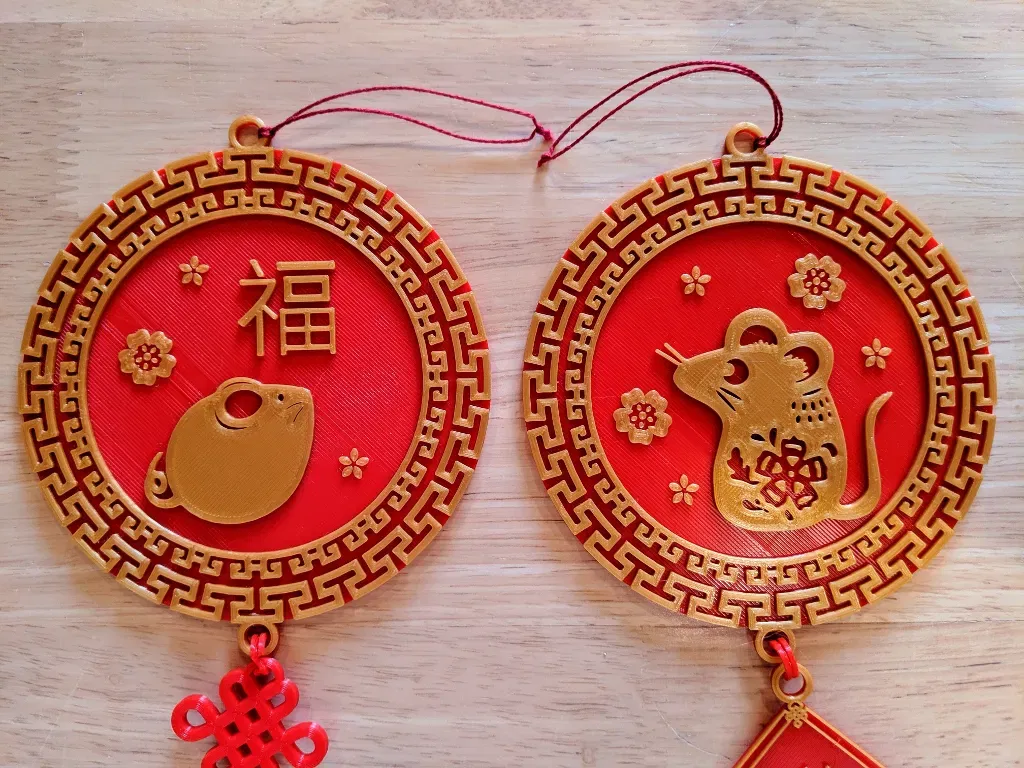
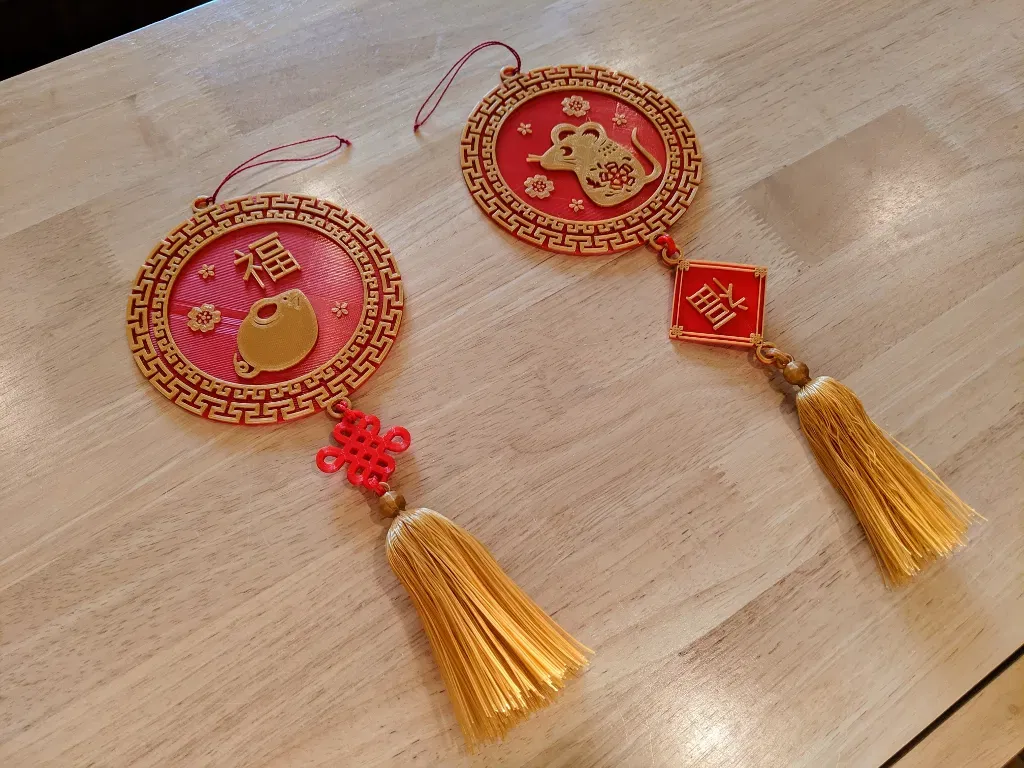
I usually buy decorations for Chinese (Lunar) New Year but decided to give printing them a try. When I couldn't find exactly what I wanted on Thingiverse, I gave designing some a go.
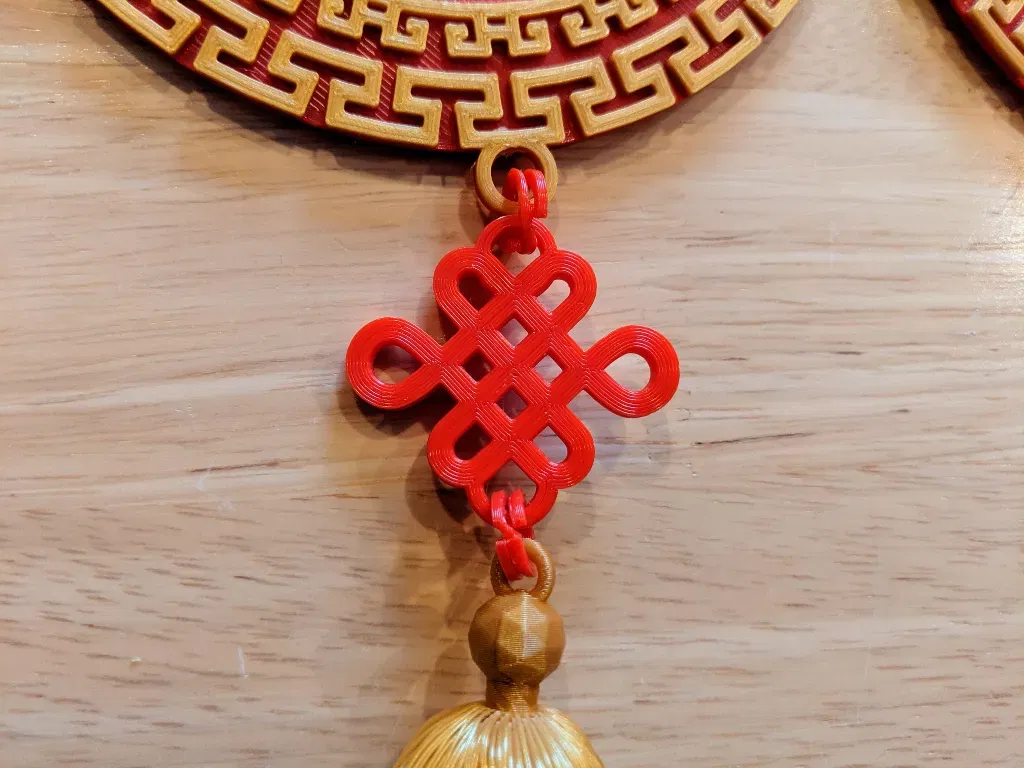
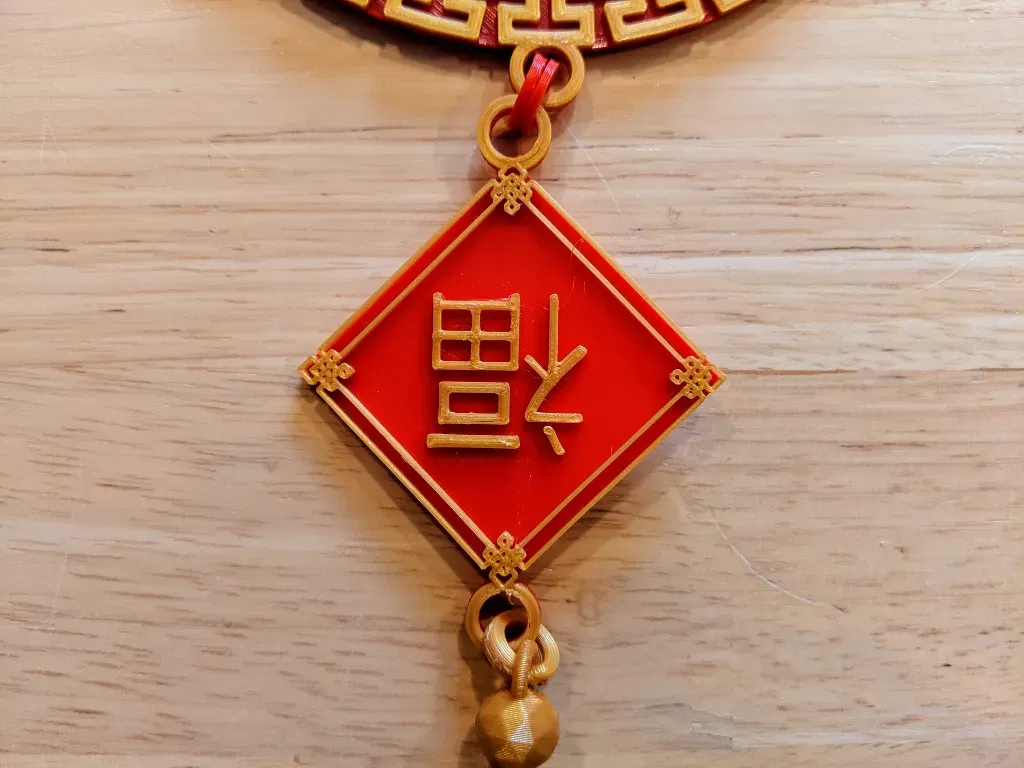
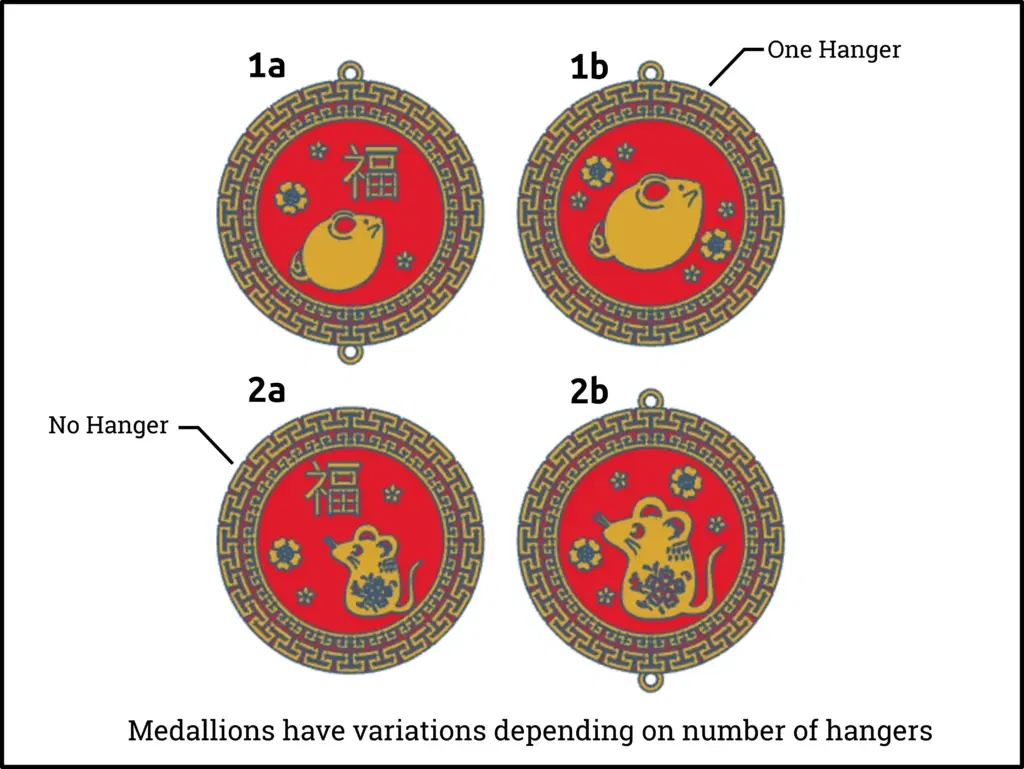
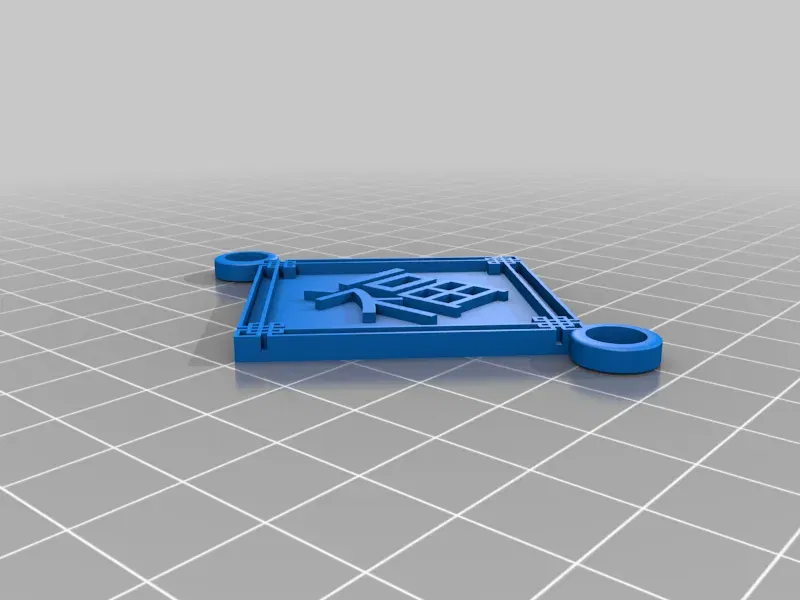
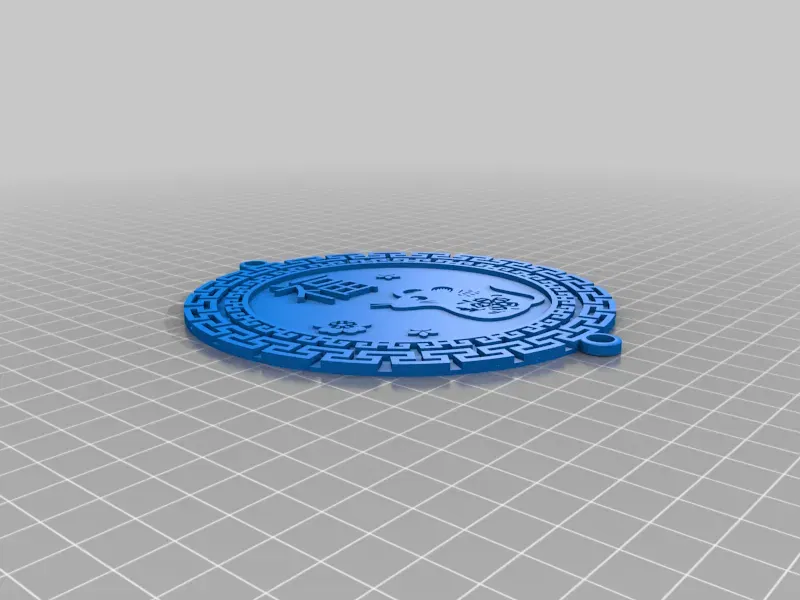
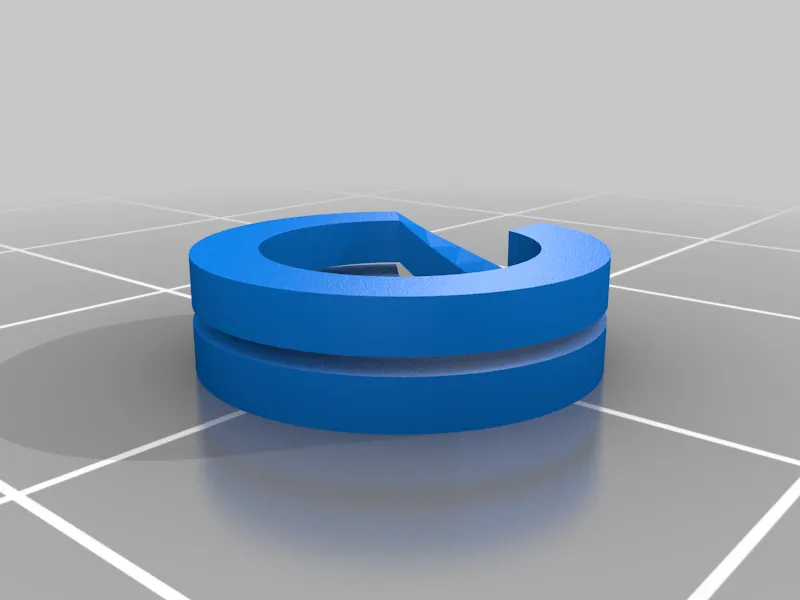
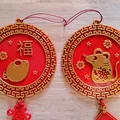
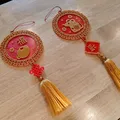
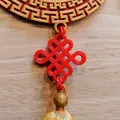
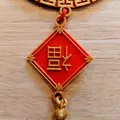
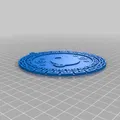
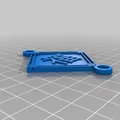
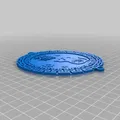
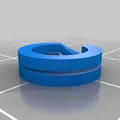
The result: four medallions, an endless knot, a Fú (福) charm, and a split ring to join everything together. The tassel is printed as well but not yet ready for publication. Once I've worked out the kinks, I'll post it as a separate Thing and link it here.
If you print any of the decorations, please post a make; I'd love to see it! :)
P.S. The Chinese character Fú (福) means "fortune" or "good luck." If it is displayed upside-down, it means "good luck arrives."
General Printing Notes
- Printed at .2 layer height except as noted below. No support needed.
- Filament: 1.75mm PLA in Hatchbox Red and Gold
- Printers: Ender 3 and Monoprice Select Mini v2.
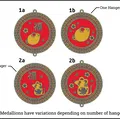
- To print with two colours as shown, change filament around layers 6 or 7 (double check in your slicer to see which layer works best for your printer). Filament swap instructions if you don't know how.
- Most differences between the files are the number of hangers. Top and bottom hanger, top hanger only, or no hanger. This way they can be combined as you wish or simply used as coasters.
- Since there are a lot of STLs, it may be quicker to just download only the ones you want from the Thing Files page.
Split Ring
This file is the trickiest to print and it might not be worth your time. If you have string or jump rings on hand, that might be your better option.
That said, after much model/slicer tweaks, I was able to get repeatable results with my Ender 3. They work quite well for their purpose. Here are the eSlicer settings I used:
- Layer height: .28 (any lower and the print will fuse too much)
- Print speed: 10 mm/s
- No support
- No part cooling
You should be able to split the ring apart with a fingernail. Other settings that may help with different machines include printing the outer wall before the inner, and/or reducing flow.
Giấy phép
Tác phẩm này được cấp phép theo
Creative Commons — Attribution — Noncommercial — NoDerivativesCC-BY-NC-ND

File mô hình


Chưa có bản in nào được khoe. Hãy là người đầu tiên!


Chưa có bình luận nào. Hãy là người đầu tiên!