

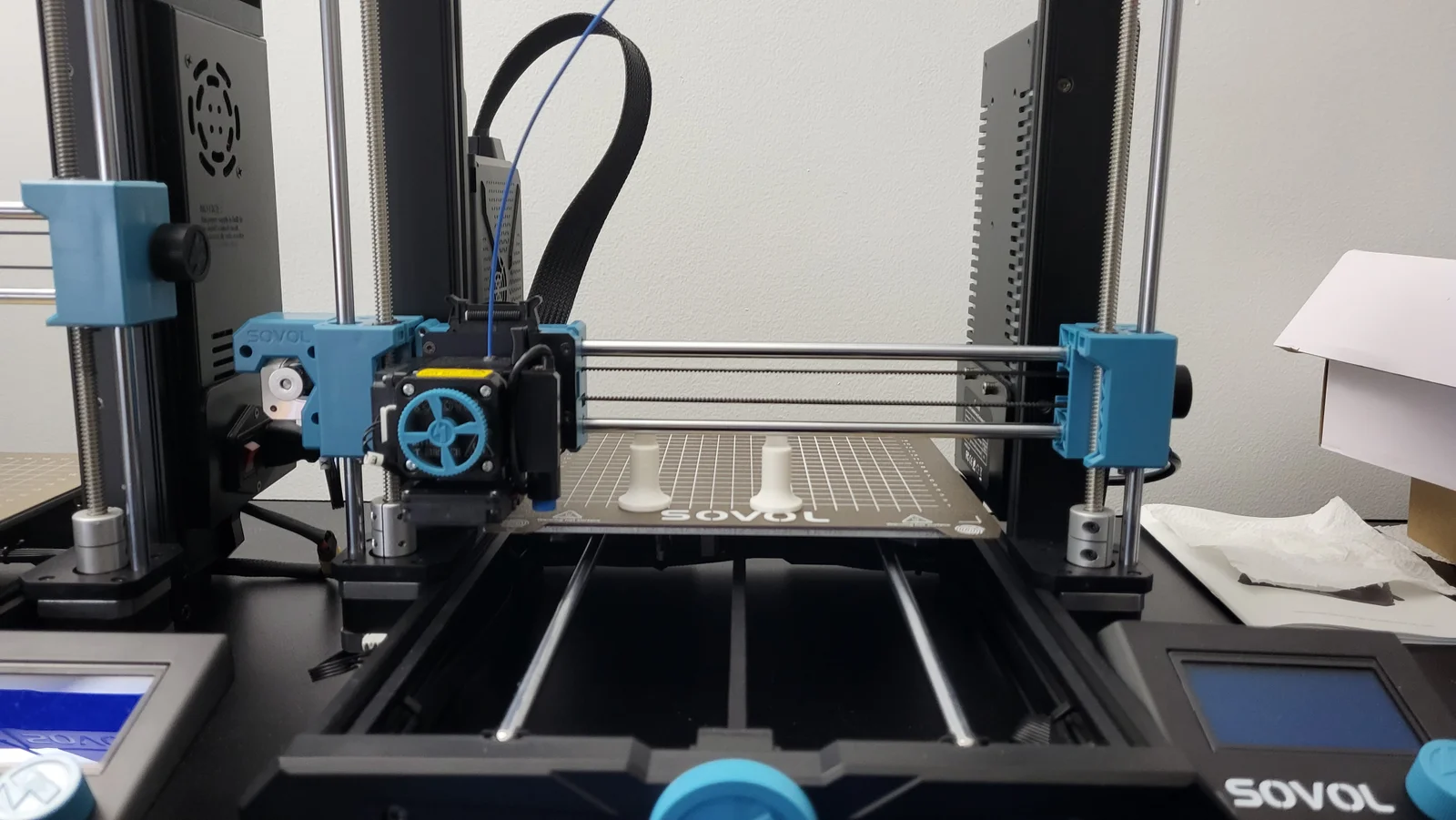


Kẹp giữ sợi Filament
 Bytinx_1344834Likes1.2KDownloads6K
Build another version of this model.
https://www.youtube.com/channel/UCBjyI1E1HROh1BAYgeRZy7g
Support my work: (click on image)
https://www.buymeacoffee.com/savagelau
You can get commercial license from here: (click on image)
https://www.patreon.com/SavageLau
______________________________________________________________________________________________________________
Checking z align after homing. Place between the bed and linear rod.
Instruction:
After "auto z-align" and homing your printer. Place align tool from behind and under the linear rod. Eye ball it, and double check with a A4 paper. The clearance should stop paper from sliding around. Let me know if it works for your printer. Since sv06 is fixed bed, I should expect the distance from bed to linear rod stay within the tolerance.
Bytinx_1344834Likes1.2KDownloads6K

 ByreddLikes216Downloads2.1K

 ByJasonOlliff_519145Likes241Downloads2K

 Byarhi_585078Likes64Downloads535

 ByHanzo3dLikes155Downloads410

 ByGeek5DLikes147Downloads480

 ByBrokentooth_designsLikes23Downloads401

 By3DSourcererLikes48Downloads372

 ByWyomingWolf_261196Likes52Downloads422

 Bytopronix_2170418Likes41Downloads292

 ByBlackky98Likes25Downloads204

 ByAnthonyDouri_1604724Likes24Downloads213