



Kẹp giữ sợi Filament
 Bytinx_1344834Likes1.2KDownloads6K
Build another version of this model.
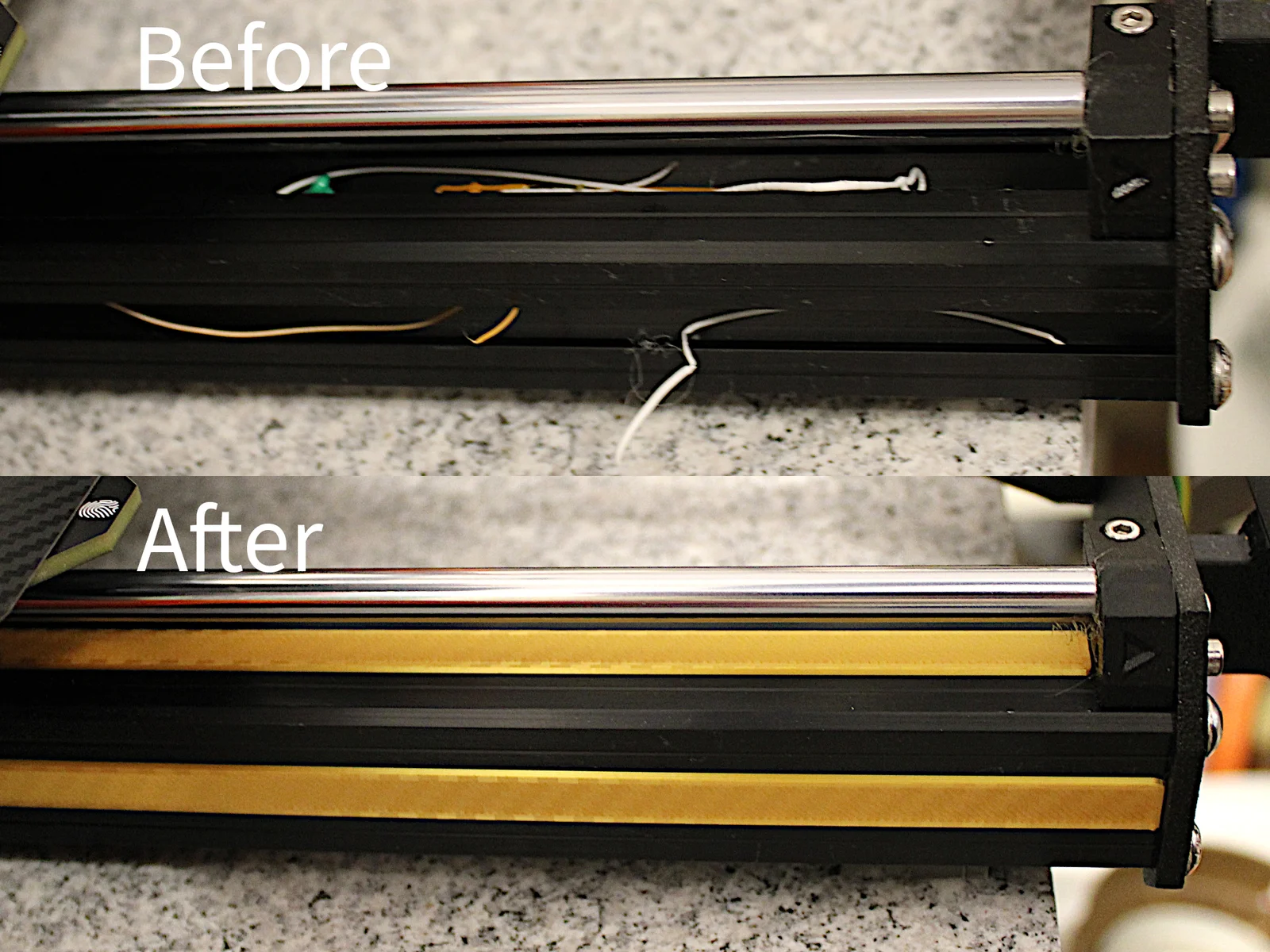
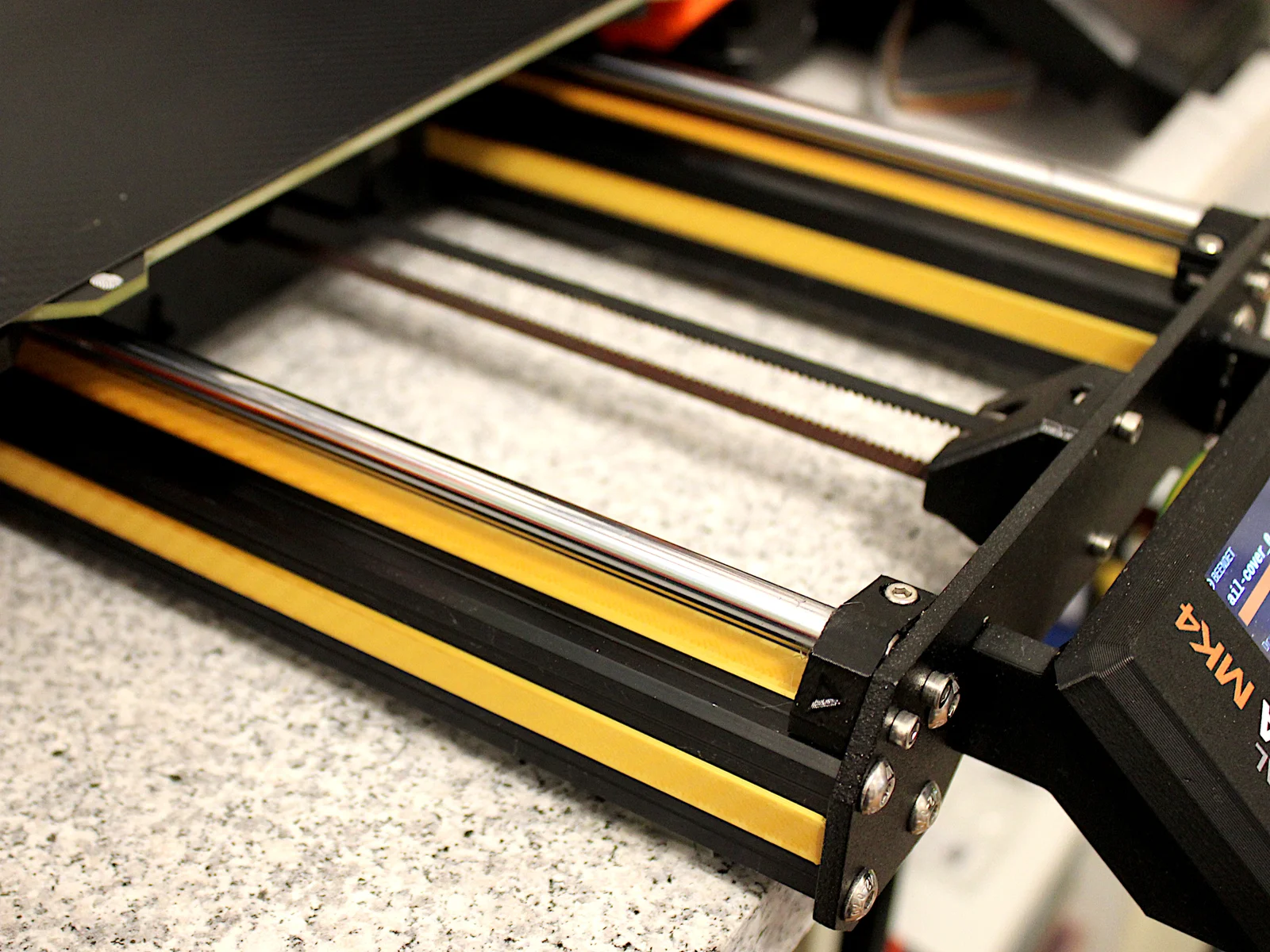
Cover Your Original Prusa MK4's Extrusion Rails.
Keep dust and debris out of your extrusion rails while adding a splash of color to your printer.
Issues Addressed:
These covers seamlessly clip onto the extrusions without causing any operational disruptions.
To cover all extrusions without cable clips, print the attached .3mf file or manually select:
3x 205mm (Front/Sides)
2x 195mm (Front/Top)
2x 115mm (Back) versions.
Note, the MK3 will need either 119mm or 120mm covers for the back.
MK4 and MK3 have separate folders in the download section.
Thanks to @juckendes_Auge for pointing out the difference.
Assembly Instructions:
Note, the cover can easily fall into the extrusion rail and is rather hard to remove when it did. An easy mitigation is to place a piece of paper, cardboard or similar at the opposing end of where you start to insert the (flexible) cover. When one end of the cover is inserted, remove the cardboard and insert the rest of the cover.
Center the cover above the extrusion with both hands.
Start with inserting one end of the cover.
Minimize gaps by shifting the cover towards the front of the extrusion.
Clip the remaining length of the cover onto the extrusion, starting from one end and working towards the other.
Removal:
Use a bed scraper to remove a tiny bit as a start in case you want to remove the covers without breaking them
Bytinx_1344834Likes1.2KDownloads6K

 ByreddLikes216Downloads2.2K

 ByJasonOlliff_519145Likes241Downloads2K

 Byarhi_585078Likes64Downloads537

 ByltloweLikes26Downloads119

 ByHanzo3dLikes155Downloads411

 ByPengLordLikes32Downloads109

 ByGeek5DLikes147Downloads482

 ByBrokentooth_designsLikes23Downloads403

 By3DSourcererLikes48Downloads374

 ByWyomingWolf_261196Likes52Downloads424

 Byeoyilmaz_384382Likes17Downloads95