



Thước Dẫn Hướng Bo Góc Cho Máy Phay Cầm Tay
 ByMikWantecLikes3Downloads21
Build another version of this model.
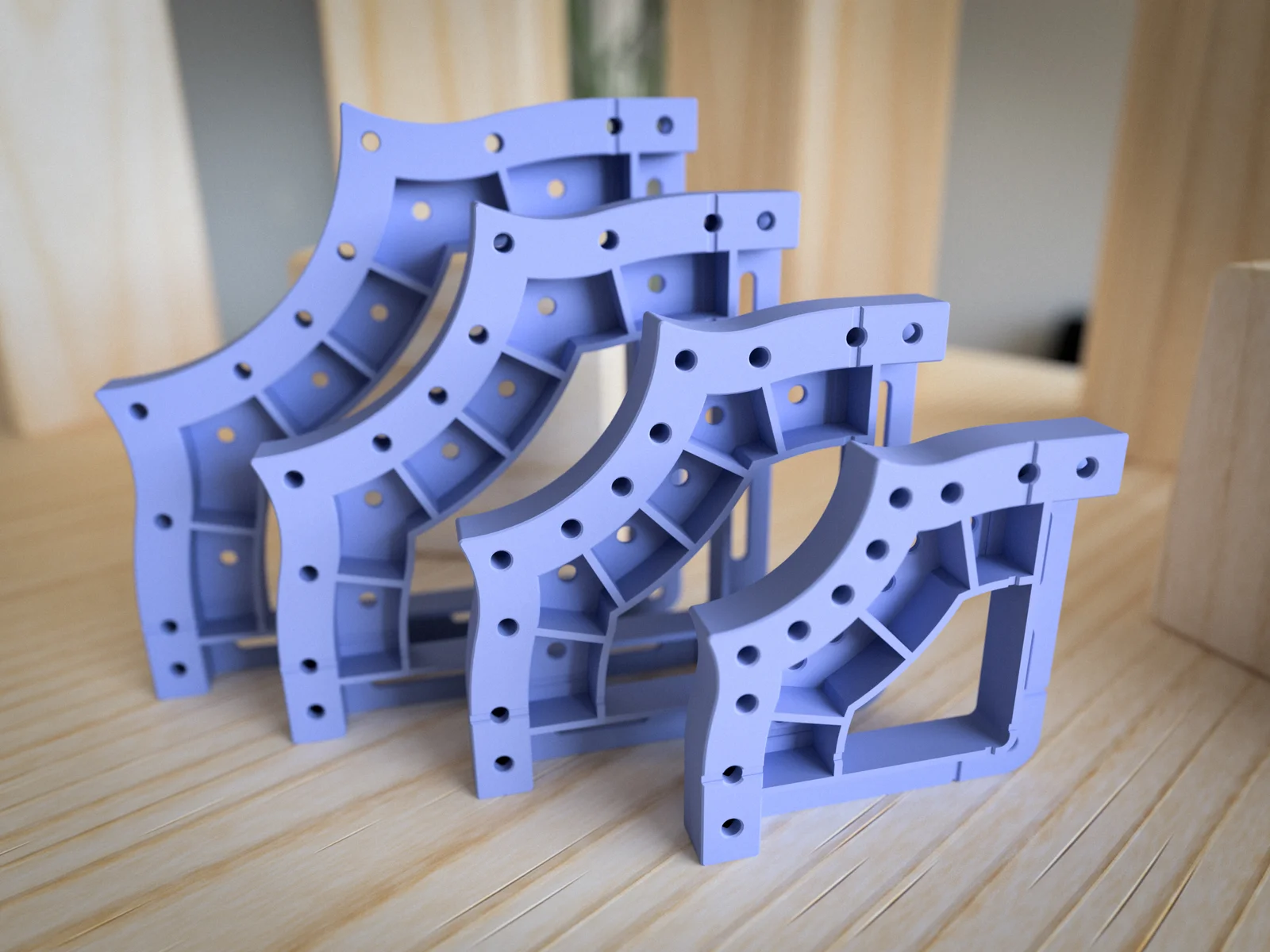
These four corner templates are an extension to the LR2180 basic rounded corner set you can find here: Corner Templates for Flush-Trim Bits. I call them “cat” shaped corners, but basically, these are two nested circles. I added the larger radius line in the drawing.
All the information you find on the linked page is true for these templates. Also, the guides will work this these templates too.
There are four sizes. You will find all available measurements in the following drawing:

If you are using a Prusa Printer, there is an example project for PrusaSlicer ("LR2180-K80 Print.3mf").
If you like the models, please rate them and leave a comment below. 😄
Interested in my designs? Browse through my collection of 3D models:
👉 https://metikumi.com/3d-models/
Stay connected on social media for the latest updates and work-in-progress insights:
ByMikWantecLikes3Downloads21

 ByfifindrLikes500Downloads4K

 ByVC_DesignLikes679Downloads3.6K

 ByDan Schwartz SchwartzLikes744Downloads3.4K

 Bychubbs8697_2027893Likes585Downloads1.7K

 Byquibeck_3353173Likes965Downloads1.9K

 ByRungeKuttaLikes229Downloads1.2K

 ByEadubsLikes228Downloads1.3K

 ByWolf_115355Likes513Downloads8.4K

 ByJeremyVillalo_760366Likes68Downloads762

 ByZED4EverLikes313Downloads5.2K

 Bykjus_448782Likes314Downloads673